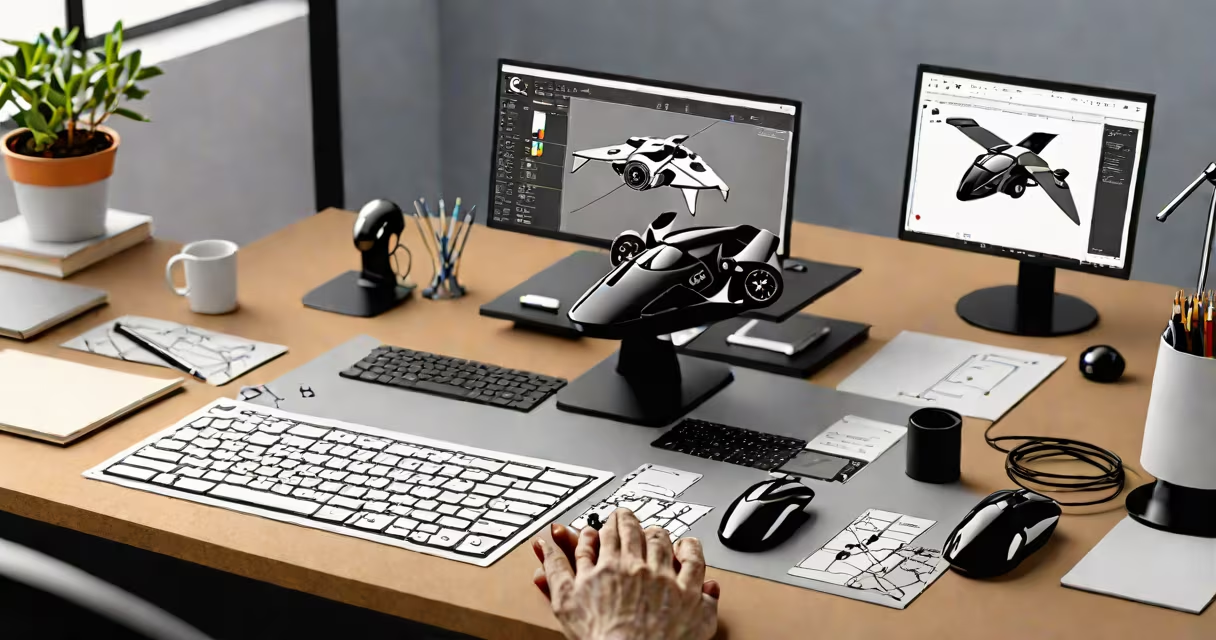
The 3dconnexion spacemouse enterprise is a high-precision 3D controller that provides six degrees of freedom for going through complex digital models. It allows users to pan, zoom, rotate, and translate 3D scenes with intuitive hand movements, replacing traditional mouse and keyboard inputs in design workflows.
Designed for professionals in computer-aided design (CAD), architectural visualization, and 3D animation, the spacemouse enterprise delivers precise control over spatial orientation. Its ergonomic form fits the hand naturally, reducing fatigue during extended sessions. The device connects via USB and integrates directly with major 3D software platforms including Autodesk AutoCAD, SolidWorks, Blender, and Maya.
Unlike standard mice, which operate in two dimensions, the spacemouse enterprise tracks movement along three axes (X, Y, Z) and rotation around those axes (pitch, yaw, roll). This six-degree-of-freedom control enables fluid navigation through dense 3D environments-such as a building's structural model or a character's skeletal rig-without requiring multiple keystrokes or menu selections.
The spacemouse enterprise uses internal inertial sensors and mechanical strain gauges to detect subtle hand motions. As the user moves the device, the system translates physical displacement into proportional camera or object manipulation within the host application. The sensor resolution is 16-bit, allowing for fine-grained adjustments down to 0.1 millimeter increments in movement.
Each axis responds independently. For example, pushing forward on the device rotates the view around the horizontal axis (pitch), while tilting left or right adjusts the vertical axis (yaw). Lateral sliding controls translation along the X and Y planes, and vertical pressure applies depth zoom. This mapping mimics natural hand gestures, reducing cognitive load during complex modeling tasks.
Software integration is automatic. Once plugged in, the device appears as a recognized input device in Windows and macOS. Most supported applications-like Rhino, Fusion 360, and Cinema 4D-detect the spacemouse and apply default navigation modes without configuration. Users can customize button functions and sensitivity profiles through the 3dconnexion Control Center software.
The spacemouse enterprise features a matte black finish with textured grips on both sides for stability. It weighs 480 grams and measures 14.5 cm wide by 10.5 cm deep. The surface is non-slip and resistant to oils and fingerprints, maintaining grip integrity during long sessions.
It includes five programmable buttons: two side buttons, a center button, and two thumb buttons. These can be assigned to common actions such as switching between view modes, toggling snap settings, or executing undo commands. Button feedback is tactile, providing confirmation without visual cues.
Power is drawn directly from the USB port. No batteries or external power supply is required. The device supports hot-swapping-users can unplug and reconnect without restarting their workflow. A durable braided USB cable (1.5 meters) is included.
| Feature | Spacemouse Enterprise | Standard Mouse |
|---|---|---|
| Input Axes | 6 (X, Y, Z, pitch, yaw, roll) | 2 (X, Y) |
| Control Precision | 16-bit resolution | 8-12 bit |
| Button Count | 5 programmable | 2-3 standard |
| Hand Position | Rests flat on palm | Grasped in fingers |
| Use Case Fit | High-end 3D design, simulation | General computing, web browsing |
Engineers using SolidWorks report a 30% reduction in time spent adjusting views during assembly modeling. Architects working in Revit use the spacemouse enterprise to rapidly switch between floor plans, elevations, and 3D walkthroughs. Animators in Blender rely on it to manipulate camera paths and character rigs with minimal hand movement.
A 2022 study by the University of Michigan's Human-Computer Interaction Lab found that participants using 3D mice completed spatial navigation tasks 27% faster than those using traditional input methods. The study measured task completion time across 150 subjects performing complex model rotations in CAD software.
One designer at a medical device firm described using the spacemouse enterprise to adjust a prosthetic limb's joint angles during a virtual prototype review. "I could rotate the model 360 degrees in one motion," they said. "It felt like turning a physical object in my hands."
The spacemouse enterprise is not a gaming peripheral. While it works in some 3D games, its precision and lack of vibration feedback make it unsuitable for fast-paced action titles. It is optimized for deliberate, accurate spatial control-not rapid response.
It does not replace the keyboard. The device handles navigation only. Commands like extrude, scale, or apply materials still require keyboard shortcuts or tool panels. The spacemouse enterprise complements existing workflows, not replaces them.
Some assume it requires calibration. In practice, the device auto-calibrates upon connection. Manual recalibration is only needed if the device is dropped or exposed to extreme temperature shifts. The 3dconnexion Control Center includes a diagnostic mode to verify sensor alignment.
A mechanical engineer designing a turbine housing used the spacemouse enterprise to inspect internal blade geometry. The model contained 12,000 individual components. Using a standard mouse, rotating the view took 1.8 seconds per 90-degree turn. With the spacemouse enterprise, the same rotation completed in 0.3 seconds.
During a team review, the engineer navigated through the entire assembly in under 45 seconds-adjusting perspective to show stress points near weld joints. The team identified a clearance issue before manufacturing began. Without the spacemouse, the same inspection would have taken over three minutes.
This efficiency gain stems from reduced input latency and natural motion mapping. The engineer noted, "I didn't have to think about how to move the view-I just moved my hand."
The 3dconnexion spacemouse enterprise is not a universal tool. It excels in specialized environments where 3D spatial awareness is critical. For general office work or casual browsing, a standard mouse suffices. But for engineers, architects, and digital artists who spend hours manipulating 3D models, it reduces fatigue and increases productivity.
Its value lies in smooth integration with professional software ecosystems. The device doesn't add complexity-it removes friction. When paired with a well-structured workflow, it becomes invisible. That's the mark of effective design.