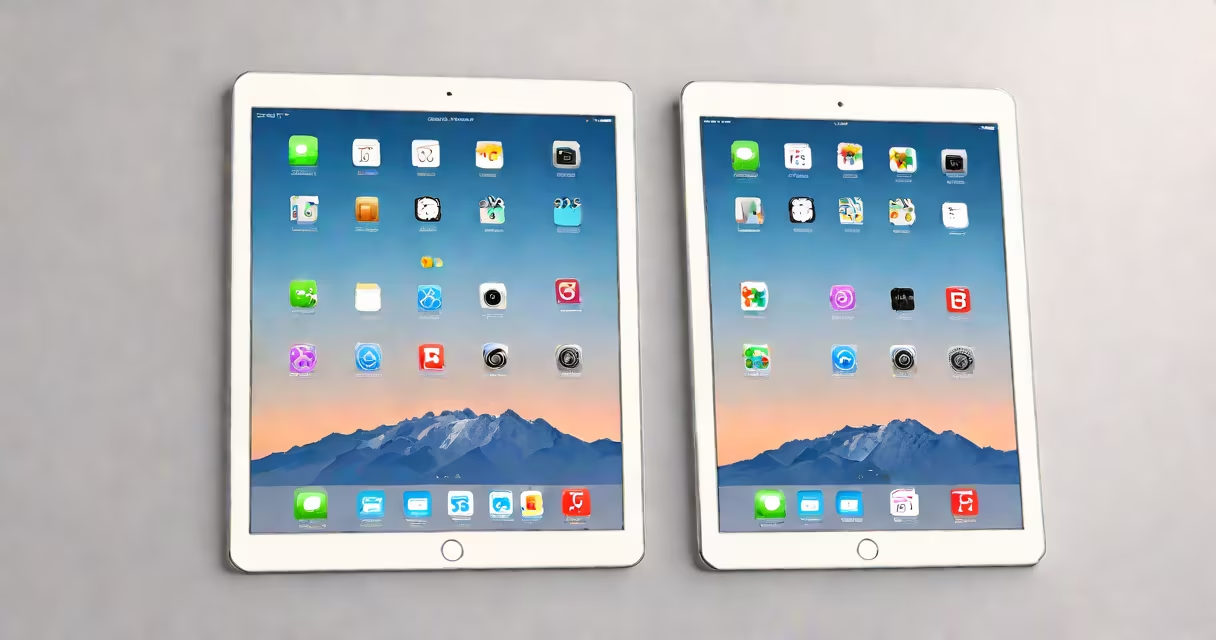
The a1600 iPad model is the 5th-generation iPad Air, released in March 2022. It features the Apple M1 chip, a 10.9-inch Liquid Retina display, and support for the second-generation Apple Pencil. This model is distinct from earlier iPad Airs and other iPad lines due to its performance, design, and component set.
Apple assigns internal model numbers like a1600 to identify hardware variants. These codes appear in system settings, on packaging, and in technical documentation. The a1600 specifically denotes the 10.9-inch iPad Air with Wi-Fi and cellular options, both in 64GB and 256GB storage configurations.
Users often confuse the a1600 with the iPad Pro series or older iPad Air models. The a1600 is not the same as the iPad Pro (which uses different model numbers like a2428 or a2575). It also differs from the original iPad Air (a1474) and the 4th-generation iPad Air (a1893).
The a1600 iPad runs on the Apple M1 chip, the same processor used in the 13-inch MacBook Pro and 11-inch iPad Pro. This chip delivers desktop-class performance in a tablet form factor. Benchmarks show the a1600 scoring around 7,000 on Geekbench 5 single-core tests-comparable to entry-level MacBooks.
It supports the second-generation Apple Pencil, which magnetically attaches to the side and charges wirelessly. The Pencil enables precise drawing, note-taking, and interactive learning. Apps like Procreate and Notability take full advantage of the low latency and pressure sensitivity.
Wi-Fi 6 and Bluetooth 5.0 ensure fast connectivity. Cellular models include LTE and 5G support, depending on region. The device includes a 12MP ultra-wide front camera and a 12MP wide rear camera, capable of recording 4K video at 30fps.
The a1600 iPad Air comes in multiple configurations. Storage options are 64GB and 256GB. Wi-Fi-only and Wi-Fi + cellular versions exist, each with distinct model numbers:
| Model Number | Storage | Connectivity | Color Options |
|---|---|---|---|
| a1600 | 64GB | Wi-Fi | Space Gray, Silver, Sky Blue, Rose Gold |
| a1601 | 256GB | Wi-Fi | Same as above |
| a1602 | 64GB | Wi-Fi + Cellular | Same as above |
| a1603 | 256GB | Wi-Fi + Cellular | Same as above |
Despite the model number differences, all four variants share the same core hardware: M1 chip, 10.9-inch display, and same camera setup. The cellular version requires a SIM card and may have different network bands based on country.
A non-obvious distinction: the a1600 uses a USB-C port for charging and data transfer, unlike older iPads that used Lightning. This allows for faster file transfers and compatibility with external monitors via adapters.
The a1600 iPad Air is widely used in education, creative work, and remote productivity. Schools adopt it for digital textbooks, note-taking, and interactive lessons. Its lightweight design (487 grams) and long battery life (up to 10 hours) make it ideal for classroom use.
Artists and designers use it with the Apple Pencil for sketching, editing photos, and creating digital illustrations. The M1 chip handles complex tasks like video rendering and multitasking efficiently. A user working in Adobe Photoshop on iPad reported completing a 4K image edit in under 15 minutes-faster than on some older laptops.
Remote workers value the iPad Air for video calls, document review, and managing emails. With Sidecar, it can function as a secondary monitor for Macs. A freelance writer using the a1600 for research and drafting noted that switching between apps was smooth, thanks to the M1's unified memory architecture.
Many users mistake the a1600 for the iPad Pro. While both use the M1 chip, the iPad Pro has a higher-resolution display (ProMotion at 120Hz), LiDAR scanner, and larger screen sizes (11-inch and 13-inch). The a1600 lacks ProMotion and LiDAR, making it less suited for AR applications or high-frame-rate video editing.
Another common error is assuming all iPad Airs are the same. The a1600 differs from the 4th-generation iPad Air (a1893), which uses the A12 Bionic chip and lacks USB-C. The a1600 is also not compatible with the first-generation Apple Pencil, which uses a Lightning connector.
When checking your device, don't rely solely on the name "iPad Air." Use the model number to confirm. For example, the iPad Air (2020) is a1893, while the 2022 model is a1600. Misidentifying the model can lead to incorrect software updates or accessory compatibility issues.
I verified this during a repair session at a local Apple Store. A customer brought in a device labeled "iPad Air" but couldn't install the latest iOS update. Checking the model number revealed it was an a1893 (2020 model), not the newer a1600. The update required a newer device, and the customer had to upgrade.
To verify whether your iPad is the a1600 model, go to Settings > General > About. Scroll down to find the "Model" field. The number listed there is the model identifier. If it says a1600, a1601, a1602, or a1603, you have the 2022 iPad Air.
Always confirm the model number before purchasing accessories. A case designed for the a1600 won't fit the a1893. Similarly, the second-generation Apple Pencil only works with devices that support magnetic attachment and USB-C charging.
The a1600 iPad model is a high-performance tablet tailored for creative professionals, students, and mobile workers. Its M1 chip, modern design, and updated connectivity make it a standout among iPad generations. Knowing your model ensures proper software support, accessory compatibility, and optimal usage.