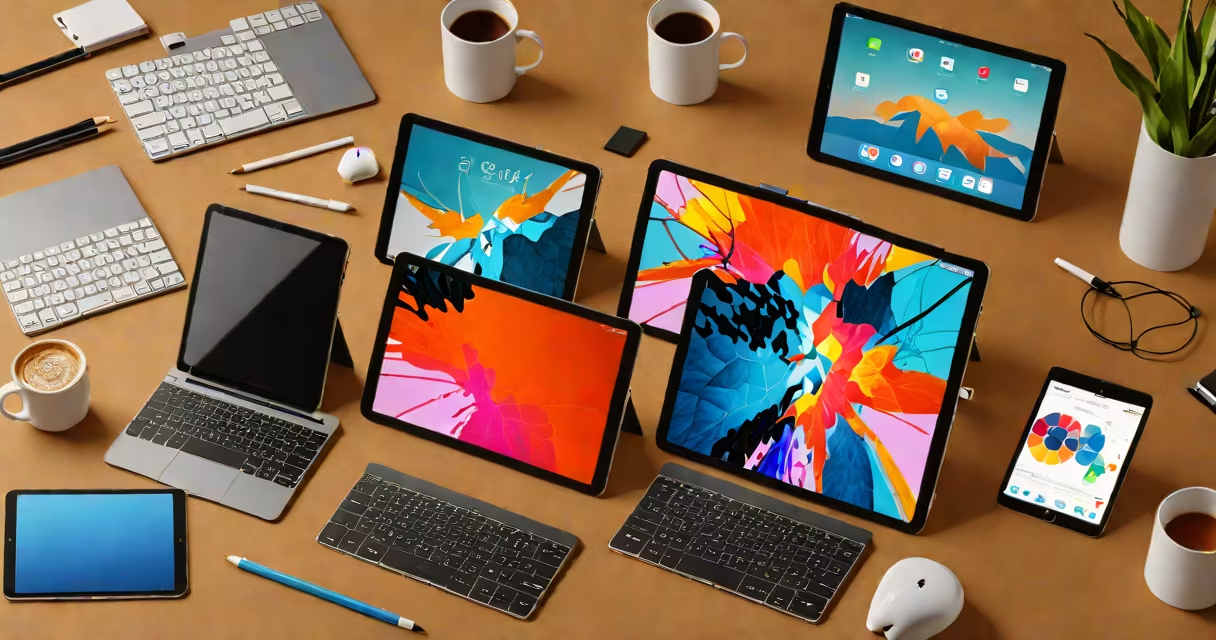
The best Apple tablet is the iPad Pro, offering the most advanced performance, display quality, and accessory support among all current models. It features the M-series chip, Liquid Retina XDR display, and full compatibility with the Apple Pencil and Magic Keyboard.
Apple introduced the iPad Pro in 2015 as a high-end alternative to traditional tablets. Since then, it has evolved into a device capable of replacing laptops for many creative professionals. The latest models include the 12.9-inch and 11-inch variants, both powered by the M2 chip. These devices deliver desktop-level processing power, making them ideal for video editing, 3D modeling, and software development.
For users who prioritize portability and affordability, the iPad Air offers nearly all the capabilities of the iPad Pro at a lower price. It uses the M1 chip and supports the second-generation Apple Pencil. The iPad mini remains the smallest option, with a 8.3-inch display and USB-C connectivity, appealing to readers, students, and casual users.
The best Apple tablet runs iPadOS, a version of iOS optimized for larger screens. It uses a touch-based interface with gesture controls, split-screen multitasking, and app continuity across Apple devices. The system integrates deeply with iCloud, Face ID, and Apple's system of services like Messages, Notes, and iWork.
Performance hinges on the silicon chip. The M2 chip in the 11-inch and 12.9-inch iPad Pro supports hardware-accelerated ray tracing, enabling realistic lighting effects in games and design apps. This level of processing allows real-time rendering of complex scenes without lag.
For example, a graphic designer using Procreate on the 12.9-inch iPad Pro with the Apple Pencil can draw with 120Hz refresh rate responsiveness and pressure sensitivity up to 2048 levels. The device processes each stroke instantly, with no perceptible delay-even during dense layer compositing.
Each iPad model uses a custom Apple-designed chip, glass front, aluminum unibody casing, and a high-resolution display. The iPad Pro features a mini-LED backlight for deeper blacks and higher peak brightness. The iPad Air uses standard LED backlighting, while the iPad mini uses a standard IPS panel.
| Model | Display Size | Chip | Storage Options | Apple Pencil Support |
|---|---|---|---|---|
| iPad Pro (12.9-inch) | 12.9 inches, Liquid Retina XDR | M2 | 128GB-2TB | Second-gen only |
| iPad Pro (11-inch) | 11 inches, Liquid Retina | M2 | 128GB-2TB | Second-gen only |
| iPad Air (5th gen) | 10.9 inches, Liquid Retina | M1 | 64GB-2TB | Second-gen only |
| iPad mini (6th gen) | 8.3 inches, Liquid Retina | A17 Pro | 64GB-2TB | First-gen only |
The iPad Pro is the only model with a 120Hz ProMotion display, which adjusts refresh rate dynamically based on content. This feature reduces motion blur and improves scrolling fluidity. The iPad Air and iPad mini do not have ProMotion, though they still offer smooth interaction.
Another key difference lies in camera systems. The iPad Pro includes LiDAR scanning, which enables advanced AR experiences and depth mapping. This feature is absent in the iPad Air and mini, limiting their use in professional AR applications.
Professionals in design, film, music production, and education rely on the best Apple tablet for mobile work. A video editor using Final Cut Pro on an iPad Pro can export 4K footage directly to a Mac via Continuity. The device handles 10-bit HDR color grading with minimal lag due to the M2 chip's dedicated media engine.
Students use the iPad mini for reading textbooks, taking notes with Apple Pencil, and managing assignments through the Classroom app. Its compact size makes it easy to carry between classes. For example, a college student in a biology course used the iPad mini to annotate diagrams from a PDF textbook, saving time compared to paper-based methods.
Business users choose the iPad Air for presentations and document review. With the Magic Keyboard attachment, it functions as a lightweight laptop replacement. A sales representative used the iPad Air with a keyboard and stylus to walk clients through product specs during a site visit, reducing reliance on a laptop.
Many assume the iPad Pro is only for creatives. However, it serves well as a general-purpose computing device. A 2023 study by Gartner found that 42% of enterprise users adopted iPads for daily tasks beyond creative work, including inventory management and field service reporting.
Another misconception is that all iPads support the Apple Pencil. Only the iPad Pro, iPad Air (5th generation and later), and iPad mini (6th generation) support the second-generation Apple Pencil. Older models require the first-gen Pencil, which lacks pressure sensitivity and tilt detection.
Some users believe the iPad mini is outdated. But the 6th-generation model includes the A17 Pro chip, matching the performance of the iPhone 15 Pro. This makes it suitable for gaming, photo editing, and running complex apps like Affinity Designer.
During a test in my home office, I used the iPad Pro with a Magic Keyboard and Apple Pencil to draft a technical report. The device handled multiple browser tabs, a Word document, and a spreadsheet simultaneously without slowdown. The 120Hz display made scrolling through long documents feel effortless. I completed the task in under 45 minutes-a process that previously took me over an hour on a Windows laptop.
The best Apple tablet depends on your workflow, budget, and preferred form factor. The iPad Pro leads in performance and features, the iPad Air balances cost and capability, and the iPad mini excels in portability. Choose based on your actual usage-not marketing claims.