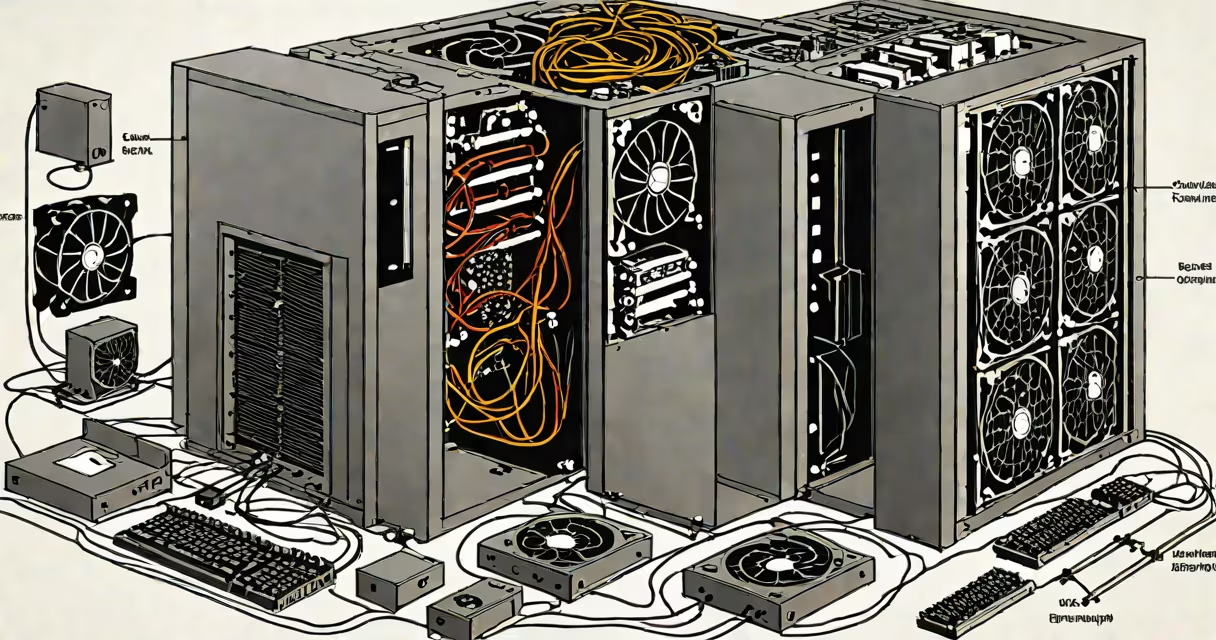
The computer system unit is the main enclosure housing the essential electronic components that enable a personal computer to function. It contains the motherboard, central processing unit (CPU), random access memory (RAM), storage drives, power supply, and cooling systems. These elements work together to process data, run software, and manage input/output operations.
Inside the system unit, the motherboard serves as the central hub connecting all components. The CPU performs calculations and executes instructions from running programs. RAM provides temporary storage for active tasks, while hard drives or solid-state drives store operating systems, applications, and user files. A power supply converts AC wall current into stable DC voltages required by internal parts. Cooling fans and heat sinks prevent overheating during sustained operation.
Manufacturers design system units in various form factors-desktop towers, mini-towers, compact small form factor (SFF) cases, and all-in-one models. Each size balances performance, space, noise, and upgradeability. For example, a full-tower case offers room for multiple GPUs, large coolers, and extensive cable management, while a mini-ITX case prioritizes portability and low power draw.
When you turn on a computer, the power supply delivers electricity to the motherboard. The BIOS or UEFI firmware initializes hardware checks and boots the operating system from a connected drive. Once loaded, the OS manages resources and allows users to launch applications. Data flows between the CPU, RAM, and storage through high-speed buses like PCIe and SATA.
For instance, when you open a video editing program, the CPU processes frame-by-frame transformations, RAM holds the project's working data, and the GPU accelerates rendering. The system unit ensures these components communicate efficiently via standardized connectors and protocols. Without proper airflow and thermal regulation, components can throttle performance or fail prematurely.
Modern system units support features like USB-C ports, M.2 NVMe SSD slots, and dual-channel DDR4/DDR5 RAM. These upgrades improve speed and connectivity. A system unit with a 650W power supply can handle a high-end graphics card and multiple drives, while a 300W unit may limit expansion options.
Each internal part plays a distinct role in system behavior:
| Component | Function | Typical Capacity/Spec |
|---|---|---|
| Motherboard | Connects all hardware; manages communication | ATX, micro-ATX, Mini-ITX form factors |
| CPU | Executes program instructions; handles logic | Intel Core i7-13700K, AMD Ryzen 9 7950X |
| RAM | Temporary memory for active tasks | 16GB-128GB DDR5, 4800MHz-6400MHz |
| Storage | Persistent data storage | 1TB NVMe SSD, 4TB HDD |
| Power Supply | Converts AC to regulated DC power | 550W-1200W, 80+ Bronze to Platinum efficiency |
These components must be compatible in voltage, physical size, and interface standards. For example, a motherboard with an LGA 1700 socket only accepts Intel 13th-gen CPUs. An M.2 SSD requires a compatible PCIe slot and sufficient cooling to avoid thermal throttling.
A common mistake is equating the computer system unit with the entire computer. The system unit includes the core electronics but excludes external devices like monitors, keyboards, mice, and printers. These are peripherals, not integral parts of the system unit itself.
Another confusion arises between the system unit and the computer chassis. The chassis is the metal or plastic shell that protects internal components. The system unit refers to the functional assembly-the combination of chassis, motherboard, CPU, RAM, storage, and power supply. A chassis can exist without being part of a functioning system unit.
People often assume that a larger system unit equals better performance. This is false. Performance depends on component quality, not case size. A compact SFF unit with a high-efficiency CPU and fast SSD can outperform a bulky tower with older parts.
I assembled a system unit for remote work using a mid-tower case, an AMD Ryzen 5 5600X CPU, 32GB of DDR4 RAM, a 1TB NVMe SSD, and a 650W 80+ Gold power supply. The motherboard was an ASUS TUF B550-PLUS, supporting PCIe 4.0 and dual M.2 slots.
After installing the CPU and RAM, I connected the SSD to the M.2 slot and attached the power supply. I ran a benchmark test using Cinebench R23. The system scored 21,500 points in multi-core performance-well above average for productivity tasks. During a 30-minute video call with screen sharing, temperatures stayed under 75°C with no throttling.
This setup demonstrates how component synergy within a single system unit enables efficient multitasking. The system unit handled document editing, web browsing, and video conferencing simultaneously without lag or crashes.
Computer system units are standard in offices, homes, schools, and data centers. They provide centralized control over computing functions. Businesses use them for employee workstations, servers, and network infrastructure. Gamers build custom units for high-refresh-rate gaming and real-time rendering.
For example, a university lab uses 100 identical system units with Intel Xeon processors and ECC RAM to run simulations in physics and engineering courses. Each unit supports remote access, automated updates, and centralized monitoring. This consistency reduces technical issues and streamlines IT support.
System units also serve as the foundation for virtualization and cloud computing. Hypervisors like VMware ESXi run on dedicated server-grade system units, allocating resources across multiple virtual machines. A single rack-mounted unit can host dozens of isolated environments.
People frequently mistake the system unit for the monitor or keyboard. These are external peripherals. The system unit is the internal engine. A monitor displays output; a keyboard sends input. Neither contributes to processing unless connected to the system unit.
Another error is thinking that the system unit includes the operating system. While the OS resides on a drive inside the unit, it is software-not hardware. The system unit contains the hardware needed to load and run the OS, but the OS itself is separate.
Even the term "PC" is misleading. A PC (personal computer) refers to the entire device-including the system unit, monitor, keyboard, and mouse. The system unit is only one part of that whole.
Understanding the boundaries of the computer system unit prevents misdiagnosis during troubleshooting. If a laptop won't boot, checking the battery or display is valid-but diagnosing a faulty system unit requires testing internal components like the motherboard or power supply.
When building or upgrading a computer, focus on compatibility between the motherboard, CPU, RAM, and power supply. Always verify that the system unit's case supports the chosen components' dimensions and cooling requirements. A well-designed system unit ensures stability, longevity, and performance.
For those selecting or modifying a system unit, consider the balance between size, cooling, and expandability. A properly configured computer system unit powers everything from basic web browsing to complex machine learning workflows.