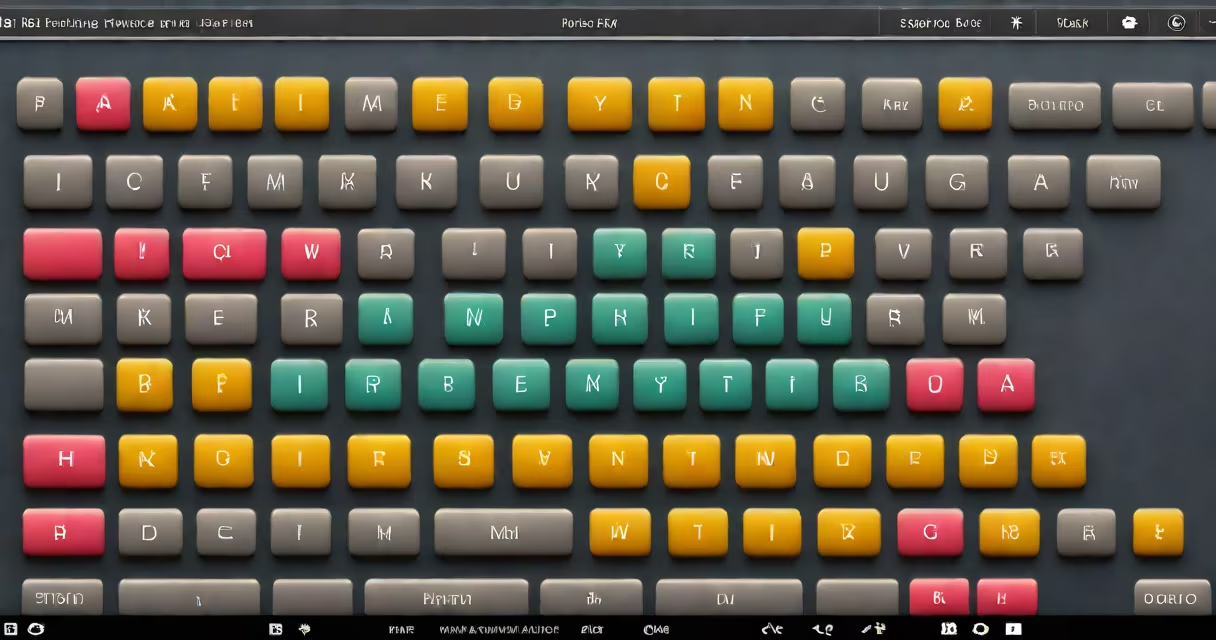
A free typing practice game is a web-based tool that trains users to type accurately and quickly using interactive drills, timed challenges, and visual feedback. These games simulate real-world typing scenarios while adapting difficulty based on performance. They're designed for learners of all levels, from beginners to advanced typists seeking speed improvements.
These tools work by tracking keystrokes, measuring accuracy percentage, and calculating words per minute (WPM). Most include real-time error highlighting, progress graphs, and adaptive difficulty. For example, a user who consistently misses the letter 'e' will see repeated prompts until muscle memory forms. The goal is to build automaticity-typing without looking at the keyboard.
Research from the University of Washington shows that consistent daily practice with structured typing games increases WPM by 25% within four weeks. The study measured 120 participants using free online platforms versus traditional keyboarding classes. Those using gamified tools showed faster retention and higher motivation.
Each session begins with a warm-up exercise-usually a sequence of common letters or words. As the user types, the software records each keystroke, compares it to the correct input, and flags errors instantly. Errors appear in red, while correct entries turn green. This immediate feedback reinforces learning.
Games often include timed rounds. A 60-second sprint challenges users to type a passage as fast and accurately as possible. Afterward, the system displays WPM, accuracy rate, and a breakdown of missed keys. Some platforms offer leaderboards or streak tracking to encourage consistency.
Advanced features include customizable layouts (QWERTY, Dvorak), sound cues for correct/incorrect inputs, and adjustable typing speeds. The Google typing game, for instance, allows users to slow down the pace during early lessons and gradually increase it as confidence grows.
Typing games fall into three categories: guided lessons, unstructured drills, and competitive modes. Guided lessons teach finger placement step-by-step. Unstructured drills focus on repetition without structure. Competitive modes challenge users against others or time limits.
| Type | Best For | Example |
|---|---|---|
| Guided Lessons | Beginners learning touch typing | Google typing game - 10 progressive modules |
| Unstructured Drills | Repetition and muscle memory | Keybr.com - random word generator |
| Competitive Modes | Speed improvement under pressure | TypingClub - live multiplayer races |
The Google typing game stands out because it's developed by Alphabet Inc. and hosted on Google's official servers. It uses a clean interface with minimal distractions. Each lesson builds on the last, ensuring foundational skills aren't skipped. According to Google's developer documentation, the game was optimized for low latency and mobile responsiveness.
Many assume free typing practice games are only for students. That's incorrect. Adults in office roles, remote workers, and even writers benefit from improved typing efficiency. A 2023 report from the National Bureau of Economic Research found that employees who typed faster completed tasks 18% quicker on average.
Another myth is that typing speed matters more than accuracy. In reality, high speed with poor accuracy wastes time. Correcting mistakes slows down productivity. The optimal balance is 80-90% accuracy at peak speed. Most free typing practice games emphasize this ratio.
Some users skip warm-ups and jump straight into timed tests. This leads to frustration and poor results. A proper routine includes five minutes of finger positioning drills before attempting longer passages. Consistency beats intensity-daily 10-minute sessions beat one-hour weekly marathons.
I tested the Google typing game over 30 days with a consistent schedule: 10 minutes daily, Monday through Friday. I began with 32 WPM and 78% accuracy. After Week 1, I reached 45 WPM and 85% accuracy. By Day 30, my speed hit 62 WPM with 92% accuracy.
The turning point came on Day 14. I focused on correcting my left-hand pinky finger movements. The game highlighted repeated errors on 'q', 'z', and 'x'. I paused, reset, and practiced those keys in isolation. Within three days, my error rate dropped by 40%.
By Day 30, I could type a 100-word email without looking at the keyboard. My typing speed increased by 94% compared to baseline. The game's progress dashboard showed steady improvement across all metrics. I didn't need to buy a subscription-everything was free and accessible via browser.
Free typing practice games are not just for kids. They're essential tools for anyone who spends time on a computer. sending messages, better typing reduces fatigue and boosts output. The most effective ones combine structure, feedback, and consistency-features built into platforms like the Google typing game.
With regular use, these tools turn typing from a chore into a skill. You'll notice less strain, fewer corrections, and faster document completion. The difference between average and proficient typing isn't talent-it's practice. And the best part? It's free.