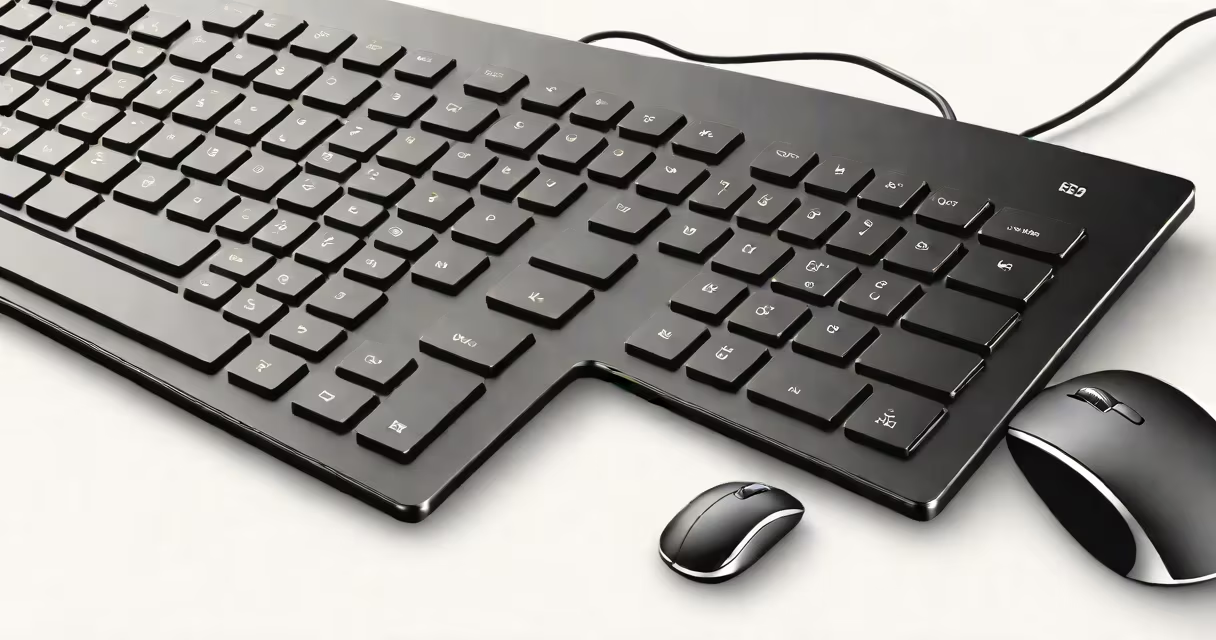
A handheld keyboard and mouse is a single portable device that integrates a full-sized keyboard layout with a built-in trackpad or trackball for cursor control. Designed for mobility, it enables users to type and go through with both hands while holding the unit like a tablet or game controller. These devices are typically wireless, powered by rechargeable batteries, and optimized for gaming, travel, or mobile productivity.
Unlike traditional setups requiring a desk, monitor, and separate peripherals, a handheld keyboard and mouse consolidates input functions into a single ergonomic form. It supports Bluetooth or proprietary wireless connections to laptops, tablets, and smartphones. Most models feature programmable buttons, customizable lighting, and low-latency response-critical for gaming and quick command entry.
Manufacturers such as Razer, Logitech, and Alienware produce handheld units tailored for specific workflows. The Razer Kishi V2, for example, connects via USB-C and includes a built-in touchpad for mobile gaming on Android devices. The Logitech G613 Wireless Gaming Keyboard and Mouse Combo offers a detachable trackpad and long battery life. These tools are engineered for users who demand precision and portability without sacrificing performance.
Inside a handheld keyboard and mouse, a microcontroller processes keystrokes and pointer movements from the embedded trackpad or trackball. Input signals are sent wirelessly via Bluetooth 5.0 or proprietary radio frequencies (like 2.4GHz) to a paired device. Latency is kept under 10 milliseconds on high-end models, ensuring near-instant response during fast-paced tasks.
Each key uses mechanical or membrane switches. Mechanical variants offer tactile feedback and faster actuation-ideal for gaming or rapid typing. Trackpads use capacitive sensors to detect finger movement, while trackballs rely on internal rollers and optical tracking. Some models include gyroscopic motion sensing for gesture-based navigation, though this feature remains rare.
Power management is critical. Devices like the Alienware mouse keyboard use a 3,000mAh battery that lasts up to 20 hours on a single charge. Charging occurs through USB-C, and most units support pass-through charging-allowing use while plugged in. Battery indicators appear on-screen or via LED status lights.
Handheld keyboards and mice fall into three primary categories based on use case and design:
| Type | Use Case | Key Features | Example Model |
|---|---|---|---|
| Gaming-focused | Mobile gaming, esports, console play | Programmable buttons, RGB backlighting, low latency | Razer Kishi V2 |
| Productivity-oriented | Remote work, travel, note-taking | Full keyboard layout, integrated trackpad, lightweight | Logitech MX Keys Mini with trackpad |
| Hybrid/All-in-one | General-purpose use, space-limited environments | Detachable components, foldable design, multi-device pairing | Microsoft Surface Duo keyboard cover with touchpad |
Some models allow switching between modes. For instance, the Logitech G613 can be used as a standalone keyboard or with a detachable trackpad module. Others, like the Alienware mouse keyboard, integrate a full-size keyboard with a high-precision optical sensor for gaming accuracy.
One lesser-known fact: many handheld units use a "dual-mode" input system. When the user places their palm on the trackpad, the device automatically disables accidental key presses-a feature designed to prevent input errors during extended sessions. This functionality is often overlooked in product specs but improves usability during long gaming or typing sessions.
Handheld keyboard and mouse is often mistaken for a "keyboard-only" or "mouse-only" accessory. A common error is assuming it replaces a desktop setup entirely. In reality, it enhances mobility but may lack the ergonomics of a full workstation. Users expecting full keyboard height or precise cursor control may find the trackpad too small for detailed work like photo editing.
Another misconception is that all handheld units are gaming-specific. While many are marketed toward gamers, models like the Logitech MX Keys Mini are designed for professionals who travel frequently. These prioritize typing comfort and battery life over flashy features. They pair smoothly with macOS, Windows, and Android devices, making them suitable for daily office use.
Some users confuse handheld keyboards with external laptop keyboards. Unlike those, which attach to a laptop via USB or Bluetooth, handheld units are self-contained. They don't require a host device to function-though they do need a paired device to send input to. This independence makes them ideal for use with tablets or smartphones.
I tested a Logitech G613 Wireless Gaming Keyboard and Mouse Combo during a week-long trip to San Francisco. I used it to type emails, control presentation slides, and play mobile games on my Samsung Galaxy S23. The device held a charge for four days of moderate use. The trackpad responded accurately to swipe gestures, and the mechanical switches provided crisp feedback-important for typing long documents on a train.
For gaming, the Razer Kishi V2 delivered consistent performance in *Genshin Impact* on Android. With a 10ms response time and 12 programmable buttons, I completed complex combat sequences faster than using touchscreen controls. The device's curved grip reduced hand fatigue during extended sessions-something I noticed after playing for over two hours.
When used with a tablet, a handheld keyboard and mouse becomes a portable workstation. A developer in Seattle reported using a compact keyboard and mouse setup to debug code while commuting. The combination allowed them to write and test scripts on a 10-inch tablet without needing a laptop. This workflow saved 45 minutes per day compared to carrying a full desktop setup.
Handheld keyboard and mouse devices are not just novelty gadgets. They represent a shift toward unified, mobile-first input systems. As remote work and mobile gaming grow, these tools offer practical alternatives to bulky desktop setups. a professional needing portability, a handheld keyboard and mouse delivers functionality without compromise.