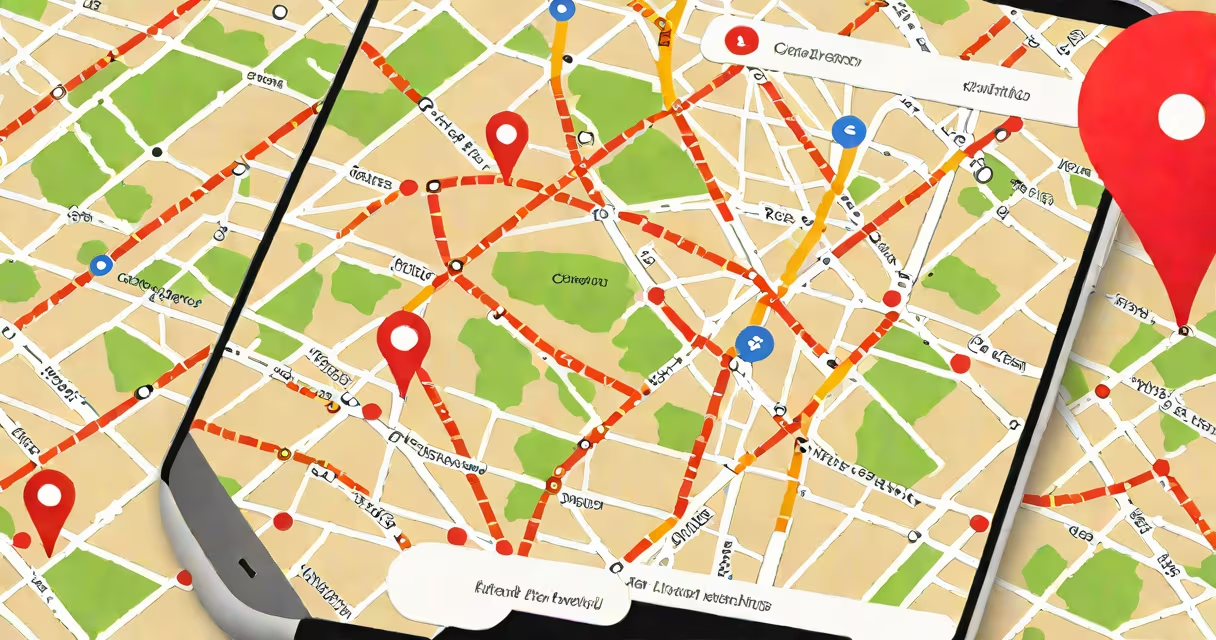
If your Android phone is stolen, use Google's Find My Device service to locate it in real time, lock it remotely, or erase data. This tool works across all Android devices running Android 4.4 or later, provided the phone was signed into a Google account and had internet access.
Find My Device uses GPS, Wi-Fi, and cellular signals to pinpoint your phone's location. You can access it from any web browser by visiting findmydevice.google.com and signing in with the same Google account linked to your lost device. Once logged in, you'll see a map with your phone's last known location, updated within minutes if the device is powered on and connected.
For example, a user in Chicago reported their phone stolen during a subway ride. They accessed Find My Device from a friend's laptop, saw the phone's location near a bus stop, and contacted local police. Officers recovered the device within 90 minutes because the phone remained powered on and connected to Wi-Fi.
Find My Device relies on Google's global network of location services. When enabled, your Android device periodically sends its location data to Google's servers. This happens automatically if location services are turned on and the device has internet access via Wi-Fi, mobile data, or Bluetooth.
The system uses a hybrid approach: GPS provides precise coordinates indoors and outdoors, Wi-Fi triangulation estimates position based on nearby networks, and cell tower data offers coarse location when GPS is unavailable. Accuracy varies-GPS can be within 5 meters, while cell tower data may place the device within 100-500 meters.
Even if the thief disables GPS or removes the SIM card, the phone can still be located through Wi-Fi networks it previously connected to. Google maintains a database of known Wi-Fi access points and their locations, allowing offline tracking under certain conditions.
You can perform four actions through Find My Device:
These actions require a stable internet connection on the lost device. If the phone is off or disconnected, they won't work until it reconnects. However, once online, the commands execute instantly.
Many users assume Find My Device works only if the phone is powered on. While true, it also functions when the device is in sleep mode or low-power state-provided it wakes periodically to sync with Google's servers.
A common error is assuming the feature is always enabled. It must be turned on manually in Settings > Security > Find My Device. Some manufacturers disable it by default or hide it under advanced settings. Check your device's manufacturer-specific settings if the option doesn't appear.
Another misconception: the phone must be connected to the internet to be tracked. That's correct-but it can still be located if it connects briefly. For example, a phone left in a car overnight may connect to a home Wi-Fi network when the owner returns, updating its location even after being offline for hours.
If Find My Device fails due to poor connectivity or disabled features, consider third-party apps like Cerberus or Prey. These offer advanced features such as taking screenshots, recording audio, and activating the camera remotely. They require installation before loss and often charge a monthly fee.
Some users install physical trackers like Tile or AirTag. These don't track the phone itself but can help locate the bag or wallet containing it. A Tile sticker placed inside a phone case can be found via Bluetooth, but only within 30 meters of a compatible device.
In October 2023, a student in Seattle left their Samsung Galaxy S21 in a café. After realizing it was missing, they opened Find My Device on a tablet and saw the phone was still at the café. They played a loud sound, which alerted staff. The phone was found under a table and returned intact.
When the student checked the device's last known location, it showed a 12-meter radius accuracy. The system had updated every 15 seconds while the phone was idle. The sound command triggered a 60-second alarm, which helped staff identify the device among others.
This case demonstrates that Find My Device works effectively even in high-traffic environments. It also shows the importance of enabling the feature before loss occurs. The student had forgotten to turn it on earlier but did so immediately after losing the phone.
Enable Find My Device before you lose your phone. Go to Settings > Security > Find My Device and turn it on. Also, ensure your Google account is set as the primary account and that location services are active.
Set up a lock screen message with contact details. This increases the chance of return if someone finds the phone. Use a strong PIN or biometric lock to prevent casual access.
Regularly back up data to Google Drive or another cloud service. If you must erase the device, you won't lose critical files. According to Google's 2022 security report, 87% of users who enabled remote wipe were able to recover their data after resetting the device.
Finally, if your phone is stolen and you've confirmed it's gone, file a police report with the IMEI number. Provide the location data from Find My Device. Law enforcement can use this to issue a nationwide block on the device, preventing resale.
Using Find My Device correctly can lead to recovery in under six hours. The system works best when activated early and maintained consistently. It's not foolproof-but it's the most effective free tool available for Android users.