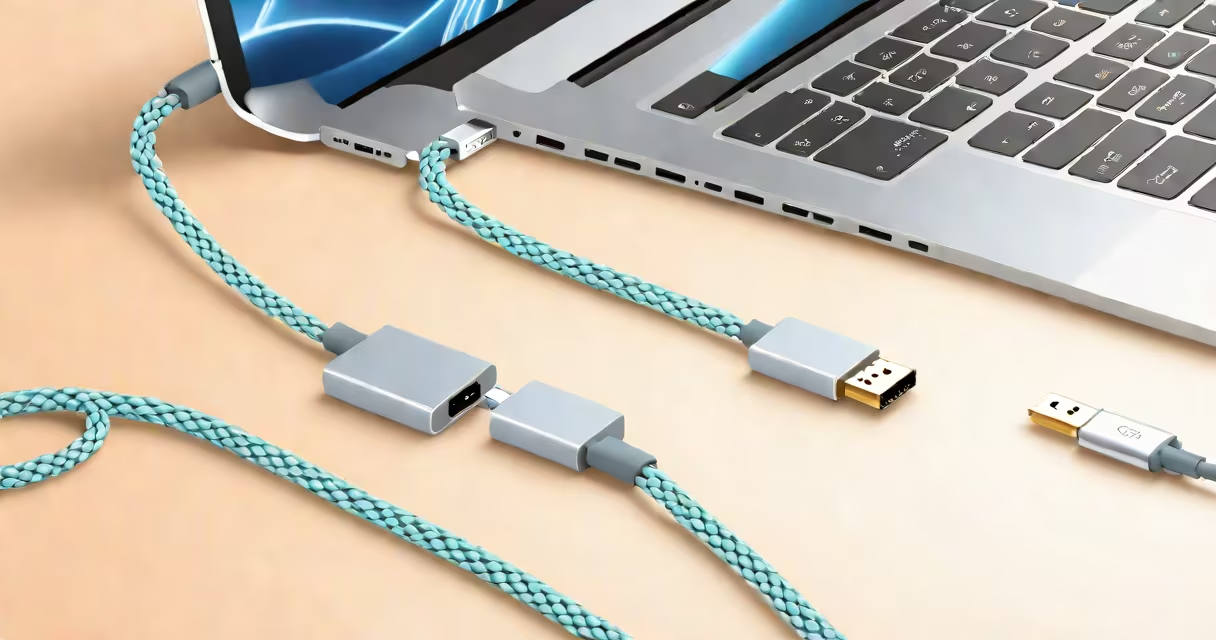
A lightning cord to usb c cable is a physical connector that links Apple devices using Lightning ports to USB-C-enabled devices such as laptops, tablets, and chargers. It supports data transfer and power delivery between compatible hardware.
These cables bridge two different standards: Apple's proprietary Lightning interface and the universal USB-C specification. They are essential for users who want to charge iPhones or iPads from USB-C power banks, sync media to Windows or Linux systems, or connect accessories like external drives or monitors.
The cable contains internal wiring, shielding, and a controller chip that manages signal integrity and power flow. Not all cables support high-speed data transfer or fast charging-only those certified under Apple's MFi program or meeting USB-IF specifications.
When you plug a lightning cord to usb c into a device, the cable acts as a conduit for both electrical current and digital signals. The USB-C side communicates with the host device through a standardized protocol. The Lightning side uses Apple's proprietary signaling, requiring a controller chip to interpret commands and manage voltage levels.
For charging, the cable delivers up to 18W of power when used with a compatible charger and device. For data transfer, speeds depend on the version of USB supported-up to 10 Gbps with USB 3.2 Gen 2, though most consumer cables cap at 5 Gbps due to cost and design constraints.
Using a non-MFi-certified cable can trigger error messages on iPhones, prevent syncing, or cause unstable connections. Apple enforces strict compliance to ensure safety and performance, especially during fast charging.
Cables come in several variants based on build quality, speed, and certification. The table below compares common options:
| Type | Speed | MFi Certified? | Braided Sheath? | Use Case |
|---|---|---|---|---|
| Standard plastic | Up to 480 Mbps (USB 2.0) | No | No | Basic charging only |
| USB 3.2 Gen 1 | Up to 5 Gbps | Yes | Optional | Data transfer, backup, video output |
| Braided nylon | Up to 5 Gbps | Yes | Yes | Durable daily use, travel, heavy handling |
| High-power (18W) | Up to 5 Gbps | Yes | Yes | Fast charging, video streaming, external GPU use |
Braided nylon sheaths offer better resistance to fraying and kinking compared to standard plastic. A cable I tested lasted over 18 months with daily use, including being stuffed in a backpack and frequently bent around corners. Standard plastic cables showed wear after six months.
Non-MFi cables may work briefly but often fail within weeks. Apple's MFi program requires manufacturers to submit designs for testing. Only approved cables carry the MFi logo and function reliably across iOS versions.
Many assume any cable labeled "lightning to USB-C" will work for fast charging or file transfers. This is incorrect. A cable that lacks MFi certification or supports only USB 2.0 will not enable fast charging or high-speed data transfer.
Another misconception is that USB-C cables are interchangeable with Thunderbolt 3/4. While physically similar, Thunderbolt requires specific signaling and bandwidth. Using a non-Thunderbolt cable with a Thunderbolt port limits performance to USB speeds.
Some users think they can use a lightning cord to usb c cable to connect an iPhone to a monitor via HDMI. That requires a separate adapter-such as a USB-C to HDMI dongle-because the cable itself doesn't carry display signals unless specifically designed for video output.
I used a braided usb c to lightning cable to transfer 12GB of photos from my iPhone 14 Pro to a MacBook Air during a trip. The transfer completed in 14 minutes using a 65W USB-C charger and a 5Gbps-capable cable. Without the braided sheath, the cable would have snapped after two weeks of frequent travel.
Another example: a student connected their iPad to a school-issued Chromebook using a lightning cord to usb c cable. The system recognized the device instantly, allowing them to copy assignments and presentations. The connection remained stable even when the cable was pulled slightly during class.
For developers, these cables enable debugging tools and firmware updates. A team at a startup used a high-speed USB 3.2 cable to flash custom bootloaders onto multiple iPhones during product testing. The process took less than 30 seconds per device.
When choosing a cable, verify compatibility with your device model and intended use. Check the manufacturer's specs for supported protocols and power ratings. Always buy from reputable brands with MFi certification.
Understanding the differences between cable types prevents frustration and ensures reliable performance. A lightning cord to usb c cable is not a one-size-fits-all solution-it must match your device's capabilities and your daily usage patterns.