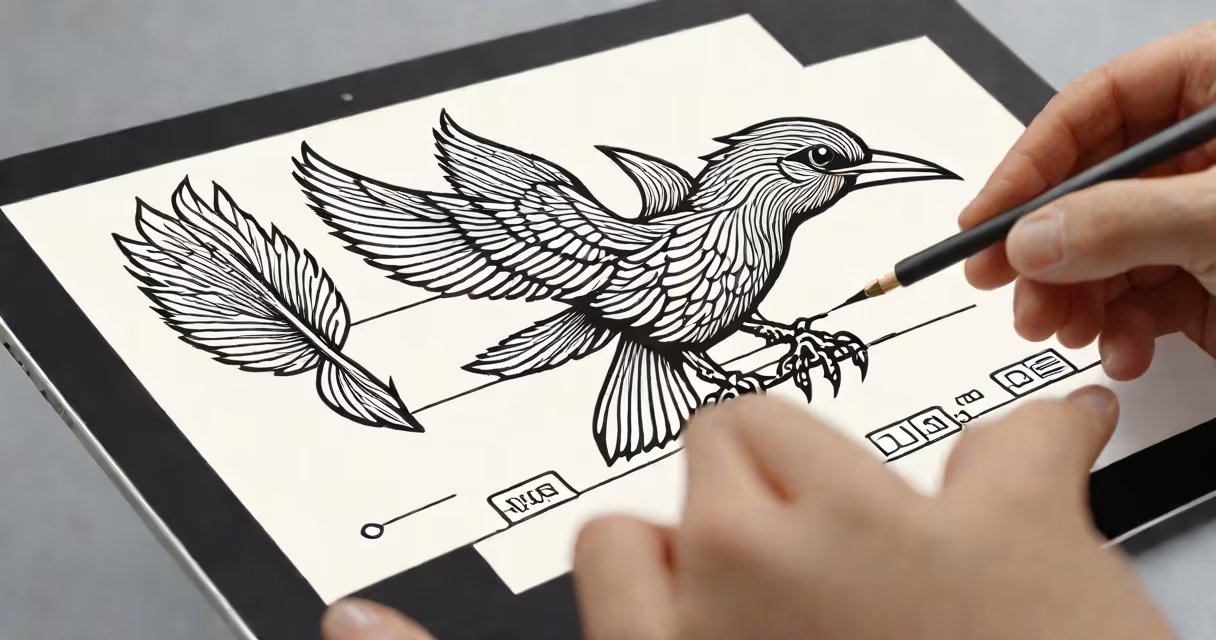
Logo design illustrator refers to the process of creating a brand's visual identity using Adobe Illustrator, a vector-based graphic design software. This involves crafting scalable, resolution-independent logos that maintain sharpness across all sizes-from business cards to billboards.
Adobe Illustrator is the industry standard for logo creation because it uses mathematical paths instead of pixels. This allows designs to scale infinitely without losing clarity. A logo designed in Illustrator remains crisp whether printed on a postage stamp or displayed on a 100-foot billboard.
Designers use Illustrator to draw shapes, manipulate anchor points, apply gradients, and export files in formats like SVG, EPS, and PDF. These outputs are essential for clients who need versions for web, print, and merchandise.
Illustrator operates on vector geometry. Unlike raster images (like JPEGs or PNGs), which are grids of colored pixels, vectors define shapes through coordinates and curves. This means a circle drawn in Illustrator is mathematically defined-not a collection of dots.
When a designer creates a logo, they start with basic shapes-circles, rectangles, polygons-and combine or subtract them using Pathfinder tools. For example, a company named "Nexa" might have a logo featuring a stylized "N" formed by overlapping negative space between two geometric forms.
Each element is editable. If a client requests a color change or a slight adjustment to the curve of a letterform, the designer can modify the path without degrading quality. This flexibility is why brands rely on Illustrator files for long-term use.
Illustrator provides specialized tools tailored for precise logo work:
For example, a designer working on a coffee shop logo might use the Pen Tool to trace a steam swirl, then apply a gradient from light brown to dark amber. They'd use the Align tool to center the swirl above a minimalist cup outline.
One non-obvious detail: Illustrator's Artboards allow multiple logo variants (horizontal, vertical, icon-only) to be laid out on a single document. This streamlines client presentations and file organization.
Logos fall into several categories based on structure and visual strategy. Each type leverages Illustrator's strengths differently.
| Type | Use Case | Illustrator Advantage |
|---|---|---|
| Wordmark | Brand names like Google or Coca-Cola | Custom typography with kerning and tracking adjustments |
| Iconic | Simple symbols like Apple's apple or Nike's swoosh | Single-path creation for clean, scalable results |
| Combination Mark | Text + symbol together, e.g., Burger King's flame | Layered composition with precise alignment |
| Emblem | Shield-style logos with text inside, like Harley-Davidson | Path manipulation for complex internal shapes |
Designers often blend types. A tech startup might use a combination mark with a custom icon derived from binary code, rendered entirely in vector paths.
Logo design in Illustrator is used by branding agencies, freelance designers, and in-house creative teams across industries. It's the default choice for any project requiring high-quality, scalable assets.
For example, a sports apparel brand launching a new line needed 12 unique logo variations for different product lines. The designer created each version in Illustrator, saved them as separate artboards, and exported them in multiple formats-PNG for websites, SVG for apps, and EPS for print.
According to Adobe's 2023 Creative Cloud report, 87% of professional logo designers use Illustrator as their primary tool. The software's integration with Adobe Fonts and Adobe Stock enables quick access to licensed typefaces and imagery, reducing production time.
Many assume logo design in Illustrator is interchangeable with Photoshop or Canva. But these tools serve different purposes.
Photoshop is raster-based. While it can produce high-resolution logo mockups, resizing a Photoshop logo beyond 200% causes blur and pixelation. A logo exported from Photoshop at 300 DPI will lose quality when scaled up.
Canva offers templates and drag-and-drop tools. It's useful for social media graphics or informal branding-but not for professional deliverables. A logo made in Canva cannot be reliably scaled for large-format signage or embroidery.
A key distinction: Illustrator files (.ai) preserve editability. A logo made in Canva is often locked into a static image format. If a client later wants to change the color scheme, the designer may need to recreate the entire logo.
Consider a fintech startup called "Finova." The founder wanted a logo that conveyed trust, innovation, and simplicity. The designer began by sketching ideas on paper, then transferred the concept to Illustrator.
The final design was a circular emblem with a stylized "F" formed from intersecting lines resembling circuit patterns. The outer ring contained the company name in a clean sans-serif font. Inside, a subtle upward arrow was embedded in the negative space of the "F."
Steps taken in Illustrator:
The result was a logo that looked sharp on mobile apps, print brochures, and digital ads. The client later used the SVG file to animate the logo on their website.
One insight from my own experience: Always save a master .ai file with layers intact. I once delivered a logo to a client in PNG only. Six months later, they requested a version with a different color palette. Rebuilding the logo took twice as long as it would have if the original layered file had been preserved.
When you hear "logo design illustrator," think of a precise, scalable, and editable representation of a brand's identity-crafted with intent, accuracy, and long-term usability in mind.