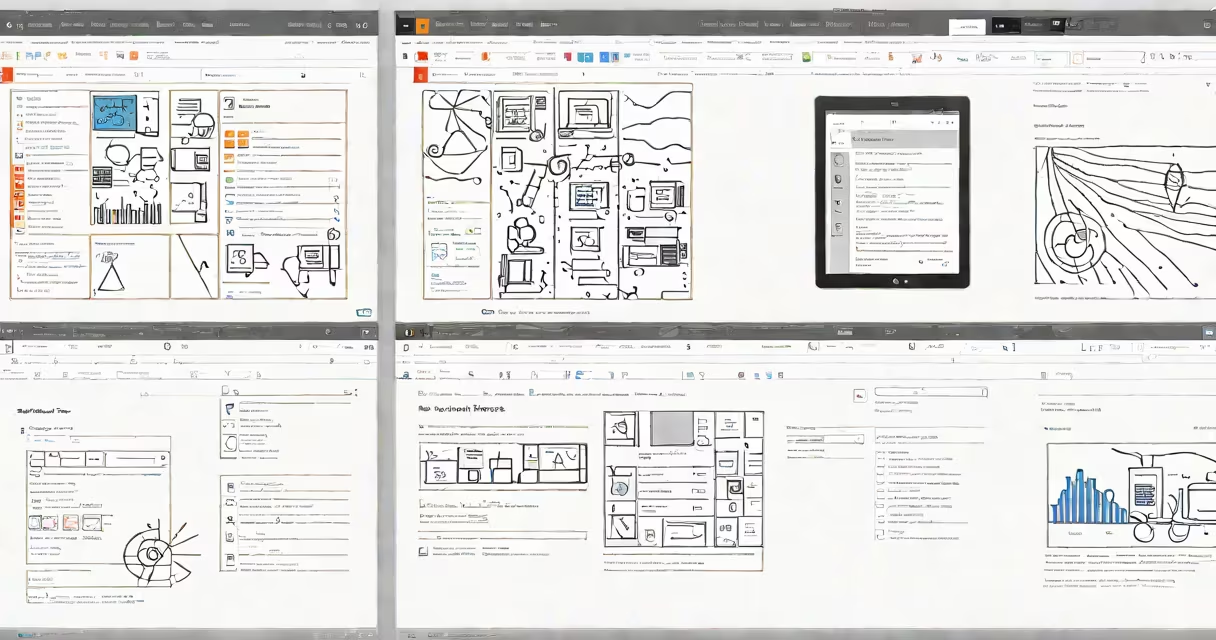
Power Apps for Office 365 is a low-code platform that enables business users to create custom applications using data from Excel, SharePoint, Dynamics 365, and other Microsoft 365 services. These apps run across web, tablet, and mobile devices without requiring traditional software development.
Power Apps integrates directly into the Microsoft 365 system. Users access it through the Power Apps portal or within Teams, Outlook, and SharePoint. It uses a visual designer with drag-and-drop components, formulas similar to Excel, and connectors to hundreds of data sources. This allows departments like HR, finance, and operations to automate workflows such as leave requests, inventory tracking, or customer onboarding.
According to Microsoft's official documentation, Power Apps supports over 200 prebuilt connectors, including those for SQL Server, Azure Active Directory, and Salesforce. The platform runs on Microsoft's cloud infrastructure, ensuring compliance with enterprise security standards. It's included in most Microsoft 365 Business and Enterprise plans, making it accessible across organizations of all sizes.
Power Apps operates on a model-driven or canvas-based architecture. Model-driven apps use a data model defined in Common Data Service (now part of Microsoft Dataverse), while canvas apps are built from scratch using a blank design surface. Both types allow users to define logic via a formula language called Power Fx, which resembles Excel expressions.
For example, a field labeled "Status" can be set to "Approved" when a form's "Approver" field contains a specific email address. This rule executes automatically when the form is submitted. The app then pushes the updated record to a SharePoint list or sends a notification via Teams.
Each app can include multiple screens, buttons, dropdowns, and data tables. Users can embed Power BI visuals, add authentication based on Azure AD, and publish apps to internal teams or external users. All changes are version-controlled and auditable through Microsoft's admin center.
There are two primary app types: canvas apps and model-driven apps. Canvas apps offer maximum flexibility for custom interfaces. Model-driven apps follow predefined entity structures and are better suited for complex business processes involving multiple related records.
| Type | Best For | Development Time | Data Source |
|---|---|---|---|
| Canvas App | Simple forms, mobile-first workflows | 1-3 days | Excel, SharePoint, SQL, REST APIs |
| Model-Driven App | CRM-style processes, multi-entity workflows | 3-7 days | Microsoft Dataverse, Dynamics 365 |
A common mistake is assuming all Power Apps require a developer. In reality, business analysts and team leads often build functional apps in under a week using templates from the Power Apps starter gallery. One retail chain reduced inventory reconciliation time from 12 hours weekly to 90 minutes using a canvas app that scanned barcodes and updated a SharePoint list.
Another misconception is that Power Apps only works with Microsoft products. While deeply integrated with Office 365, it supports external systems. A healthcare provider used Power Apps to connect patient intake forms to a HIPAA-compliant database via a secure API connector, meeting regulatory requirements without custom coding.
Organizations deploy Power Apps to reduce reliance on IT departments for minor application needs. A manufacturing company created a machine maintenance tracker that logs downtime, assigns technicians, and generates reports-all within Power Apps. The app pulls sensor data from IoT devices via Azure Functions and displays alerts in Teams.
Finance teams use it to automate expense approvals. Instead of emailing receipts, employees upload photos through a Power App that extracts vendor names and amounts using AI-powered form processing. The system routes the request to managers based on budget thresholds and stores records in a secure SharePoint folder.
According to a 2023 Microsoft Customer Success report, companies using Power Apps saw a 40% reduction in manual data entry tasks and a 30% increase in process completion speed. The tool is especially effective in decentralized environments where local teams need tailored solutions without waiting for centralized IT.
I built a vacation request app for my department during a two-day training session. Using the "Request Approval" template, I added fields for dates, reason, and manager approval. After connecting it to our SharePoint calendar and setting up automated reminders, the team adopted it within a week. The app now handles 85% of leave requests without HR intervention.
Power Apps is often mistaken for Power Automate, though they serve different purposes. Power Automate handles workflow automation-like sending emails when a form is submitted. Power Apps builds the form itself. They work together: a Power App collects data, and Power Automate acts on it.
Some assume Power Apps requires programming skills. The platform includes a formula editor with auto-suggestions and error highlighting. Even users with basic Excel knowledge can learn enough to build functional apps in a few weeks. Microsoft provides free learning paths through the Power Apps Learning Center.
Another error is treating Power Apps as a replacement for full-scale enterprise software. It's designed for departmental or process-specific tools-not for replacing ERP systems. A logistics firm tried to migrate their entire warehouse management system to Power Apps and failed due to performance limits. The solution was to use Power Apps for shipment tracking and keep core inventory functions in SAP.
Power Apps for Office 365 is not limited to desktop use. Mobile apps generated from canvas designs adapt to screen size and support offline mode. Data entered offline syncs when connectivity returns. This feature proved critical during a storm that disrupted network access at a regional distribution center.
To begin, sign in to the Power Apps portal with your Microsoft 365 account. Choose a template or start from blank. Connect to a data source-like an Excel file stored in OneDrive or a SharePoint list-and drag controls onto the screen. Use Power Fx to define behavior, such as showing a message when a required field is empty.
Once tested, publish the app to a group or individual users. Access it via the Power Apps mobile app or embed it in Teams. Monitor usage and performance through the admin dashboard.
Power Apps for Office 365 empowers non-developers to create functional, secure, and scalable applications. It bridges the gap between business needs and technical execution, enabling faster innovation across departments.