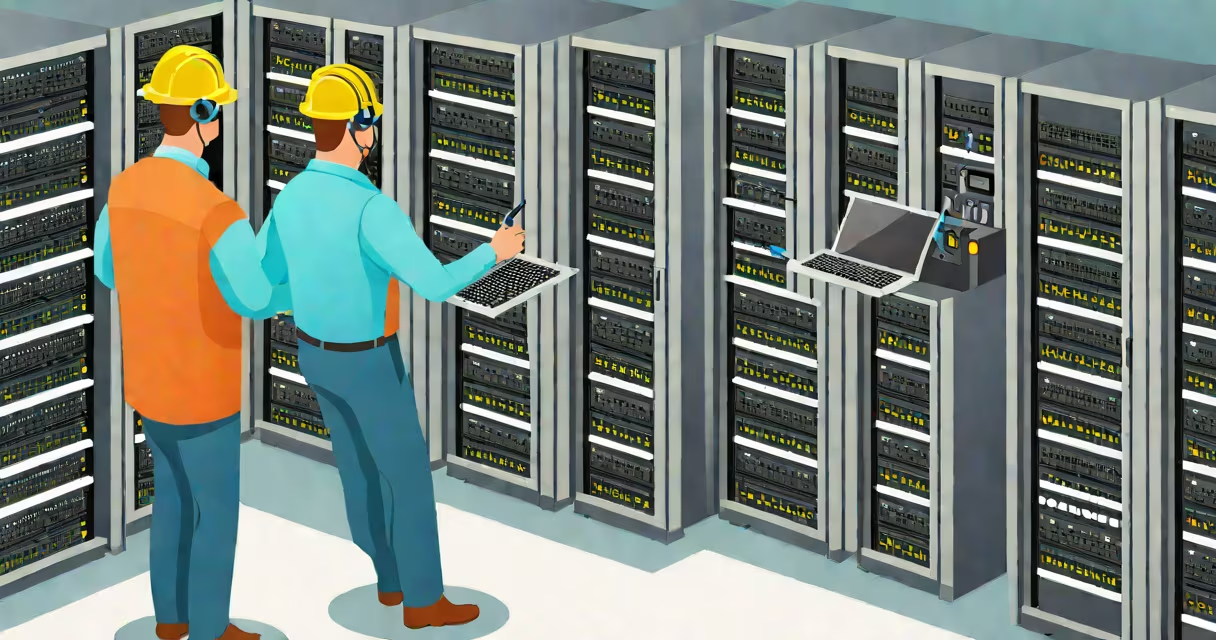
An IT tech, or information technology technician, installs, maintains, and troubleshoots computer hardware, software, and network systems. They ensure devices operate reliably and resolve technical issues quickly to minimize downtime. This role supports business continuity across organizations of all sizes.
IT technicians work with desktops, laptops, servers, printers, and network infrastructure. Their responsibilities include setting up new equipment, updating software, diagnosing errors, and providing frontline support. Most IT techs report to a network administrator or IT manager and often handle tickets submitted through helpdesk systems.
According to the U.S. Bureau of Labor Statistics, the median annual wage for computer support specialists-commonly called IT techs-was $61,000 in May 2023. These professionals are essential in healthcare, education, finance, and government sectors where system reliability is critical.
When a user reports a slow laptop or a printer won't connect, an IT tech investigates the root cause. They begin by gathering details: what device is affected, when the issue started, and whether others are experiencing the same problem. This initial triage reduces guesswork and speeds up resolution.
For example, if a sales team cannot access the customer database, the IT tech checks network connectivity, firewall settings, and authentication logs. Using tools like ping, traceroute, and remote desktop software, they isolate whether the issue lies in the local machine, internal network, or cloud service.
If a workstation fails to boot, the technician runs diagnostics via BIOS or a live USB. They may replace a failing hard drive, reimage the OS, or restore data from backups. In one case, I replaced a corrupted SSD on a field engineer's tablet during a site visit-after restoring the last known good configuration, the device was operational within 45 minutes.
IT techs rely on both physical and digital tools. Common hardware includes multimeters, cable testers, screwdrivers, and ESD-safe mats. Software tools include Remote Desktop Protocol (RDP), TeamViewer, PowerShell scripts, and endpoint management platforms like Microsoft Intune.
They also use diagnostic utilities such as Windows Event Viewer, Wireshark for packet analysis, and command-line tools like ipconfig and netstat. A technician might run a PowerShell script to remotely reset passwords across 50 user accounts during a security incident.
Proficiency in operating systems-Windows, macOS, Linux-is required. Understanding Active Directory, group policies, and user permissions enables secure access control. For instance, when a new employee joins, the IT tech creates an account, assigns appropriate group memberships, and provisions access to shared drives and email.
While the term "IT tech" applies broadly, roles vary by industry and specialization. Below are typical categories based on job function and environment:
| Type | Primary Focus | Typical Work Environment | Example Task |
|---|---|---|---|
| Desktop Support Technician | End-user devices and local networks | Office, school, retail | Setting up new employee workstations |
| Network Technician | Wired/wireless network infrastructure | Data centers, campuses, telecom | Installing fiber-optic cables and configuring switches |
| Server Technician | Physical servers and storage systems | Colocation facilities, enterprise data centers | Replacing failed RAID drives in a clustered server |
| Field Service Technician | On-site repair and installation | Client locations, manufacturing plants | Diagnosing a malfunctioning industrial control panel |
Some IT techs specialize in specific industries. For example, a hospital might employ a biomedical IT technician who supports medical devices like MRI machines. While their core skills overlap, MRI techs focus on imaging systems and patient safety protocols, requiring additional certifications beyond standard IT training.
IT techs are not software developers. They don't design applications or write complex code. Instead, they deploy, configure, and maintain existing software. They may install updates or patch vulnerabilities but do not create the underlying logic.
They are also distinct from cybersecurity analysts. While an IT tech might apply a firewall rule or disable a suspicious account, they don't conduct threat modeling or forensic investigations. That requires deeper expertise in risk assessment and incident response.
A common misconception is that IT techs fix everything instantly. In reality, many issues require escalation. For example, a corrupted domain controller cannot be repaired by a single technician. It demands coordination with system administrators and backup recovery teams. The technician's role is to document symptoms, collect logs, and assist in the restoration process.
In March 2023, a small accounting firm lost internet access during payroll processing. The IT tech arrived to find all employees unable to reach external servers. Initial checks showed the router's status lights were green, but no traffic passed through.
The technician ran a port scan and discovered a misconfigured VLAN assignment on the switch. After correcting the settings and rebooting the access point, connectivity returned. The outage lasted 37 minutes-within acceptable limits for the business's SLA. The event was logged, and a follow-up review recommended automated configuration validation to prevent recurrence.
This scenario illustrates how IT techs combine observation, tool use, and procedural knowledge to restore operations. They don't just react-they anticipate failure points and implement preventive measures.
Understanding the full scope of what an IT tech does helps clarify career paths and expectations. For those considering entry into the field, training programs at community colleges or certifications like CompTIA A+ provide foundational knowledge. More advanced roles may require CompTIA Network+, Security+, or vendor-specific credentials.