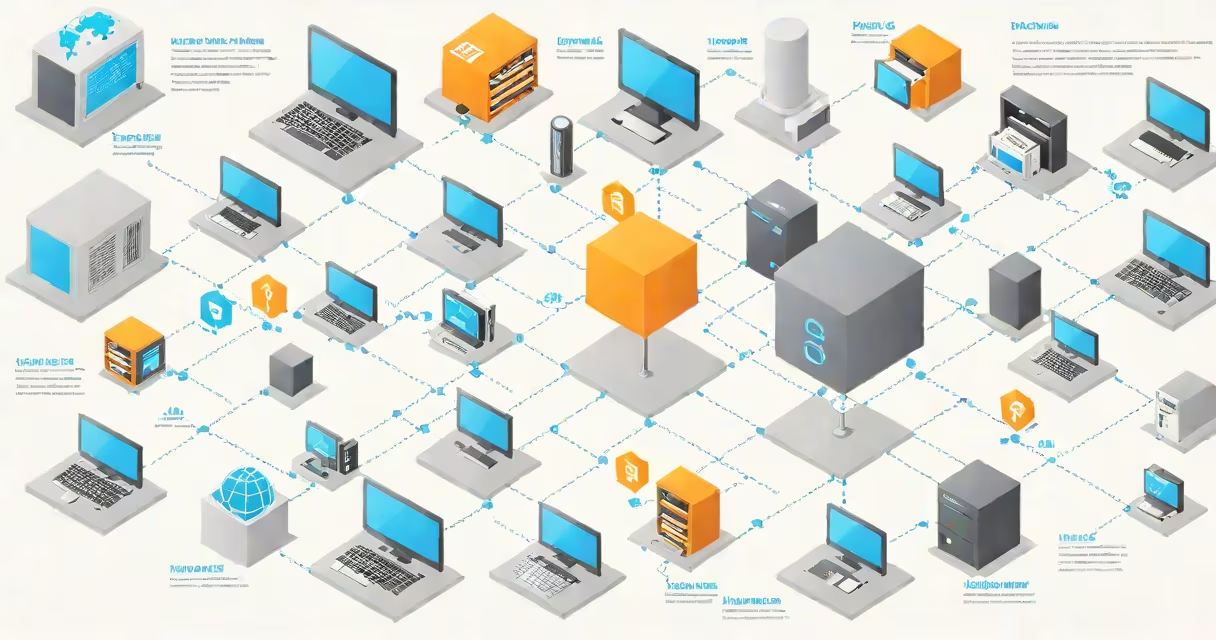
A DNS name server translates human-readable domain names like example.com into machine-readable IP addresses such as 93.184.216.34, enabling devices to locate and connect to websites across the internet.
The Domain Name System (DNS) functions as the internet's phone book. Without it, users would need to memorize or manually enter numeric IP addresses to access any site. DNS name servers store and manage this translation data, making online navigation possible.
When you type a website address into your browser, your device sends a request to a DNS name server. That server checks its records or queries others until it finds the correct IP address. Once retrieved, the browser uses that address to connect to the destination server and load the site.
Your device first contacts a recursive DNS resolver-often provided by your ISP, public services like Google Public DNS (8.8.8.8), or Cloudflare (1.1.1.1). This resolver acts as a middleman, handling the full lookup process on your behalf.
The resolver begins by querying root name servers. These are the top-level servers in the DNS hierarchy, responsible for directing requests to the appropriate top-level domain (TLD) servers-like .com, .org, or .net. For example, a request for example.com goes to the .com TLD server.
The TLD server then provides the address of the authoritative name server for the specific domain. This server holds the definitive DNS records for that domain, including A records (IP addresses), MX records (email servers), and CNAME records (aliases).
Once the resolver gets the IP address from the authoritative server, it returns it to your device. Your browser then connects directly to the website's server using that IP.
DNS name servers fall into four main categories based on their role in the lookup chain:
| Type | Function | Example |
|---|---|---|
| Root name servers | First step in DNS lookup; direct queries to TLD servers | 198.41.0.4 (a.root-servers.net) |
| TLD name servers | Handle domains ending in .com, .org, .uk, etc. | whois.icann.org (for .org) |
| Authoritative name servers | Store official DNS records for a domain | ns1.example.com (set by domain owner) |
| Recursive resolvers | Process full queries on behalf of clients | Google Public DNS (8.8.8.8) |
Each level passes the request along until the final IP address is returned. This layered structure ensures scalability and fault tolerance across the global internet.
Root name servers are distributed globally. There are 13 logical root server clusters, each operated by different organizations under ICANN oversight. They're physically hosted in multiple locations worldwide to reduce latency and increase redundancy.
TLD servers are managed by designated operators. For example, Verisign operates the .com TLD servers. These are also geographically dispersed and updated frequently to maintain performance and security.
Authoritative name servers are set by domain owners through their registrar or hosting provider. You configure them when you register a domain. For example, if you own example.com, you set the NS records pointing to your chosen authoritative servers-such as those hosted by AWS Route 53, Cloudflare, or a custom server.
Recursive resolvers are typically hosted by ISPs, cloud providers, or public services. Many users don't realize they're using a public DNS service unless they change settings manually.
Many people assume DNS name servers are physical machines in a single location. In reality, they're distributed networks of servers running on redundant hardware across multiple data centers. A single DNS record may resolve through dozens of servers in milliseconds.
Another misconception is that changing your DNS server changes your internet speed. While some public DNS services offer faster response times due to optimized infrastructure, DNS resolution is just one small part of browsing performance. Bandwidth, network congestion, and server load have far greater impact.
Some users also think DNS servers can block websites. While DNS filtering is used by schools and workplaces, it's not foolproof. Users can bypass filters by switching to alternative DNS services like Cloudflare's 1.1.1.1 or OpenDNS. However, this doesn't guarantee privacy or security-some DNS providers log queries.
Here's how a DNS lookup for example.com unfolds:
example.com into your browser.93.184.216.34.This entire process takes less than half a second on average. Over 90% of DNS lookups complete within 100 milliseconds, according to a 2023 report by APNIC.
Without DNS name servers, the internet would be unusable for most people. Imagine needing to remember the IP address of every site you visit. Even tech-savvy users would struggle with this.
DNS also supports critical internet functions beyond browsing. Email delivery relies on MX records stored in DNS. Secure connections (HTTPS) depend on DNS-based certificate validation. Modern web features like CDN routing and load balancing depend on changing DNS updates.
Security is another key function. DNSSEC (DNS Security Extensions) adds cryptographic signatures to DNS records, preventing spoofing and cache poisoning attacks. According to ICANN, over 25% of top-level domains now support DNSSEC validation.
I once monitored DNS resolution during a regional outage. When a major ISP's recursive DNS servers failed, users reported slow or failed website loading-even though the sites themselves were online. Switching to Google Public DNS restored access instantly. That experience confirmed how deeply tied internet reliability is to DNS infrastructure.
To see which DNS server your device is using, run the following command depending on your OS:
ipconfig /all. Look for "DNS Servers" under your network adapter.scutil --get DNS or cat /etc/resolv.conf.Understanding what a DNS name server is-and how it fits into the larger internet architecture-reveals the invisible systems that make daily web use smooth. It's not just a technical detail; it's foundational to how the internet functions.