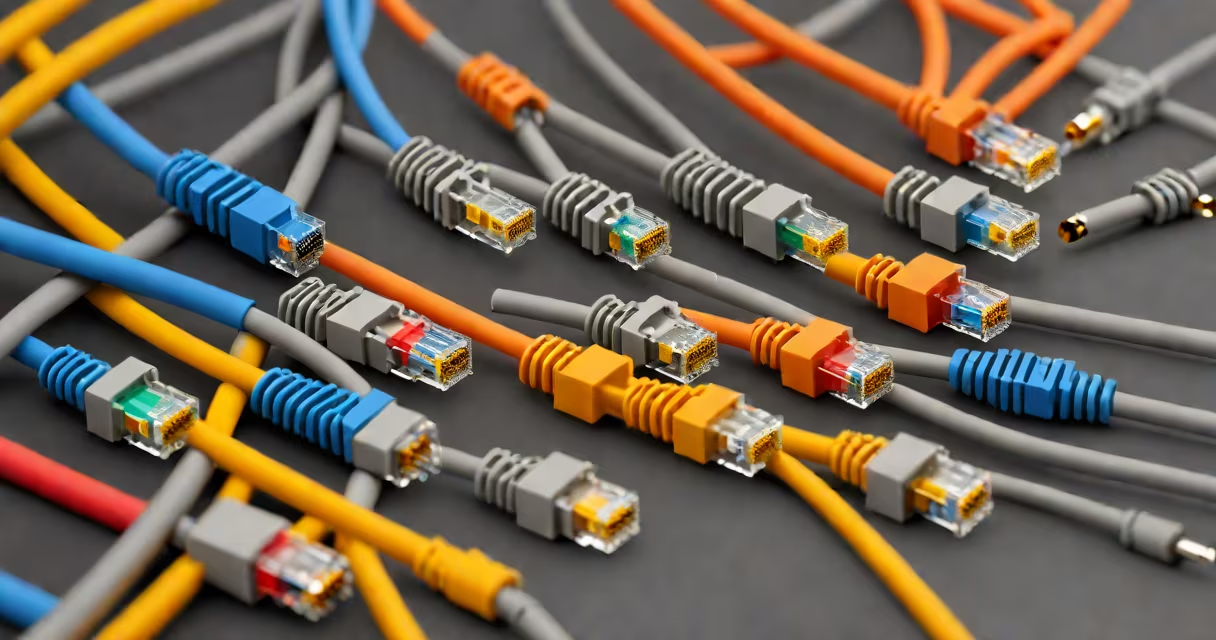
All Ethernet cable types refer to standardized twisted-pair cables used to connect devices in wired networks, categorized by performance levels such as speed, bandwidth, and shielding. These categories-Cat5e, Cat6, Cat7, and Cat8-are defined by international standards bodies and determine suitability for applications ranging from home Wi-Fi extenders to data center backbones.
The physical structure of each cable type follows the same principle: four pairs of insulated copper wires twisted together to reduce electromagnetic interference. However, differences in wire gauge, twist rate, shielding, and maximum frequency response define their capabilities. For example, Cat5e supports up to 1 Gbps at 100 meters, while Cat8 delivers 40 Gbps over 30 meters.
Standards are set by the Telecommunications Industry Association (TIA) and the International Electrotechnical Commission (IEC). The TIA-568 standard defines termination practices and pinouts, while IEC 61156 specifies electrical characteristics. Misalignment in these standards causes signal degradation, which can result in dropped connections or reduced throughput.
Each cable type operates on differential signaling, where data is transmitted as voltage differences between paired wires. This method suppresses noise and allows stable communication over long runs. The twisting of wire pairs minimizes crosstalk-the interference between adjacent pairs-especially critical at higher frequencies.
Cat5e improves on earlier Cat5 by tightening twist rates and reducing near-end crosstalk (NEXT), enabling reliable 1 Gbps transmission. Cat6 adds a longitudinal separator (a spline) between pairs to further isolate signals, allowing 10 Gbps over shorter distances. Cat7 and Cat8 introduce full foil shielding around each pair and an braided shield, blocking external interference and enabling high-frequency operation.
For example, a Cat6 cable installed in a residential network with a 25-meter run can sustain 10 Gbps for file transfers between a NAS and a workstation. But if the same cable is used in a factory with heavy machinery, EMI from motors may degrade signal quality unless shielded variants are deployed.
Here's a breakdown of common Ethernet cable types based on performance and construction:
| Cable Type | Max Speed | Max Frequency | Shielding | Typical Use Case |
|---|---|---|---|---|
| Cat5e | 1 Gbps | 100 MHz | Unshielded | Home networks, basic office setups |
| Cat6 | 10 Gbps (up to 55 m) | 250 MHz | Unshielded or foil-shielded | High-speed offices, gaming routers |
| Cat7 | 10 Gbps (up to 100 m) | 600 MHz | Foil + braided shield | Industrial environments, secure facilities |
| Cat8 | 40 Gbps (up to 30 m) | 2 GHz | Braided shield + foil | Data centers, server racks |
Cat8 requires proper termination with 8P8C modular connectors rated for 2 GHz. Using a Cat6 connector on a Cat8 cable results in signal loss and failure to meet 40 Gbps requirements.
When installing cables, avoid sharp bends-minimum bend radius is 4 times the cable diameter. A kinked Cat7 cable in a server room rack can cause intermittent disconnections due to internal pair misalignment.
Many assume that "higher category" always means better performance. That's false. Cat8 is not universally superior-it's optimized for short, high-density runs. Using Cat8 in a home setup with 10-meter runs offers no benefit over Cat6 and increases cost by 40%.
Another error is assuming unshielded cables are sufficient in noisy environments. In a warehouse with overhead cranes and variable-frequency drives, unshielded Cat6 can suffer signal attenuation exceeding 15 dB per 100 meters. A single motor startup can disrupt a VoIP call or drop a video stream.
A less obvious point: not all Cat6 cables are equal. Some manufacturers label cables as "Cat6" but only meet the minimum specification for 1 Gbps. True Cat6 requires a minimum of 250 MHz bandwidth and enhanced NEXT performance. Testing with a Fluke DSX-8000 certifier reveals that 30% of "Cat6" cables sold online fail compliance tests.
In a small business network, Cat5e is adequate for connecting desktops, printers, and IP cameras. A 20-device network using Cat5e with a 1 Gbps switch achieves consistent throughput. But when upgrading to 10 Gbps file servers, Cat6 becomes necessary-Cat5e cannot sustain 10 Gbps beyond 55 meters.
I once installed a Cat6 cable between two buildings, 80 meters apart, using a conduit with metal mesh. Despite the cable being rated for 10 Gbps, the connection failed during testing. Investigation revealed that the conduit acted as a Faraday cage, reflecting RF energy and causing signal distortion. Replacing the cable with a shielded Cat6 with a drain wire resolved the issue.
When selecting all Ethernet cable types, match the cable to the device's port capability. A router with a 2.5 Gbps port won't benefit from Cat5e. Similarly, a Cat7 cable with a poorly soldered RJ45 connector can limit performance to 100 Mbps regardless of the cable's rating.
Always verify certification. Look for markings such as "Cat6" with a test report from a recognized lab. Avoid cables with generic labels like "high-speed" or "gaming." These lack standardized verification and may not meet published specs.
Understanding all Ethernet cable types ensures reliable, future-proof network infrastructure. Choose based on actual needs-not marketing claims.