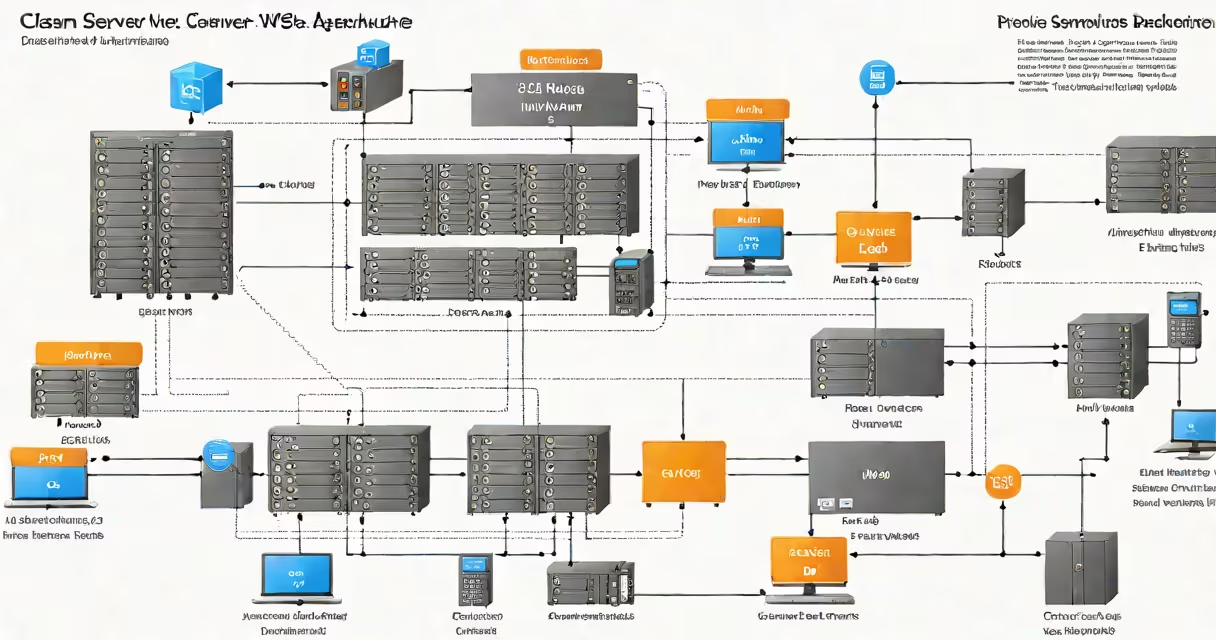
An AWS web server is a virtual machine hosted on Amazon Web Services that runs website code, processes HTTP requests, and serves web content over the internet. It operates on Elastic Compute Cloud (EC2), a service that provides resizable compute capacity in the cloud.
When you deploy a website or web app on AWS, you launch an EC2 instance configured with an operating system, web server software (like Apache or Nginx), and your application files. This instance becomes the AWS web server, accessible via a public IP address or domain name.
For example, a small business launching a product site might create an EC2 instance running Ubuntu Linux, install Nginx, and place their HTML/CSS/JavaScript files in the web root. Once configured, visitors access the site through a URL like http://ec2-198-51-100-25.compute-1.amazonaws.com.
AWS web servers process incoming HTTP requests by routing them through network layers managed by AWS. When a user visits a website, their browser sends a request to the server's public IP or DNS name. The AWS network routes the packet to the correct EC2 instance based on routing tables and security group rules.
The instance's operating system handles the request, passes it to the web server software (e.g., Apache or Nginx), which then reads the requested file from disk or executes changing code (such as PHP or Node.js). The response is sent back through the same path.
Each EC2 instance runs on physical hardware in AWS regions. You choose the region closest to your users to reduce latency. For example, placing a server in us-east-1 (Northern Virginia) serves most North American traffic faster than choosing eu-west-1 (Ireland).
EC2 offers multiple instance types tailored to different workloads. The choice affects performance, cost, and scalability. Here are common types:
| Instance Type | CPU Cores | Memory | Best For |
|---|---|---|---|
| t3.micro | 1 | 1 GiB | Small static sites, testing, low-traffic blogs |
| m6i.large | 2 | 8 GiB | Medium traffic, small databases, development environments |
| c6i.xlarge | 4 | 16 GiB | High-performance applications, APIs, video processing |
Each instance runs a selected Amazon Machine Image (AMI)-a pre-configured template with an OS and software. Common AMIs include Amazon Linux 2, Ubuntu Server, and Windows Server. You can also customize your own AMI for reuse across deployments.
Security is enforced through Security Groups (firewall rules) and Network Access Control Lists (NACLs). A properly configured security group allows only HTTP (port 80) and HTTPS (port 443) traffic from the internet, blocking all other inbound connections.
Many assume that an AWS web server requires constant manual management. In reality, you can automate setup using Infrastructure as Code (IaC) tools like AWS CloudFormation or Terraform. These tools define server configuration in text files, enabling repeatable, version-controlled deployments.
Another misconception is that AWS web servers are inherently expensive. Costs depend on usage. A t3.micro instance running 24/7 costs about $0.0106/hour ($7.63/month), according to AWS pricing documentation. This makes it affordable for hobbyists and startups.
Some confuse AWS web servers with AWS Lambda functions. While both host code, Lambda runs event-driven code in containers without managing servers. Lambda is ideal for backend logic triggered by API calls or file uploads, whereas EC2 instances are better for long-running services like websites with persistent sessions.
Consider a developer building a personal portfolio site using HTML, CSS, and JavaScript. They follow these steps:
sudo yum install nginx -y./usr/share/nginx/html.sudo systemctl start nginx.This entire setup took under 15 minutes and cost less than $1 per month. The site remains live until the instance is stopped or terminated.
I deployed a similar site during a workshop at a tech meetup. After setting up the EC2 instance and configuring Nginx, I demonstrated how to update the site by replacing the index.html file. The change was visible within seconds across all devices.
Use Elastic IPs for stable public addresses. Unlike ephemeral public IPs, Elastic IPs remain assigned to your instance even after rebooting or stopping.
For better availability, run multiple instances behind an Application Load Balancer (ALB). ALB distributes traffic across instances and automatically detects unhealthy ones, redirecting traffic away from them.
Integrate with AWS Route 53 to map a custom domain (e.g., www.johnsmith.dev) to your server's public IP or ALB endpoint. This improves branding and accessibility.
Monitor performance using Amazon CloudWatch. Set alarms for CPU utilization above 80% or high error rates in HTTP responses. This enables proactive scaling or troubleshooting.
Always encrypt data at rest using Amazon EBS volumes with encryption enabled. Enable automatic backups with AWS Backup to protect against accidental deletion or corruption.
An AWS web server is a scalable, configurable virtual machine that hosts websites and web applications using Amazon's global infrastructure. It supports diverse workloads-from simple static sites to complex changing apps-through customizable instance types, secure networking, and integration with other AWS services.
Understanding how it functions, selecting the right instance type, and applying proper security and monitoring practices ensures reliability and cost efficiency. a full-scale e-commerce platform, AWS web servers provide the foundation for modern web delivery.