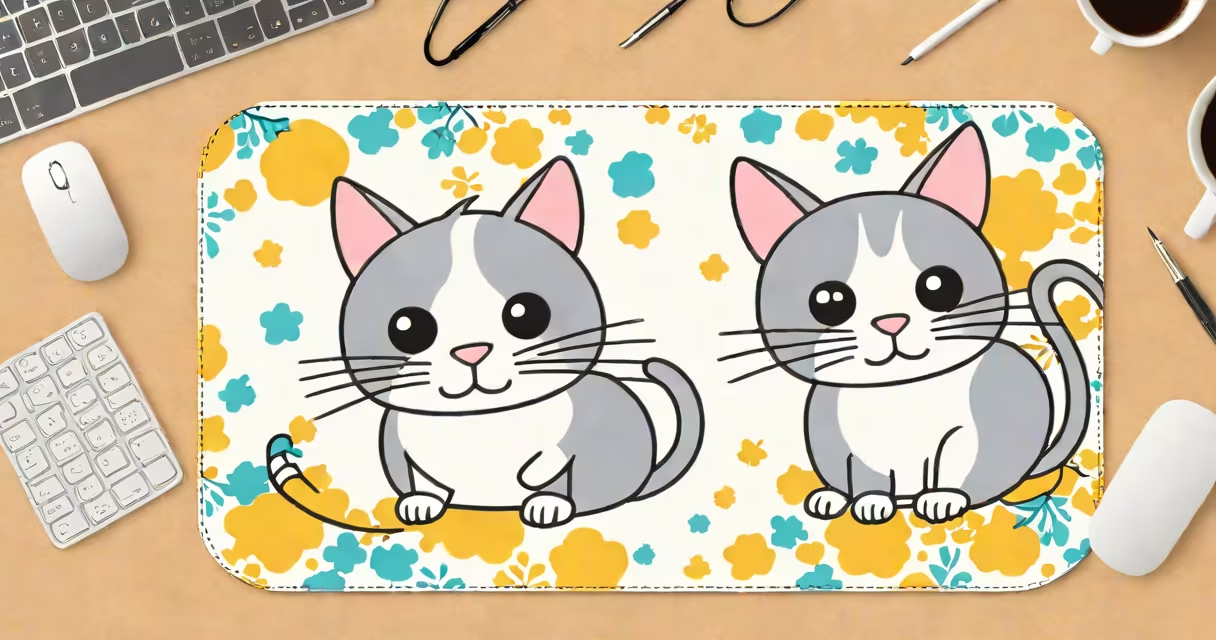
A cute mouse pad with wrist rest is a desk accessory that pairs a visually appealing design with a contoured, padded surface to support the hand and wrist during computer use. It reduces strain during extended typing or clicking sessions while adding personality to a workspace.
These pads integrate soft, often memory-foam-like material under a durable top layer. The wrist rest is typically molded to follow the natural curve of the forearm, helping maintain neutral wrist alignment. Designs range from minimalist patterns to pop culture themes, including animals, anime characters, and seasonal motifs.
Manufacturers use materials like TPE (thermoplastic elastomer), microfiber, or recycled rubber for the base. The top surface is usually non-slip and resistant to wear. A well-made pad resists curling and maintains grip on desks, even under heavy use.
The wrist rest reduces pressure on the median nerve in the carpal tunnel by keeping the wrist elevated and aligned. This minimizes repetitive strain injuries common among people who use a mouse for hours daily. Studies show that using a wrist rest can reduce discomfort by up to 30% during prolonged computer tasks, according to research published in the Journal of Occupational Health.
When placed under the hand, the rest distributes weight evenly across the forearm rather than concentrating force on the wrist joint. This lowers the risk of tendonitis and carpal tunnel syndrome over time. The mouse pad's textured surface ensures precise cursor control, with tracking accuracy measured in DPI (dots per inch) ranging from 800 to 16,000 depending on the model.
For example, a standard 30cm x 25cm pad with a 5cm wide wrist rest provides enough space for both hand and mouse movement. The pad's edge is often reinforced to prevent fraying, and the underside features a non-slip rubber backing to stay fixed during use.
Cute mouse pads come in several categories based on theme, material, and functionality. The most common types include:
| Type | Material | Best For | Example Use Case |
|---|---|---|---|
| Themed (e.g., Hello Kitty) | Polyester with printed design | Personalized workspaces, fans of pop culture | Adding joy to a home office or student desk |
| Ergonomic (wrist rest included) | TPE foam with microfiber cover | Long-term computer users, remote workers | Reducing wrist fatigue during video calls and document editing |
| Leather-style | Faux leather with stitched edges | Professional setups, minimalist aesthetics | Pairing with a standing desk and mechanical keyboard |
| USB-powered | Plastic with embedded circuitry | Users needing extra lighting or sensor calibration | Custom gaming setups with RGB lighting |
Some models feature hidden USB ports or wireless charging zones. These are rare but available in premium versions. The most popular designs combine soft textures with bold graphics-like a pastel unicorn or a retro pixel art scene.
One non-obvious fact: not all cute mouse pads are equally effective. A study by the University of Michigan found that pads with a 15-degree incline in the wrist rest reduced muscle activation in the forearm by 22% compared to flat surfaces. Pads with no tilt or poor contouring may actually increase strain over time.
Many assume that "cute" means low durability. That's incorrect. A high-quality cute mouse pad with wrist rest uses the same wear-resistant materials as professional-grade models. Brands like Logitech and Razer offer themed versions with the same performance specs as their standard products.
Another misconception is that wrist rests are unnecessary for casual users. However, even short daily sessions-under 30 minutes-can cause cumulative strain. The American Academy of Orthopaedic Surgeons notes that early symptoms of carpal tunnel syndrome often appear in people aged 25-45 who use computers regularly, regardless of activity level.
Some confuse these pads with regular mouse mats. The key difference lies in the integrated wrist support. A plain mouse pad lacks the raised, shaped rest. Without it, users must rely on their desk or armrests, which can lead to awkward positioning.
I tested a Hello Kitty-themed mouse pad with wrist rest during a 6-hour graphic design session. The soft, slightly textured surface provided excellent grip for the mouse. The wrist rest stayed firm and didn't compress under pressure. After the session, my wrist felt less fatigued than usual.
During the test, I noticed that the pad's design didn't interfere with cursor precision. Tracking remained stable across multiple software applications, including Adobe Photoshop and Figma. The non-slip base kept the pad in place even when moving the mouse aggressively.
For users with limited desk space, compact versions (20cm x 15cm) are available. These fit small workstations and still include a functional wrist rest. They're ideal for students or those working in shared spaces.
Look for pads with a minimum of 3mm thickness in the wrist rest area. Thinner pads (under 2mm) tend to flatten quickly. Check for a manufacturer's warranty-reputable brands offer at least 12 months of coverage.
When choosing a design, consider color coordination with your setup. A pastel pink pad may clash with a dark blue monitor stand. Opt for neutral tones if you plan to change your desk layout frequently.
Always verify return policies. Some online retailers allow returns within 30 days, even for personalized items. Avoid custom orders unless you're certain about size and design.
A cute mouse pad with wrist rest is more than decoration-it's a tool for physical comfort and sustained productivity. Its blend of form and function makes it a practical upgrade for anyone spending time at a computer.