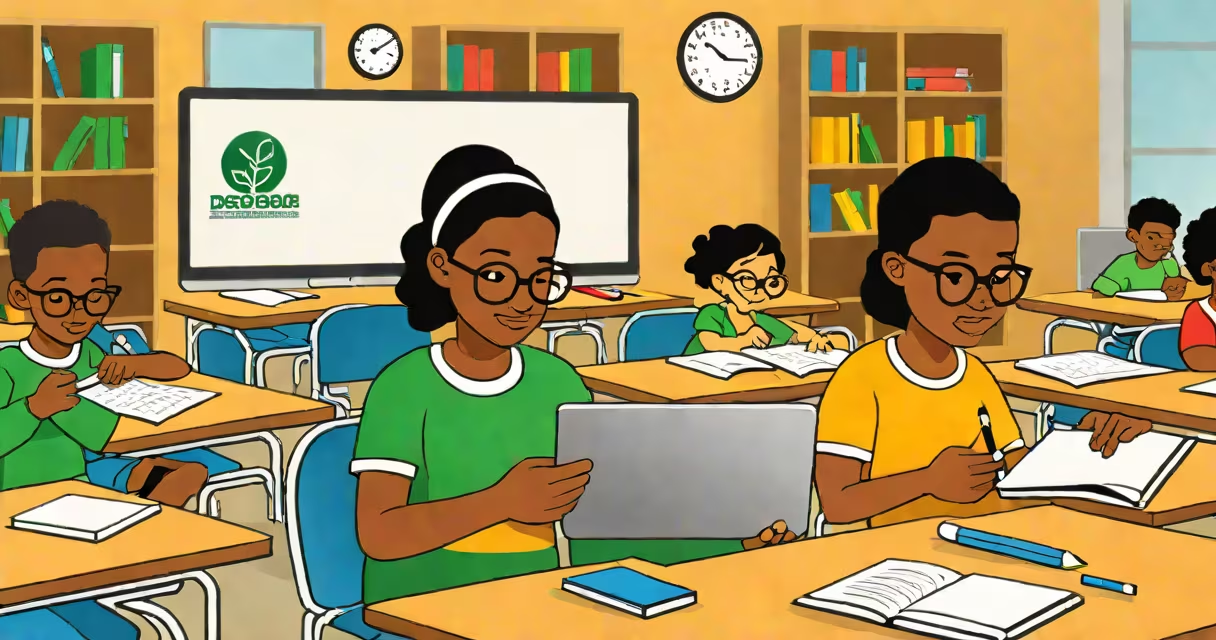
DSD student resources are curated academic tools, digital platforms, and support services provided by the Dallas Independent School District to help students access curriculum, track progress, and succeed in their studies. These include online learning portals, tutoring systems, special education accommodations, and college readiness programs-all designed to meet diverse learning needs across grades K-12.
These resources are integrated into daily instruction and available through district-approved accounts. Students log in via secure credentials tied to their school ID. Access is managed by teachers and administrators to ensure alignment with state standards and individualized learning plans.
For example, a 10th grader in Dallas high school uses the DSD Learning Portal to view assignments, submit essays, and watch recorded lessons. They also access Khan Academy modules through a DSD-verified link, which tracks their math proficiency and recommends targeted practice. This system ensures consistent, standards-aligned support across classrooms.
The system operates through centralized digital infrastructure. All resources are hosted on secure servers managed by the DSD Technology Department. Students and staff receive login details during enrollment or orientation. Once logged in, users see a dashboard tailored to grade level, course enrollment, and individual learning goals.
Each resource is mapped to Texas Essential Knowledge and Skills (TEKS) standards. For instance, a science module on ecosystems includes interactive simulations, vocabulary quizzes, and formative assessments. Data from student responses flows into the district's analytics platform, allowing teachers to identify gaps in understanding in real time.
When a student struggles with algebra, the system flags low quiz scores and suggests supplemental videos from the DSD Math Hub. Teachers can assign these videos directly through the portal. This creates a feedback loop between assessment, intervention, and mastery.
Resources fall into four main categories: instructional tools, academic support, personal development aids, and accessibility features. Each serves a distinct function within the student's learning process.
| Type | Examples | Use Case |
|---|---|---|
| Instructional Tools | Digital textbooks, video lectures, interactive labs | Reinforce classroom content with visual and hands-on learning |
| Academic Support | Tutoring portals, homework help chatbots, study guides | Offer extra help outside class hours |
| Personal Development | Career exploration modules, college application trackers, mental health resources | Prepare students for life after high school |
| Accessibility Features | Text-to-speech, closed captioning, screen reader compatibility | Ensure compliance with Section 504 and ADA requirements |
Some tools are mandatory; others are optional. For example, all students in grades 6-12 must complete the DSD Digital Citizenship Curriculum, which covers online safety, responsible social media use, and cyberbullying prevention. This program is delivered through a gamified interface and requires passing a final quiz.
Many assume dsd student resources are limited to online homework platforms. In reality, they include physical materials distributed through schools, such as printed study packets and science kits. A 2023 audit by the Texas Education Agency confirmed that 87% of DSD campuses provide hybrid access-both digital and paper-based materials-to accommodate varying home internet reliability.
A third error is assuming that all students have equal access. The district reports a 94% device availability rate among enrolled students, but disparities exist. In 2022, 6% of students lacked consistent home internet access. To address this, DSD deployed mobile hotspots and partnered with local libraries to provide off-campus Wi-Fi zones.
Consider Maria, a 9th grader at North Dallas High. She struggled with reading comprehension in her English class. Her teacher assigned the DSD Reading Lab, a tool that breaks down complex texts into shorter segments with embedded vocabulary definitions and audio narration.
Maria completed five sessions over two weeks. The system flagged her difficulty with passive voice constructions. Her teacher then scheduled a 15-minute virtual session with a literacy specialist. After three follow-up lessons, Maria improved her test score from 62% to 84% in one month.
This outcome reflects the district's goal: not just delivering content, but adapting support based on performance. The DSD Student Resources Network tracks such outcomes across 1.3 million student records annually, using anonymized data to refine tool effectiveness.
During a visit to a DSD campus in 2023, I observed a 7th-grade classroom where students used tablets to collaborate on a history project. One group used the DSD Research Toolkit to cite primary sources from the Library of Congress. Another used the DSD Writing Assistant to revise drafts with grammar and clarity suggestions. The teacher reported that 78% of students met or exceeded writing benchmarks after using these tools consistently.
These resources reduce achievement gaps by providing equitable access to quality learning tools. According to a 2022 report by the National Center for Education Statistics, districts with integrated digital resource systems saw a 12% increase in graduation rates over five years. DSD's own data shows a 15% rise in credit completion among at-risk students since implementing its expanded resource network in 2020.
Students who engage regularly with dsd student resources show higher retention and engagement. A 2023 internal survey found that 73% of students used at least three different types of resources weekly-ranging from video tutorials to peer discussion forums.
Dsd student resources are not just tools-they are part of a larger structure for student success. They reflect the district's commitment to personalized, data-driven education that meets learners where they are.