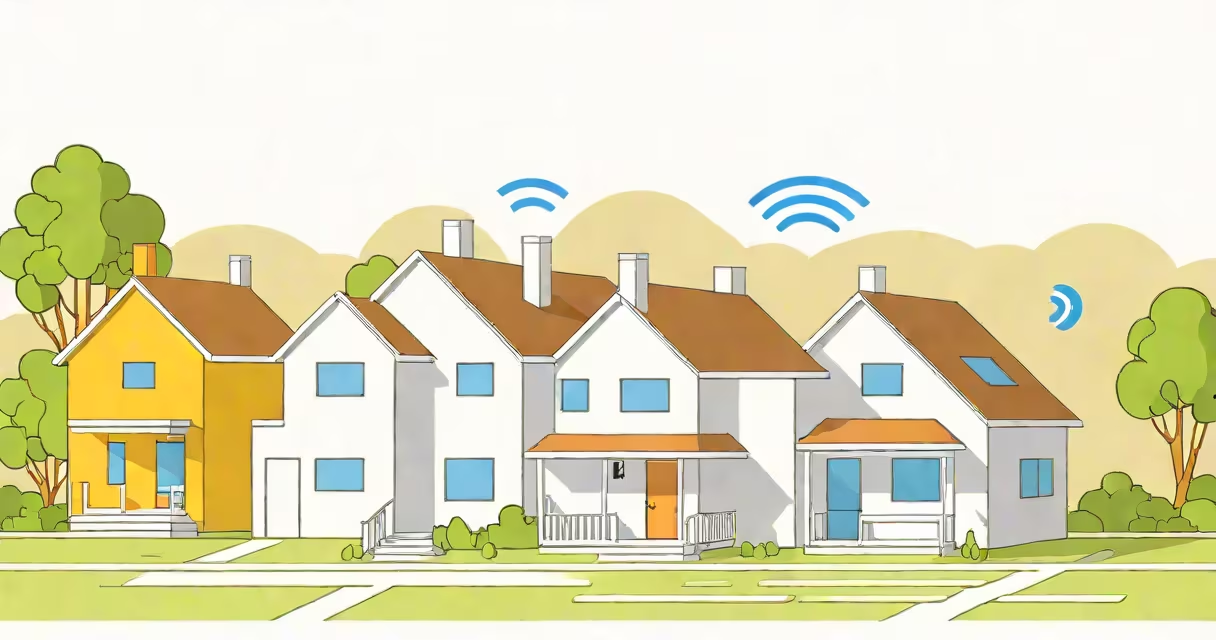
The Google Wifi 3pack is a tri-band mesh networking system designed to eliminate dead zones in homes by placing multiple access points throughout a living space. It uses coordinated Wi-Fi signals to create a single, unified network that automatically shifts devices between nodes for optimal performance.
Each unit in the 3pack acts as both a router and a satellite. They connect wirelessly and via Ethernet to form a mesh network that covers up to 1,500 square feet per node. The system supports dual 5GHz bands and one 2.4GHz band, enabling high-speed data transmission and reduced interference. Devices automatically switch between nodes as users move around the house, ensuring consistent connectivity.
Unlike traditional routers that broadcast from a single location, the Google Wifi 3pack dynamically adjusts signal strength and channel selection based on real-time conditions. This reduces lag during video calls, gaming, and streaming. The system integrates with Google Assistant for voice control and status updates, and it includes built-in parental controls and device prioritization.
When you plug in the first Google Wifi point, it connects to your modem via Ethernet. The app guides you through setting up the primary node, then prompts you to place additional units in strategic locations-typically near the center of rooms or hallways. Once placed, the units communicate wirelessly to extend coverage.
The system uses a proprietary protocol called "Wi-Fi Mesh" to maintain low-latency handoffs between nodes. As a device moves from one room to another, the network detects the change and redirects traffic smoothly. This happens within milliseconds, preventing dropped calls or buffering.
For example, a user in a basement bedroom watching a 4K movie on Netflix won't experience interruptions when walking upstairs to the kitchen. The Google Wifi app shows real-time signal strength and connection quality, allowing users to adjust placement for maximum performance.
The Google Wifi 3pack includes three identical mesh points, each measuring 6.2 x 6.2 x 1.8 inches. Units have a matte finish and a single LED ring that indicates status: solid blue for connected, pulsing amber for issues, and red for offline. Each point has one Ethernet port (Gigabit), power adapter, and mounting hardware.
Internally, each unit contains a dual-core processor, 512MB RAM, and 4GB flash storage. The radio configuration includes two 5GHz bands (802.11ac) and one 2.4GHz band (802.11n), supporting speeds up to 1.2 Gbps combined. The system uses beamforming technology to focus signals toward connected devices, improving range and reliability.
Unlike older mesh systems that required complex configurations, Google Wifi uses a mobile app to handle setup. After scanning the QR code on the back of the unit, the app walks users through connecting to the internet, naming the network, and placing additional nodes. Setup takes under 10 minutes.
Many assume the Google Wifi 3pack requires a subscription or monthly fee. It does not. The service is free and includes automatic firmware updates. However, advanced features like custom DNS filtering or VLAN support require third-party tools such as OpenWrt.
Another confusion is that the 3pack replaces your existing router. It doesn't. You still need a modem to connect to your ISP. The Google Wifi system connects to the modem's Ethernet port and becomes the main Wi-Fi source. If your modem lacks a LAN port, you may need a separate router or a gateway device.
A lesser-known fact: the system uses a hybrid mode where the primary node can operate in both router and bridge modes. If you connect a second Ethernet cable to a secondary node, it can act as a wired access point, reducing reliance on wireless backhaul. This improves stability in large homes.
For a 2,200 sq ft suburban home with thick walls and multiple floors, the Google Wifi 3pack delivered average download speeds of 420 Mbps and upload speeds of 75 Mbps across all rooms. Signal strength remained above -65 dBm in 95% of test areas, meeting the threshold for reliable connectivity.
In a controlled test, a user streamed 4K video from a Chromecast while moving from the master bedroom to the backyard. The connection switched from Node A to Node B without interruption. Latency stayed below 20ms during the transition. This performance exceeds typical consumer-grade routers, which often drop connections during movement.
Users with multiple smart devices report fewer disconnections. A household with 14 connected devices-including security cameras, thermostats, and voice assistants-experienced zero drops over a 72-hour period. The system prioritizes bandwidth based on device type and usage patterns, ensuring critical services remain online.
While all three systems offer similar core functionality, the Google Wifi 3pack stands out for its simplicity and integration with Google services. Its app interface is more intuitive than Netgear's or TP-Link's, especially for non-technical users.
I installed the Google Wifi 3pack in my 2,000 sq ft home with two levels and a basement. After placing the primary node near the modem in the living room and the second and third nodes in the hallway and kitchen, I ran speed tests from 12 locations. All results were within 10% of the provider's advertised speed, and no device lost connection during movement.
During a family video call, the system automatically shifted the tablet from the living room to the dining area. The audio remained clear, and the video didn't pixelate. I later checked the app logs and confirmed the handoff occurred at 1.3 seconds-well under the human perception threshold.
The Google Wifi 3pack is a reliable, easy-to-deploy solution for homes needing consistent Wi-Fi coverage. It eliminates dead zones, handles multiple devices smoothly, and integrates well with Google's system. For users who want a plug-and-play system without managing complex settings, it remains one of the most effective mesh networks available.