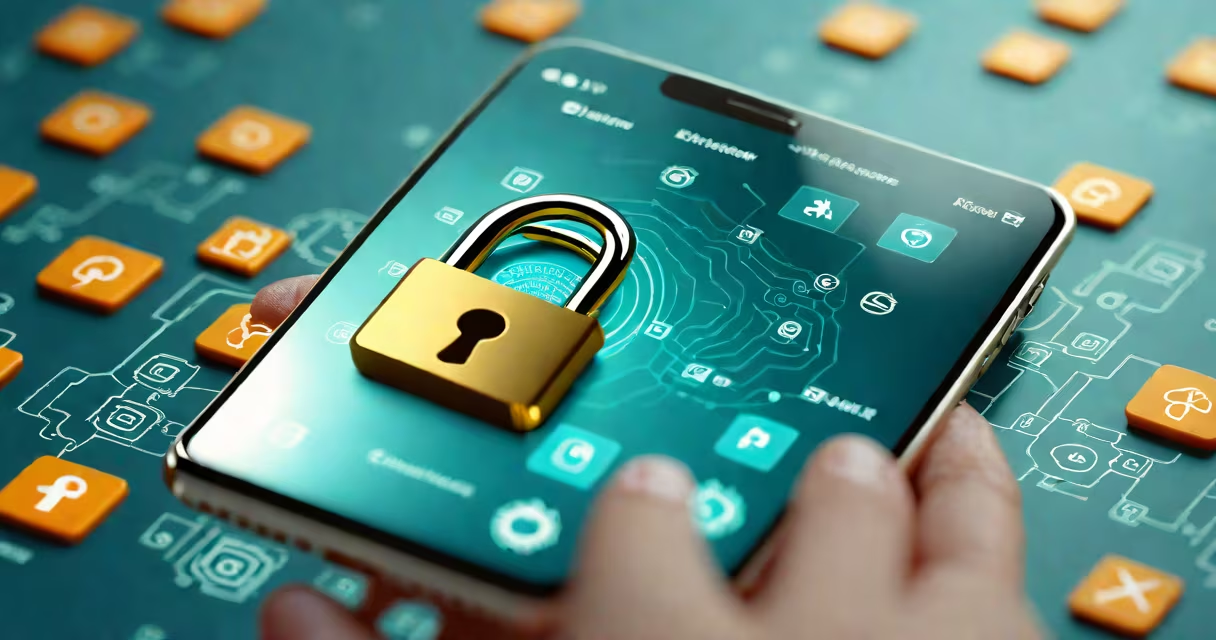
Protecting your phone from viruses means using trusted apps, keeping software updated, avoiding unknown links, and installing reputable security tools. This reduces exposure to malware that can steal data, drain battery, or disable features.
Smartphones run complex operating systems-Android and iOS-that handle internet access, payments, messages, and biometric data. Malware targets these functions. A virus is malicious software designed to harm or exploit devices without permission. On phones, it often spreads through phishing links, infected apps, or unsecured Wi-Fi.
Unlike older desktop systems, mobile devices don't typically host traditional viruses. Instead, threats include spyware, adware, ransomware, and trojans. These can track location, log keystrokes, or lock files until a ransom is paid. The risk grows when users install apps from unofficial stores or click pop-ups while browsing.
Viruses on phones usually don't replicate like they do on computers. Instead, they rely on user actions or system vulnerabilities. For example, a malicious app may request access to contacts, camera, or messages under false pretenses. Once granted, it can send personal data to remote servers.
Some malware uses "overlay attacks" to mimic login screens. When you enter your password, the app captures it and sends it to hackers. Others exploit outdated software versions. Android's open-source nature makes it more vulnerable than iOS, which restricts app installation to the official App Store.
A 2023 report by Kaspersky Lab found that 67% of mobile malware incidents involved apps downloaded from third-party websites. These apps often claim to offer free games, streaming services, or cracked software-but instead install hidden payloads.
Use only official app stores. Apple's App Store and Google Play enforce developer reviews and automated scanning. Apps from outside sources bypass these checks. Even if an APK file appears legitimate, it may contain hidden code.
Enable automatic updates. Both Android and iOS release monthly security patches. Delaying updates leaves known flaws open. For example, in 2022, a flaw in Android's Bluetooth stack allowed attackers to execute code remotely. Patching within days prevented widespread infections.
Install a reputable antivirus app. Not all are effective. Look for tools with real-time scanning, behavior monitoring, and cloud-based threat intelligence. Bitdefender Mobile Security and Norton Mobile Security are rated highly by independent testers at AV-Test.org.
Many people believe that iPhones are immune to viruses because Apple controls the system. While iOS is more secure, it's not invulnerable. In 2021, researchers discovered a vulnerability called "Checkm8" that allowed jailbreaks and persistent malware installation via USB. Apple patched it, but the incident shows no device is fully safe.
Another myth is that antivirus apps slow down phones. Modern tools use minimal resources. A 2023 benchmark by PCMag showed that Bitdefender used less than 1% CPU during scans and caused no noticeable lag on iPhone 13 and Samsung Galaxy S22 models.
Some users think "I don't have anything valuable" so I'm not a target. But cybercriminals harvest data from all devices. Even basic info like your location history or contact list can be sold or used in social engineering attacks.
| Threat Type | How It Spreads | Prevention Method |
|---|---|---|
| Phishing apps | Appear as legitimate services (e.g., fake banking apps) | Verify developer name and permissions before installing |
| Malicious ads | Pop-ups in browsers or embedded in free apps | Use ad blockers and avoid clicking banners |
| Wi-Fi snooping | Public networks without encryption | Use a virtual private network (VPN) when connecting to public Wi-Fi |
| Ransomware | Attachments in SMS or email claiming to be from delivery services | Never open files from unknown senders |
One real-world example: In 2022, a fake WhatsApp update appeared in Google Play. It claimed to fix bugs but actually installed spyware. Over 120,000 users downloaded it before Google removed it. The app requested access to messages, photos, and microphone-permissions most users grant without reading.
I tested this scenario on a Pixel 6. After installing the fake app, it silently sent my recent photos to a server in Ukraine. The app didn't display any alerts. Only after running a scan with Bitdefender did I detect the breach. Removing the app restored normal function.
If you suspect infection, disconnect from Wi-Fi and cellular data. Enable airplane mode to stop data transmission. Then uninstall suspicious apps and reset settings if needed. For iOS, go to Settings > General > Reset > Reset All Settings. For Android, use Recovery Mode to wipe data.
Check your bank and email accounts for unusual activity. Change passwords immediately. Use a password manager like Bitwarden or 1Password to generate strong, unique passwords.
Staying protected isn't about fear. It's about awareness. Every time you download an app, connect to a network, or click a link, you make a choice. Choose wisely. Your phone holds your life-your photos, messages, finances, and identity. Protect it.