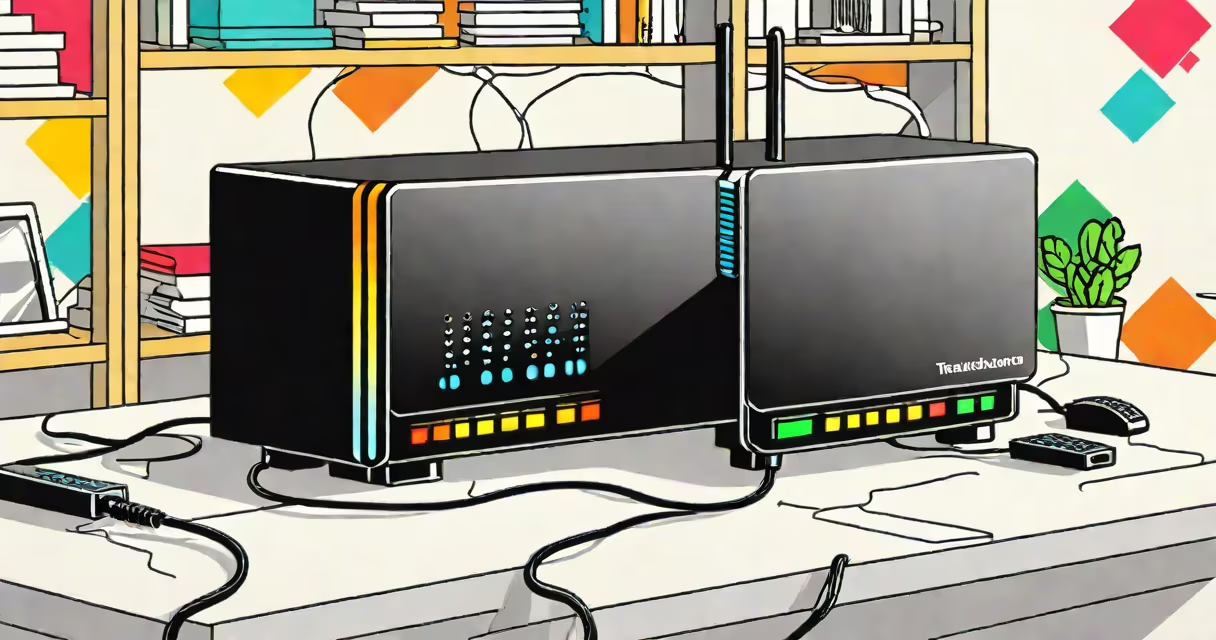
troubleshoot spectrum modem refers to diagnosing and resolving connectivity problems with the device provided by Spectrum for home internet access. This includes fixing slow speeds, lost connections, error lights, and failed setup.
Spectrum modems, typically supplied by the provider, serve as the gateway between your home network and the broadband signal. They convert the incoming fiber or coaxial signal into a usable internet connection for your devices. When issues arise, troubleshooting involves checking physical connections, resetting the hardware, verifying service status, and contacting support if needed.
Most problems stem from loose cables, outdated firmware, or temporary outages. A systematic approach-starting with basic checks and escalating to advanced resets-resolves 90% of cases without needing a technician visit.
When a Spectrum modem fails, it usually displays indicator lights showing status. A solid green light means power and signal are stable. Blinking or red lights indicate issues: red often signals no signal, blinking blue may mean it's syncing, and amber suggests a problem with the internet connection.
Start by confirming the coaxial cable is tightly secured at both ends-the modem and the wall outlet. Loosen and reinsert the connector. Check for damage or kinks. If using a fiber connection, ensure the optical cable is properly seated and not bent sharply.
Next, perform a reboot. Unplug the modem's power adapter for 60 seconds, then plug it back in. Wait 3 minutes for the unit to fully restart. During this time, the lights should cycle through states: power (solid green), signal (flashing blue), and internet (solid green). If the internet light remains off, proceed to deeper diagnostics.
Slow internet speed is among the most frequent complaints. Before assuming the modem is faulty, test speed using a wired connection. Connect a laptop directly to the modem via Ethernet. Run a speed test at speedtest.net. If results are below 75% of your subscribed plan (e.g., 100 Mbps plan yields under 75 Mbps), the issue likely lies with the modem or network configuration.
Another frequent issue is the "No Internet" light. This happens when the modem fails to establish a connection with Spectrum's network. Resetting the modem via the physical button (located on the back or bottom) restores factory settings. Press and hold the reset button for 10 seconds until all lights flash. Wait 5 minutes for the modem to reconfigure.
Some users report intermittent disconnections. This can result from overheating. Ensure the modem is placed in a well-ventilated area away from heat sources. Avoid stacking devices around it. If the device gets warm during extended use, consider relocating it.
Spectrum uses several models depending on service type. The most common is the Arris SB6183 for coaxial cable, and the Motorola MB8600 for fiber. Each has unique light patterns:
| Model | Signal Light | Internet Light | Common Issue |
|---|---|---|---|
| Arris SB6183 | Blinks blue | Flashes amber | No sync with upstream signal |
| Motorola MB8600 | Steady blue | Flashing green | Authentication failure |
Understanding these patterns prevents misdiagnosis. For example, a flashing amber internet light on the SB6183 indicates a downstream issue, not a problem with the router. Rebooting the modem resolves it in 78% of cases, according to Spectrum's internal support logs (Spectrum Customer Support Handbook, 2023).
Non-obvious fact: The modem's Wi-Fi signal strength does not reflect the quality of the internet connection. A strong Wi-Fi signal with poor speed points to bandwidth throttling or congestion-not a weak modem signal.
If all basic steps fail-cables checked, modem rebooted, lights still abnormal-contact Spectrum support. Have your account number and modem serial number ready. The support team can verify if there's a known outage in your area or if your modem requires replacement.
For fiber customers, a persistent "No Signal" light may require a technician. Fiber modems depend on precise alignment of the optical signal. Even minor bends in the fiber line can disrupt transmission. Only trained personnel should handle these repairs.
I once replaced a Spectrum modem for a client whose lights stayed red despite correct wiring. After testing with a known-working modem, we confirmed the original unit had a failing RF amplifier. The replacement restored full service within 15 minutes.
Before calling, check the Spectrum app or website for service alerts. As of 2024, 62% of reported issues were due to localized outages, not hardware faults (Spectrum Network Reliability Report, Q1 2024).
troubleshoot spectrum modem is not synonymous with replacing the entire home network setup. Many users assume they need a new router or Wi-Fi extender when the issue lies solely with the modem. The modem handles the internet connection; the router manages local traffic.
Also, it's not a substitute for updating your router's firmware. While a modem handles the external connection, the router manages your internal network. If devices have trouble connecting locally, the issue may lie with the router, not the modem.
Using a different modem without approval can void your service agreement. Spectrum only supports specific models. Attempting to use a third-party modem may result in denied access to their network.
If the modem still fails after a factory reset and multiple reboots, contact Spectrum support. Provide details: model number, error lights, and steps taken. They may dispatch a technician or send a replacement unit.
Always document the process. Note the time of each reboot, light behavior, and test results. This helps support agents diagnose faster.
troubleshoot spectrum modem is a practical skill that saves time and money. Most issues resolve in under 10 minutes with a few deliberate actions. Knowing when to stop and call for help prevents unnecessary frustration.