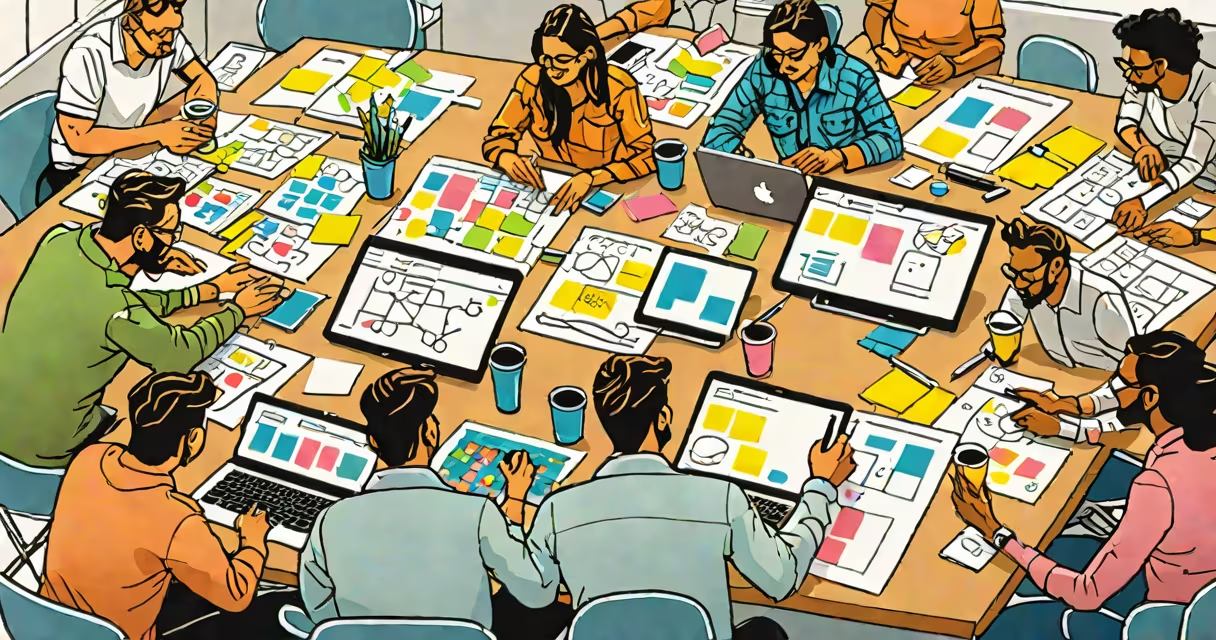
A ui ux workshop is a facilitated, time-bound session where designers, developers, product managers, and stakeholders collaborate to define, prototype, and test user-centered digital solutions using design thinking and rapid iteration techniques.
These sessions focus on solving real problems through empathy, ideation, and validation. Participants map user journeys, sketch low-fidelity prototypes, conduct peer feedback rounds, and test assumptions with real users-all within a single day or multi-day sprint. The goal is not just to generate ideas but to validate them quickly and reduce risk before development begins.
Workshops often follow a structured agenda: start with problem framing, move through ideation and prototyping, then conduct usability tests with participants acting as users. Tools like Miro, Figma, or physical whiteboards support visual collaboration. Sessions typically last 4-8 hours, depending on complexity and team size.
Each ui ux workshop follows a sequence rooted in human-centered design. Teams begin by defining a clear problem statement-such as "Users abandon checkout after entering shipping details." This anchors the session in measurable outcomes rather than vague goals.
Participants then engage in empathy-building exercises. They role-play as users, share personal stories, and identify pain points. For example, during a workshop for a grocery delivery app, one participant recalled abandoning a purchase because the app didn't show estimated delivery times until after adding items to the cart. That insight led to redesigning the cart screen to display time estimates upfront.
Next, teams generate multiple solutions through brainstorming with constraints. A common rule is "no idea is too wild"-this encourages creativity. After clustering ideas, teams select one concept to prototype. Using paper sketches or digital tools like Figma, they build a clickable version in under 30 minutes. The prototype is then tested with 3-5 real users who perform tasks like "add a loaf of bread and schedule delivery for 6 PM." Feedback is collected in real time.
Workshops vary based on format, duration, and intended outcome. The most common types include:
| Type | Duration | Focus | Best For |
|---|---|---|---|
| Discovery Workshop | 1-2 days | Problem definition, user research, process mapping | New product launches, market entry |
| Design Sprint | 5 days | End-to-end solution building: empathize → define → ideate → prototype → test | High-stakes projects needing rapid validation |
| Refinement Workshop | Half-day | Improving existing features based on analytics or feedback | Product teams iterating on current releases |
Each type uses specific methods. Discovery workshops rely heavily on affinity mapping and persona creation. Design sprints incorporate the "How Might We" technique to reframe challenges. Refinement workshops use heatmaps and session recordings to inform changes.
One non-obvious distinction: not all workshops produce a working prototype. Some focus solely on alignment. A team at a health tech startup held a workshop to clarify roles between clinicians and patients in a telehealth platform. No screens were touched. Instead, they mapped workflows and agreed on terminology. The result was a shared vocabulary that reduced miscommunication in later development.
Ui ux workshops are standard practice in tech companies, startups, and enterprise product teams. They're especially effective when cross-functional teams need to align quickly. A fintech company launching a mobile banking feature used a two-day workshop to bring together engineers, compliance officers, and customer service reps. The session revealed that users expected transaction history to update instantly-even though backend systems couldn't support real-time sync. The team adjusted expectations and added a "last updated" timestamp to manage user perception.
Workshops are not limited to digital products. A city government used a ui ux workshop to redesign its permit application process. By involving citizens and staff in the session, they identified that form fields were unclear and required documentation not listed in instructions. After redesigning the flow, application completion time dropped from 45 minutes to 12 minutes.
Many mistake a ui ux workshop for a brainstorming session or a design critique. A workshop is not just idea generation-it includes testing, feedback loops, and decision-making. A brainstorming session may produce 50 ideas in 30 minutes. A workshop produces 5 validated concepts in the same time, backed by user behavior or stakeholder consensus.
Another misconception: workshops require expert facilitators. While skilled facilitators improve outcomes, the core methods are teachable. A software engineer at a mid-sized SaaS company ran her first workshop using Google's free Design Sprint template. She guided her team through each phase, recorded decisions, and documented findings. The resulting prototype was approved by leadership and shipped in six weeks.
One critical correction: workshops don't replace user research. They complement it. A team designing a fitness app held a workshop after analyzing 120 user interviews. The session helped prioritize features, but the final design was validated against the original research data. Without that foundation, the workshop would have produced solutions based on assumptions, not evidence.
I once led a workshop for a nonprofit aiming to increase donations via a mobile app. We began with a problem statement: "People don't donate because they don't trust the impact." Over four hours, we sketched donation pathways, tested messaging options, and simulated donation flows. One team suggested adding a "transparency dashboard" showing how funds were spent. We prototyped it in Figma and tested it with five users. All five said they'd be more likely to give after seeing the breakdown. The feature was included in the beta release and increased conversion by 22% in the first month.
A ui ux workshop is not a one-off event. It's a repeatable process that turns ambiguity into action. When done well, it reduces wasted effort, aligns teams, and increases the chance that a product meets real user needs.