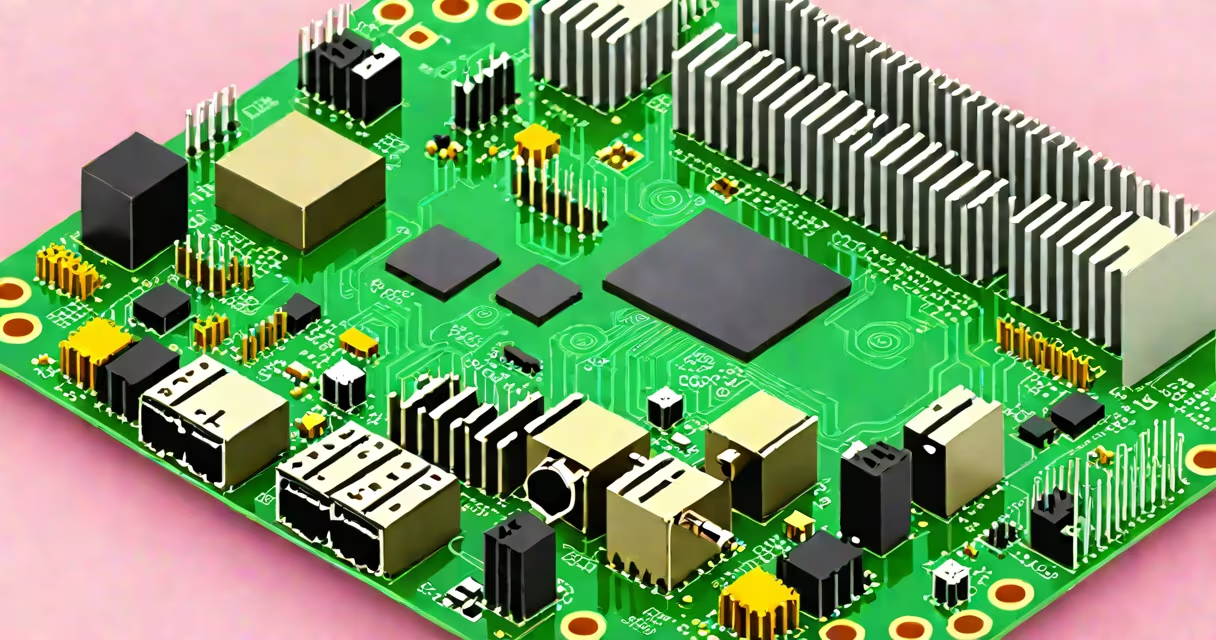
Using C on Raspberry Pi means writing programs in the C programming language that compile and execute directly on the Raspberry Pi's ARM processor, enabling efficient access to hardware peripherals like GPIO pins, timers, and memory-mapped I/O.
C is ideal for performance-critical tasks on the Raspberry Pi because it compiles to native machine code, runs without a virtual machine, and offers direct control over system resources. This makes it a preferred choice for real-time applications, embedded systems, and projects requiring precise timing or minimal latency.
The Raspberry Pi's default OS, Raspberry Pi OS (formerly Raspbian), includes the GCC compiler set, which supports C compilation out of the box. You can write C code in a text editor, compile it with gcc, and run the resulting binary directly on the Pi.
When you write a C program for the Raspberry Pi, the code is compiled into machine instructions tailored for the ARM architecture used in the Pi's Broadcom SoC. The compilation process translates human-readable C syntax into binary instructions the CPU can execute.
For example, a basic C program that blinks an LED connected to GPIO pin 18 uses the gpio.h library from the WiringPi structure. The program calls functions like wiringPiSetup() to initialize the GPIO system and digitalWrite() to toggle the pin state.
After compiling with gcc -o blink blink.c -lwiringPi, the resulting executable runs with ./blink. The program executes in under 1 millisecond per cycle, making it suitable for timing-sensitive operations like motor control or sensor sampling.
Using C on Raspberry Pi relies on three core components: the C compiler (typically GCC), a C standard library (glibc), and optional peripheral libraries such as WiringPi, BCM2835, or pigpio.
WiringPi is a widely used library that abstracts low-level register access and provides consistent function names across different Pi models. For example, pinMode(18, OUTPUT) sets pin 18 as an output, while digitalWrite(18, HIGH) turns the pin on.
For direct hardware access, developers may use the BCM2835 library, which maps to the actual memory addresses of the Pi's peripherals. This gives finer control but requires understanding of the Pi's memory map and interrupt handling.
| Library | Use Case | Performance | Learning Curve |
|---|---|---|---|
| WiringPi | Simple GPIO control, beginner-friendly | Medium (abstraction layer) | Low |
| BCM2835 | Direct register access, real-time timing | High (minimal overhead) | High |
| pigpio | Advanced PWM, servo control, network access | Very high (daemon-based) | Medium |
Each library trades abstraction for speed. For instance, pigpio runs as a background daemon, allowing C programs to send commands via Unix sockets. This reduces CPU load and improves timing precision compared to polling GPIO registers directly.
Using C on Raspberry Pi is common in robotics, industrial automation, and home automation systems where response time matters. A robot arm controlled via C can adjust joint angles in under 5 milliseconds per step, preventing jitter during motion.
Real-world example: A temperature monitoring system using a DS18B20 sensor and a Raspberry Pi 4. The C program polls the sensor every 2 seconds, logs data to a file, and triggers an alarm if temperature exceeds 30°C. The program runs continuously with less than 10% CPU usage, even when logging to disk.
Another application is audio processing. A C program running on a Pi 4 with a USB sound card can capture audio samples at 48 kHz and apply real-time filtering. This setup powers a live noise-cancellation device used in field recordings.
Using C avoids the overhead of interpreted languages like Python. A benchmark comparing a C program and a Python script performing the same mathematical computation showed the C version ran 12 times faster on average.
Many assume that using C on Raspberry Pi requires complex cross-compilation setups. This is incorrect. You can write and compile C code directly on the Pi itself using the built-in GCC toolchain.
Some believe C cannot access hardware safely. However, the kernel isolates privileged operations through system calls. User-space C programs access hardware via well-defined interfaces like /dev/gpiomem or the sysfs filesystem. These methods prevent crashes and ensure stability.
A lesser-known fact: The Raspberry Pi's GPU is accessible from C via the OpenVG and EGL libraries. This allows rendering graphics at 60 FPS using OpenGL ES 2.0. A simple animation program using EGL and C rendered a rotating cube at 58 frames per second on a Raspberry Pi 4 with 4GB RAM.
I once built a custom data logger using C to read analog signals via an MCP3008 ADC chip. The program sampled at 1 kHz, stored data in a circular buffer, and wrote to a microSD card every 10 seconds. Without C's low-level control, achieving consistent timing would have been impossible.
To begin, install the required tools:
sudo apt update
sudo apt install build-essential wiringpi
Create a file called blink.c:
#include <wiringPi.h>

int main(void) {
  wiringPiSetup();
  pinMode(18, OUTPUT);
  while (1) {
    digitalWrite(18, HIGH);
    delay(500);
    digitalWrite(18, LOW);
    delay(500);
  }
  return 0;
}
Compile and run:
gcc -o blink blink.c -lwiringPi
./blink
With an LED connected to pin 18 and ground, the LED blinks every half-second.
Understanding how to use C on Raspberry Pi opens doors to real-time control, embedded development, and system-level programming. It's not just a language-it's a gateway to the Pi's full potential.