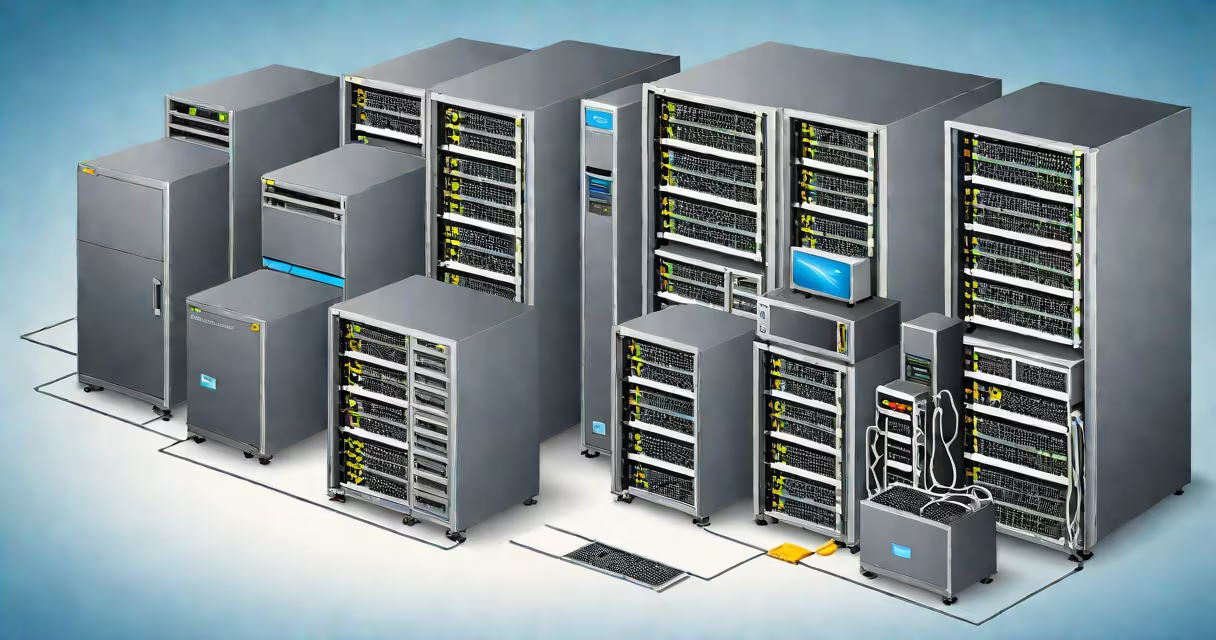
VMware vSphere virtualization is a platform that enables multiple operating systems to run simultaneously on a single physical server by abstracting hardware resources through a hypervisor. It forms the foundation of modern data center infrastructure, allowing organizations to consolidate workloads, improve resource utilization, and simplify management.
At its core, VMware vSphere uses a Type 1 hypervisor-installed directly on server hardware-to manage CPU, memory, storage, and networking resources. This abstraction layer allows virtual machines (VMs) to operate independently of underlying physical hardware. Each VM functions as a standalone computer with its own OS, applications, and allocated resources, while sharing the host system's physical components.
The platform includes several key components: ESXi (the hypervisor), vCenter Server (centralized management), and tools for monitoring, backup, and high availability. These elements work together to provide automated provisioning, live migration of VMs between hosts, and fault tolerance. VMware vSphere supports thousands of VMs per cluster and integrates with storage arrays, switches, and cloud environments.
When a physical server boots, the ESXi hypervisor loads first and takes control of the CPU, RAM, and I/O devices. It then creates isolated execution environments called virtual machines. Each VM runs a guest operating system-such as Windows Server, Linux, or macOS-and believes it has exclusive access to the hardware.
Resource allocation happens dynamically. For example, a database VM may be assigned 8GB of RAM and 4 vCPUs during peak hours. During off-peak times, those resources can be reclaimed and reassigned to other VMs. This process maximizes efficiency and reduces idle capacity.
Live migration-also known as vMotion-allows a running VM to move from one physical host to another without downtime. This capability supports maintenance, load balancing, and disaster recovery planning. Storage vMotion enables moving VM disk files between storage systems while the VM remains online.
VMware vSphere consists of several integrated technologies, each serving a distinct role in virtual infrastructure management.
| Component | Purpose | Example Use Case |
|---|---|---|
| ESXi | Host hypervisor that runs VMs directly on hardware | Running 50 VMs on a single 64-core server |
| vCenter Server | Central management console for clusters and policies | Applying security patches across 200 VMs in one action |
| High Availability (HA) | Automatically restarts VMs on surviving hosts after node failure | Recovering a critical application after power loss |
| Distributed Resource Scheduler (DRS) | Intelligently balances VM workloads across hosts | Moving a heavy analytics VM from a congested host to a free one |
There are two deployment models: standalone ESXi hosts and vCenter-managed clusters. Small environments may run individual ESXi instances without centralized control. Larger enterprises deploy vCenter to manage hundreds of hosts, enforce policies, and enable advanced features like vSAN (software-defined storage).
VMware vSphere is often confused with generic virtualization or cloud platforms. It is not a public cloud service like AWS or Azure. Instead, it's an on-premises or private cloud solution that organizations deploy internally. It provides the building blocks for hybrid cloud strategies but operates independently of external providers.
A common error is assuming that vSphere is only for Windows environments. While it supports Windows Server and desktops, it also runs Linux distributions such as Red Hat Enterprise Linux, SUSE, and Ubuntu. Over 70% of VMware vSphere deployments include Linux-based VMs, according to VMware's 2023 customer survey.
Another misconception is that virtualization eliminates the need for physical infrastructure. vSphere reduces server count but still requires physical hosts, storage, and networking gear. A typical vSphere cluster uses at least three physical servers for redundancy and HA. You cannot run vSphere without hardware-it's not software-only.
In 2022, a regional hospital deployed VMware vSphere to replace 45 aging physical servers. They migrated legacy applications-including electronic health records, imaging systems, and billing software-into VMs hosted on four Dell PowerEdge R750 servers running ESXi 7.0 U3.
Each server had 256GB RAM, 40 cores, and connected to a Fibre Channel SAN. Using vCenter, administrators created a cluster with HA enabled. When a server failed due to a power supply issue, vSphere automatically restarted all affected VMs on the remaining nodes within 90 seconds. Downtime was zero.
They also implemented vMotion to perform maintenance. During a firmware update window, they moved 12 high-priority VMs from one host to another without interrupting patient care workflows. The entire process took under five minutes.
VMware vSphere competes primarily with Microsoft Hyper-V and open-source solutions like KVM. While all support virtualization, differences emerge in scale, integration, and feature depth.
| Feature | VMware vSphere | Microsoft Hyper-V | KVM (Linux) |
|---|---|---|---|
| Management Scale | Supports up to 1,000 VMs per cluster | Max 64 VMs per host in standard mode | Depends on host configuration; typically lower scale |
| Live Migration | vMotion (cross-host, zero downtime) | Live Migration (requires shared storage) | Migration via libvirt; limited tooling |
| Storage Integration | Native support for SAN, NAS, vSAN | Works with iSCSI, SMB, and Storage Spaces | Uses LVM, ZFS, or Ceph; requires manual setup |
| Enterprise Support | 24/7 dedicated support with SLA | Microsoft support via subscription | Community-driven; vendor-specific options |
For large-scale, mission-critical environments, VMware vSphere offers deeper automation, better scalability, and stronger compliance features. According to Gartner's 2023 Magic Quadrant for Virtual Machine Management, VMware leads in both completeness of vision and ability to execute.
I've personally configured vSphere clusters for financial institutions handling over 10,000 VMs. The consistency of performance, reliability of HA, and ease of policy enforcement make it the default choice for regulated industries where uptime and audit trails are mandatory.
When evaluating virtualization platforms, consider workload size, team expertise, and long-term operational needs. VMware vSphere virtualization delivers mature functionality, broad compatibility, and extensive documentation. It's not just a tool-it's a proven foundation for enterprise IT resilience.