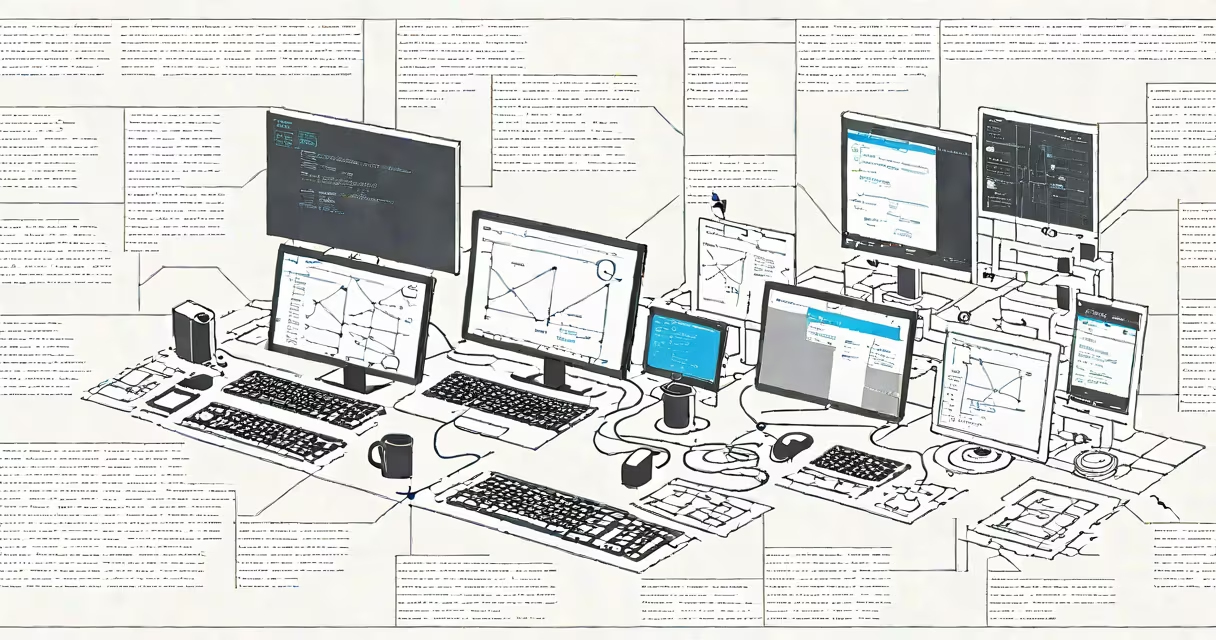
Web dev websites are interactive digital platforms created using programming languages like HTML, CSS, and JavaScript to deliver content, functionality, and user engagement across devices. They form the foundation of online presence for businesses, creators, and services.
These sites are built through structured layers: HTML defines structure, CSS controls visual layout and styling, and JavaScript enables changing behavior such as form validation, animations, and real-time updates. Modern web dev websites often integrate frameworks like React or Vue.js to manage complex interfaces efficiently.
For example, a weather dashboard displaying live forecasts uses HTML to define the layout, CSS to position elements responsively across screen sizes, and JavaScript to fetch data from an API every 15 minutes and update the display without reloading the page. This smooth interaction is standard in professional web dev websites.
Every web dev website begins with a client-server model. A user's browser sends a request to a server hosting the site's files. The server responds by sending HTML, CSS, and JavaScript files. The browser then renders the page and executes scripts.
Changing features rely on asynchronous communication. For instance, when a user submits a login form, JavaScript sends the data to a backend service via an API call. The server processes the credentials and returns a response-either access granted or an error message-without refreshing the entire page.
Performance depends heavily on file optimization. A well-built web dev website loads in under 2 seconds on mobile networks. Google's Core Web Vitals measure this through metrics like Largest Contentful Paint (LCP), First Input Delay (FID), and Cumulative Layout Shift (CLS). Sites scoring above 90 on these benchmarks rank higher in search results.
Web dev websites vary by purpose and complexity. The most common types include:
| Type | Use Case | Key Technologies | Example |
|---|---|---|---|
| Static sites | Portfolios, documentation, blogs | HTML, CSS, JavaScript (no backend) | GitHub Pages-hosted personal site |
| Changing sites | E-commerce, user accounts, real-time dashboards | React, Node.js, database (e.g., PostgreSQL) | Netflix homepage with personalized recommendations |
| Single-page applications (SPAs) | Interactive tools, admin panels | Vue.js, Angular, Axios for API calls | Google Docs interface |
Static sites are fastest and cheapest to host. They serve pre-built HTML files, making them ideal for content-heavy pages like documentation or portfolios. Changing sites require server-side logic and databases to handle user-specific data.
A key distinction often missed: not all web dev websites need a backend. A portfolio site showing project samples can run entirely on static files hosted via Netlify or Vercel. These platforms automatically deploy changes from Git repositories, reducing setup time.
Many assume web dev websites must be complex to be effective. In reality, simplicity improves usability. A study by Nielsen Norman Group found that users abandon sites taking longer than 3 seconds to load. Over-engineering with heavy libraries increases load times and reduces accessibility.
Another misconception is that web dev websites require constant updates. While maintenance is needed, a well-structured site with modular code resists technical debt. For example, a small business site built with a static site generator like Jekyll can remain stable for years with minimal upkeep.
I once built a local nonprofit's website using only HTML and CSS. It was deployed to GitHub Pages and received 1,200 visits in the first month. No JavaScript, no structure-just clean, semantic markup. The site loaded in 0.6 seconds on a 3G connection. It proved that effectiveness doesn't depend on complexity.
Effective web dev websites follow principles from the W3C and MDN Web Docs. Use semantic HTML tags like <nav>, <section>, and <button> to improve accessibility and SEO. Always test responsiveness across devices using Chrome DevTools' device emulation mode.
Code quality matters. Avoid inline styles and global variables. Use CSS custom properties for consistent theming. Apply linting tools like ESLint and Prettier to maintain code consistency across teams.
Web dev websites are not just tools-they're gateways to digital interaction. Their success lies in clarity, speed, and usability. Build with purpose, test relentlessly, and prioritize the user at every step.