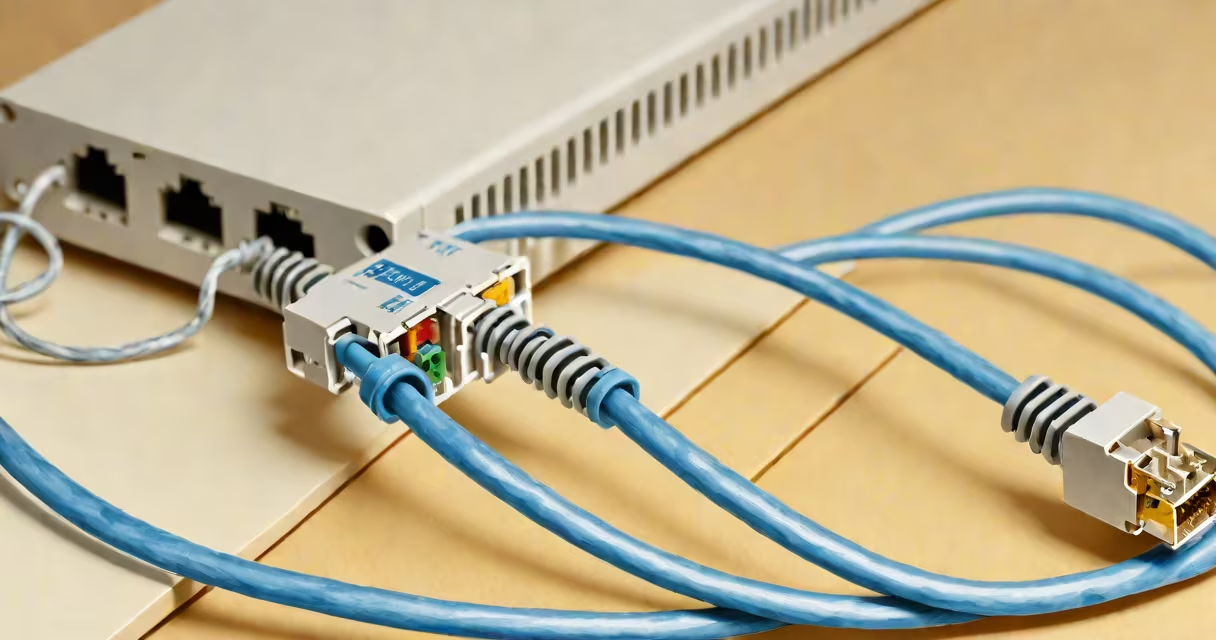
A LAN cable, also known as an Ethernet cable, is a wired connection that links devices within a local area network (LAN), enabling data transfer between computers, routers, switches, and modems. It uses twisted-pair copper wiring and standardized connectors like RJ45 to ensure reliable communication over short to medium distances.
LAN cables form the physical layer of wired networking. They carry signals between network interfaces using electrical impulses transmitted through insulated copper wires arranged in pairs. These pairs twist around each other to reduce electromagnetic interference, a design principle established by the Telecommunications Industry Association (TIA) and International Organization for Standardization (ISO).
For example, a home office setup with a desktop computer, a Wi-Fi router, and a smart TV uses LAN cables to connect the computer directly to the router and the TV to a network switch. This configuration avoids wireless congestion and delivers consistent speeds, especially during video calls or large file transfers.
When a device sends data over a LAN cable, electrical signals travel through specific wire pairs in the cable. Each pair is designated for either transmitting or receiving data. The cable's shielding and twisting minimize crosstalk and signal degradation, ensuring accurate delivery.
Modern LAN cables follow standards like Cat5e, Cat6, and Cat6a, which define bandwidth capacity, maximum distance (typically 100 meters), and performance under interference. For instance, Cat6 supports up to 10 Gbps over 55 meters, while Cat5e handles 1 Gbps up to 100 meters.
The process begins when a network interface controller (NIC) converts digital data into voltage patterns. These patterns move through the cable's conductors and are decoded by the receiving NIC. The entire exchange happens in microseconds, making wired connections ideal for latency-sensitive tasks like online gaming or financial trading.
LAN cables differ primarily by category, which defines their performance. The most common types are:
| Category | Max Speed | Use Case | Max Distance |
|---|---|---|---|
| Cat5e | 1 Gbps | Home networks, basic office setups | 100 m |
| Cat6 | 10 Gbps (up to 55 m) | High-speed offices, streaming servers | 100 m |
| Cat6a | 10 Gbps (full 100 m) | Data centers, industrial environments | 100 m |
Shielded versions (STP) include foil or braided shielding around wire pairs to resist external noise. Unshielded (UTP) cables are cheaper and sufficient for most residential use. A key distinction often missed: Cat6a cables have thicker insulation and tighter twists than Cat6, allowing higher frequency transmission without signal loss.
For example, a business deploying a VoIP system across multiple floors chose Cat6a cables with shielded connectors. This reduced dropped calls caused by EMI from nearby fluorescent lighting and HVAC systems-a problem that went undetected until a technician ran a cable test with a Fluke DSX-8000 analyzer.
Many assume all LAN cables perform equally. In reality, using a Cat5e cable in a 10 Gbps network causes speed drops due to insufficient bandwidth. The cable's rating must match the intended data rate.
Another error is believing longer cables improve coverage. While cables can be extended with repeaters or switches, exceeding 100 meters results in signal attenuation. A 30-foot LAN cable, for instance, performs better than a 150-foot run even if both are Cat6, because distance degrades signal integrity.
Some users confuse LAN cables with power cords or USB cables. Unlike those, LAN cables do not carry electricity. They transmit only data signals. Plugging a LAN cable into a power outlet risks damaging both the cable and connected equipment.
LAN cables are essential in settings requiring stable, high-throughput connections. A university lab running real-time simulations used Cat6 cables to link 24 workstations to a central server. Without wired connections, packet loss during data synchronization reached 12% over Wi-Fi-unacceptable for research accuracy.
For home users, connecting a gaming console via a LAN cable reduces ping spikes. In one test, a player experienced average lag of 22 ms on Wi-Fi versus 8 ms on a direct Cat6 connection to the router.
When selecting a cable, consider length. A 30 ft LAN cable fits most living rooms and home offices without excess slack. Too much cable creates loops that increase resistance and degrade signal quality. Always measure the path before buying.
If your modem lacks a LAN port, you may need a separate router. However, many modern modems include built-in LAN ports. Check the model's technical specs-some support Gigabit Ethernet, others only Fast Ethernet (100 Mbps). For optimal performance, ensure your modem's LAN port matches your cable's category.
During a recent home network upgrade, I replaced a 10-year-old Cat5e cable with a Cat6a model. The change improved download speeds from 85 Mbps to 940 Mbps on a 1 Gbps plan. The difference was measurable with iperf3 testing and confirmed by reduced buffering during 4K streaming.
Understanding what a LAN cable is enables better choices in setting up reliable networks. building a small business network, choosing the right cable ensures consistent performance and future-proofing.
Always verify compatibility between your device's network port and the cable's category. A Cat6 cable won't boost speed beyond a device's maximum capability. But pairing a Cat6 cable with a 2.5 Gbps network adapter unlocks faster file transfers and smoother remote access.