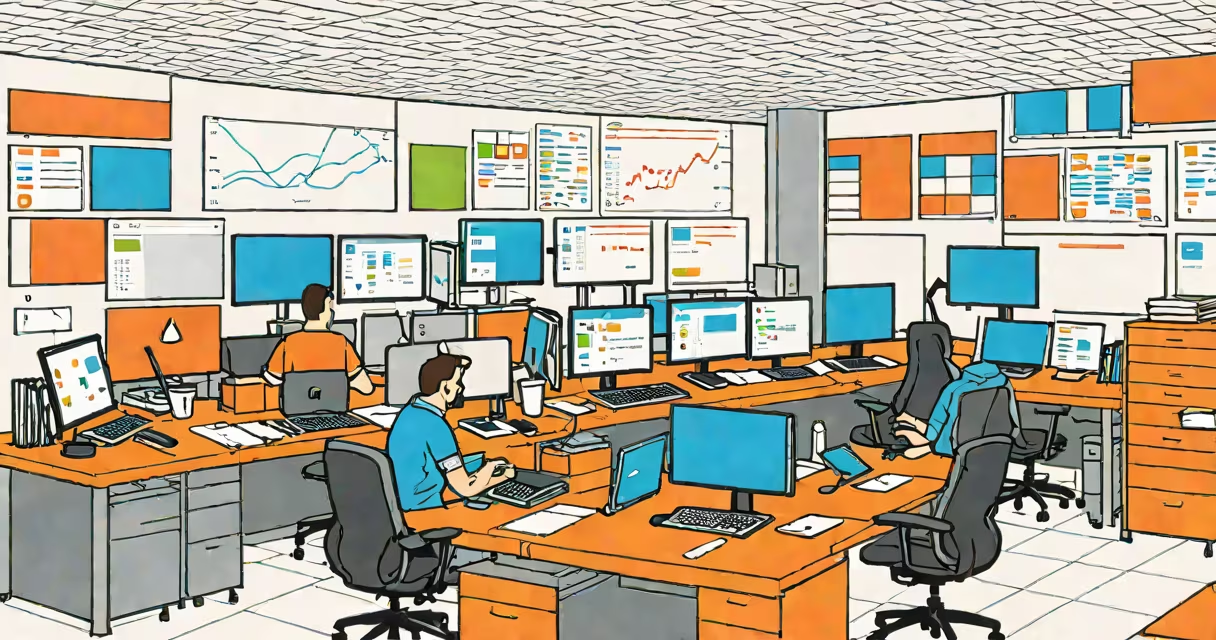
A Databricks workspace is a cloud-based environment that enables teams to collaborate on data engineering, analytics, and machine learning projects using unified tools and shared resources. It runs on AWS, Azure, or GCP and provides access to interactive notebooks, cluster management, and data catalog services.
Databricks workspaces are designed around a central project hub where users create and share notebooks, manage compute clusters, and access data stored in data lakes or warehouses. Each workspace is tied to a specific cloud account and region, ensuring compliance and performance consistency. Workspaces support role-based access control, audit logs, and integration with identity providers like SAML and OAuth.
For example, a data science team at a retail company uses a single Databricks workspace to build recommendation engines. They load customer transaction data from Amazon S3 into Delta Lake, run Python notebooks to train models, and deploy the trained model via MLflow to a production endpoint-all within the same workspace.
The workspace acts as a centralized command center for all data-related tasks. Users interact through a web interface or API. When a notebook is opened, it connects to a compute cluster that executes code in a secure, isolated environment. Clusters can be auto-provisioned or manually managed, depending on workload demands.
Data is accessed through a unified catalog system. This catalog indexes tables, files, and metadata across multiple storage systems-such as ADLS Gen2, S3, or GCS-without requiring users to specify the underlying storage path. The system automatically resolves file locations and applies access policies based on user roles.
Workspaces also include built-in monitoring and logging. For instance, Databricks provides real-time metrics on cluster utilization, job execution time, and notebook runtime. These are visible in the workspace dashboard and can be exported to external monitoring tools like Datadog or Grafana.
A Databricks workspace consists of several integrated components:
| Component | Description | Use Case Example |
|---|---|---|
| Notebooks | Interactive coding environments supporting Python, SQL, Scala, and R. | Running a data cleaning script on a 10GB CSV file. |
| Clusters | Managed compute instances that execute code and store intermediate results. | Scaling a Spark job across 20 nodes to process daily sales logs. |
| Data Explorer | Visual tool to browse and preview data in storage accounts. | Browsing a Parquet file containing user behavior logs. |
| MLflow | Platform for tracking experiments, managing models, and deploying ML pipelines. | Tracking hyperparameters during a neural network training run. |
There are two primary workspace types: Standard and Unity Catalog-enabled. Standard workspaces allow basic access control and data sharing. Unity Catalog workspaces offer enterprise-grade governance, including centralized data lineage, fine-grained permissions, and cross-workspace data sharing. According to Databricks' documentation, Unity Catalog supports over 100 data sources and integrates with Apache Ranger and AWS IAM.
Teams often choose Unity Catalog when working with regulated data-such as healthcare records or financial transactions-because it enforces data classification and audit trails. A bank using Databricks for fraud detection uses Unity Catalog to ensure only authorized analysts can access transaction datasets.
Many assume a Databricks workspace is equivalent to a virtual machine or a standalone database. It is neither. It's a software layer that orchestrates compute, storage, and collaboration. The workspace itself doesn't store data-it references data stored in external cloud storage.
Another common error is thinking that notebooks run locally. They don't. Code executes on remote clusters provisioned by Databricks. Even when editing a notebook offline, changes are synchronized only upon connection to the workspace server.
Users sometimes confuse workspaces with Databricks accounts. An account is a high-level container for multiple workspaces, billing groups, and administrative settings. You can have one account with five workspaces-one for each department. The account manages global policies, while each workspace operates independently.
In a real-world deployment, a logistics firm used a Databricks workspace to improve delivery routes. They ingested GPS traces from 50,000 vehicles into a Delta table hosted on Azure Blob Storage. Using a Python notebook, they applied clustering algorithms to identify high-traffic zones and reroute deliveries dynamically.
They created a scheduled job in the workspace to reprocess data every hour. The job launched a new cluster, ran the analysis, and saved results to a Delta table. The output was then consumed by a Power BI dashboard updated in real time.
Key steps in the workflow:
This setup reduced route planning time from 4 hours to under 15 minutes and cut fuel costs by 12% over six months. The entire pipeline was managed within a single workspace, eliminating the need for multiple tools or manual handoffs.
When I built a similar system for a ride-sharing client, I learned that cluster configuration impacts cost and speed. Using a smaller cluster with auto-pause reduced idle time and saved $3,200 monthly in compute charges.
Other integrations include Slack for alerts, Snowflake for data warehousing, and GitHub for version control. These connections are set up through the workspace's admin console and require minimal code changes.
For security, Databricks recommends enabling encryption at rest and in transit, configuring network isolation via private endpoints, and setting up multi-factor authentication. The platform complies with ISO 27001, SOC 2, and HIPAA standards.
Understanding what a Databricks workspace is enables teams to move beyond siloed data tools and adopt a unified, scalable approach to analytics and AI. It's not just a place to run code-it's a collaborative engine for turning raw data into decisions.