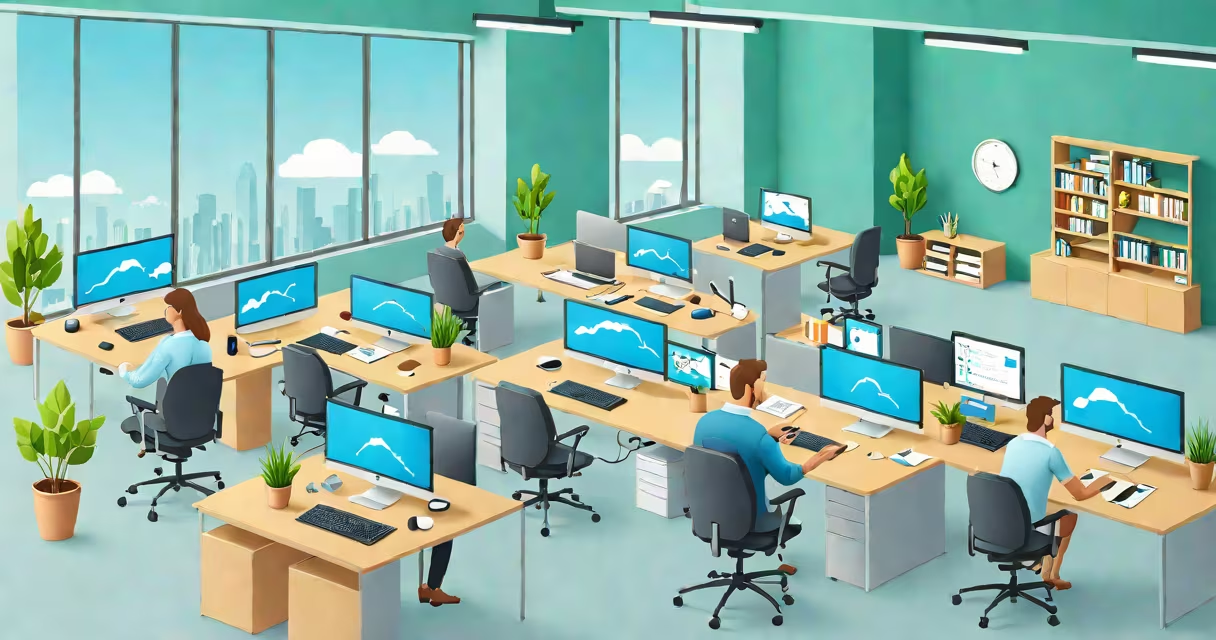
A SaaS environment is a cloud-based platform where software applications are hosted, accessed remotely via the internet, and delivered on a subscription basis. Users interact with the software through web browsers or mobile apps without installing or maintaining it locally. This model underpins services like Google Workspace, Salesforce, and Zoom.
SaaS environments operate on shared infrastructure managed by a third-party provider. The provider handles server maintenance, security updates, backups, and scalability. End users pay monthly or annually for access, avoiding large upfront costs for hardware or software licenses. This setup supports rapid deployment and consistent updates across all users.
According to Gartner, over 60% of enterprise software spending in 2023 went toward SaaS solutions, reflecting their dominance in digital transformation. The flexibility and low barrier to entry make SaaS ideal for startups, remote teams, and global organizations needing instant access to tools.
When a user logs into a SaaS application, they connect to a centralized server cluster maintained by the provider. All data processing, storage, and rendering happen in the cloud. The user's device acts as a display terminal, sending inputs and receiving visual output. This architecture ensures consistent performance regardless of the user's local hardware.
Authentication systems verify identity using multi-factor methods. Once approved, the user gains access to their personalized workspace within the application. Changes made during a session are saved in real time to the central database, ensuring synchronization across devices and locations.
For example, a marketing team using HubSpot's SaaS environment can create campaigns, track leads, and analyze results from any location with internet access. All team members see the same data instantly, and administrators control permissions through role-based access settings.
A functional SaaS environment relies on several interconnected layers:
| Component | Description | Example |
|---|---|---|
| Frontend Interface | User-facing web or mobile app layer | Google Docs' document editor |
| Application Server | Processes user requests and runs business logic | Zoom's meeting coordination engine |
| Database Layer | Stores user data, configurations, and activity logs | Slack's message history database |
| Identity & Access Management (IAM) | Manages login, authentication, and user roles | Microsoft Entra ID for Office 365 |
| Monitoring & Logging | Tracks system health, errors, and usage patterns | Cloudflare's network analytics dashboard |
These components run on virtualized servers within a data center or across multiple cloud regions. Providers use containerization (e.g., Docker) and orchestration tools (e.g., Kubernetes) to manage workloads efficiently and scale automatically based on demand.
There are two primary deployment models: public SaaS and private SaaS. Public SaaS serves many customers from shared infrastructure, such as Dropbox or Shopify. Private SaaS is tailored for individual enterprises, often deployed on dedicated cloud instances or behind corporate firewalls, offering stricter compliance controls.
Many assume SaaS environments are inherently less secure than on-premise software. This is incorrect. Leading providers invest heavily in encryption, intrusion detection, and regular audits. AWS and Microsoft Azure both publish detailed compliance reports (SOC 2, ISO 27001, HIPAA) that third parties can review.
Another misconception is that SaaS applications lack customization. While public SaaS platforms have standardized features, most offer APIs and configuration options for integration and workflow adaptation. For instance, Salesforce allows businesses to build custom fields, automate workflows, and embed external tools via its AppExchange marketplace.
A lesser-known fact: SaaS environments often include automated failover systems. If one server fails, traffic routes to a backup within seconds. During a 2022 outage at Slack, the system recovered in under five minutes due to redundant data centers in North America and Europe. This resilience is built into the core design, not added later.
Consider a boutique e-commerce store using Shopify as its SaaS environment. The owner signs up online, selects a template, adds product listings, and enables payment gateways-all without installing software. The store operates on Shopify's servers, accessible from any device.
When a customer places an order, the SaaS platform processes the transaction, updates inventory, sends confirmation emails, and generates shipping labels. All data is encrypted and backed up daily. The business owner receives real-time sales reports through a dashboard updated every 15 seconds.
Scaling is automatic. During Black Friday, traffic spikes from 100 to 10,000 visits per hour. Shopify's load balancers distribute requests across hundreds of servers, preventing crashes. No manual intervention is needed.
This level of reliability and automation is standard in mature SaaS environments. The provider manages the underlying complexity while the user focuses on business outcomes.
Understanding how a SaaS environment functions helps clarify why it's foundational to modern digital operations. From remote work to AI-powered analytics, the infrastructure enabling these capabilities rests on cloud-hosted software delivery. As more industries adopt digital tools, the role of SaaS environments grows beyond convenience-they become essential to operational continuity.