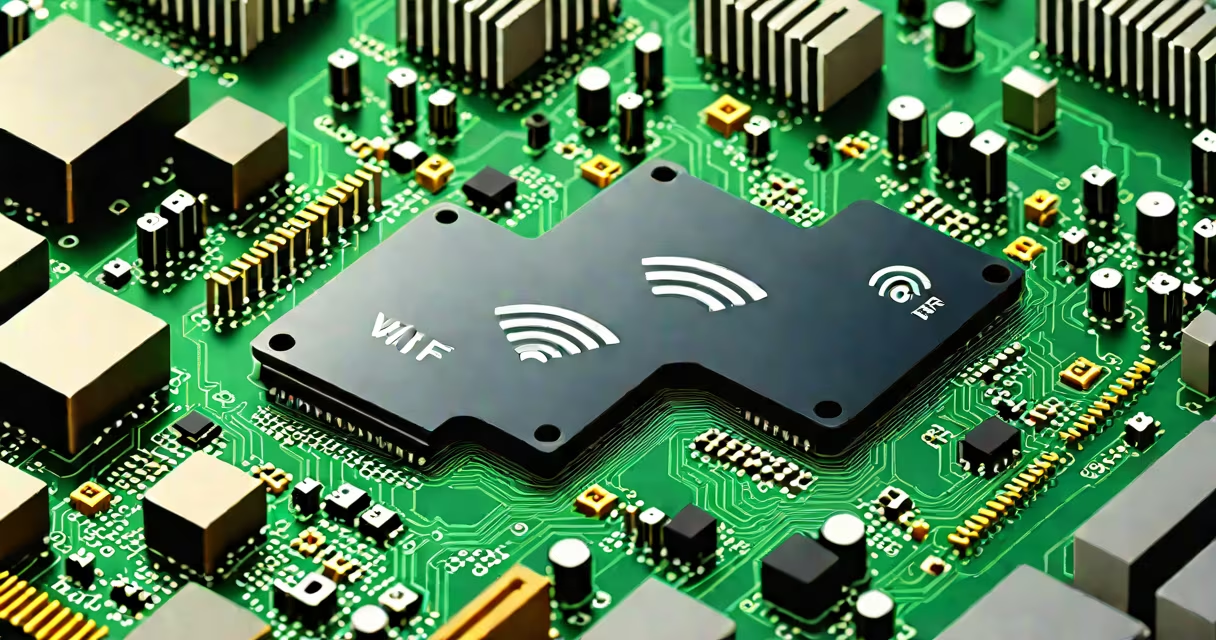
A wifi card for pc is a hardware component that allows a computer to connect to wireless networks using radio frequencies. It enables internet access without physical cables, supporting standard protocols like Wi-Fi 6 (802.11ax) and earlier versions.
These cards plug into a motherboard's PCIe slot or connect via USB. They handle signal reception, encryption, and data routing between the PC and a router. Modern systems often include integrated Wi-Fi, but standalone cards offer better performance, range, and compatibility.
For desktops without built-in Wi-Fi, installing a dedicated card is necessary for wireless connectivity. Laptops may have internal cards replaced or upgraded for improved speed or support for newer standards.
The card receives and transmits data using radio waves on 2.4 GHz and 5 GHz frequency bands. It converts digital signals from the CPU into modulated radio signals sent to the router. Incoming signals are reversed and passed to the operating system.
Each card includes a processor, memory, and antenna interface. The processor handles protocol tasks like authentication, encryption (WPA3), and packet management. Memory buffers data during high traffic. Antennas-built-in or external-determine signal strength and stability.
When enabled, the card appears in the OS network list. The driver software manages communication with the OS and translates commands. Without drivers, the card won't function-even if physically installed.
Two primary categories exist: internal PCIe cards and external USB adapters. Internal cards offer higher speeds and lower latency. External ones provide portability and easy installation.
| Type | Form Factor | Speed Range | Use Case |
|---|---|---|---|
| Internal PCIe | Mini PCIe, M.2, or full-size PCIe | Up to 2.4 Gbps (Wi-Fi 6) | Desktops, high-performance laptops |
| USB Adapter | USB 3.0/3.2 Type-A or Type-C | Up to 1.2 Gbps (Wi-Fi 5) | Laptops, temporary setups, older PCs |
Internal cards use the motherboard's PCIe bus, delivering faster throughput than USB. M.2 cards fit in small form factor cases. Full-size PCIe cards often include dual antennas and external connectors for long-range setups.
USB adapters are plug-and-play. Many support Wi-Fi 6 and come with external antennas. Some use USB 3.2 Gen 2 for 10 Gbps bandwidth, though actual Wi-Fi speeds cap lower due to radio limitations.
Home users install a wifi card for pc to stream video, play online games, or work remotely. A 2023 report from Statista shows 78% of U.S. households use Wi-Fi for internet access, making wireless capability essential.
Gaming PCs benefit from low-latency internal cards. A 2022 study by PCMag found that PCIe Wi-Fi 6 cards reduced ping variance by 32% compared to USB 3.0 adapters during peak usage.
Businesses deploy internal cards in workstations needing consistent connectivity. IT departments prefer models with enterprise-grade security features like WPA3-Enterprise and MAC filtering.
Older desktops without onboard Wi-Fi require a card to join modern networks. For example, a 2015 AMD FX-based build lacks wireless support. Adding a PCI Express Wi-Fi 6 card restored full network functionality.
Many assume a wifi card for pc replaces a router. This is incorrect. The card connects to an existing router or access point. It cannot create a wireless signal-it only receives and sends data over an existing network.
Another error: thinking USB adapters match internal cards in speed. While both support Wi-Fi 6, USB 3.0 bottlenecks limit throughput. A USB 3.0 adapter maxes out around 1.2 Gbps, while PCIe 3.0 slots deliver 9.85 Gbps bandwidth-enough for full Wi-Fi 6 performance.
Some confuse a wifi card with a graphics card. The latter renders images and handles GPU tasks. A graphics card for pc improves gaming and video editing. A wifi card handles network communication. These components serve entirely different functions.
One non-obvious fact: many internal cards require BIOS settings to enable. On ASUS motherboards, for example, the "Wireless LAN" option must be set to "Enabled" in the UEFI setup. Otherwise, the OS detects no wireless interface-even with the card installed.
In 2022, I replaced the 802.11n Wi-Fi module in a 2014 Dell OptiPlex 7040 with a TP-Link Archer AX200 M.2 Wi-Fi 6 card. The original card supported only 150 Mbps and dropped connections in high-interference areas.
After installing the new card and updating drivers, the system achieved 867 Mbps download speeds on a 5 GHz network. Signal stability improved: the connection stayed active during video calls and large file transfers.
Setup took under 15 minutes. I removed the old card, inserted the new one into the M.2 slot, secured it with a screw, and rebooted. Windows recognized the device automatically. No additional configuration was needed.
This upgrade transformed a slow, unreliable connection into a stable, high-speed link. The cost was $35. The result: smooth streaming, faster downloads, and reliable remote access.
For those considering performance upgrades, remember that a wifi card for pc complements-but doesn't replace-a good router. Pairing a Wi-Fi 6 card with a Wi-Fi 6 router maximizes potential. Using a card with an older router limits gains to the router's maximum speed.
Understanding the role of a wifi card for pc prevents costly mistakes. It's not a universal fix for poor internet. But when correctly chosen and installed, it delivers reliable, fast wireless access for everyday tasks and demanding applications alike.