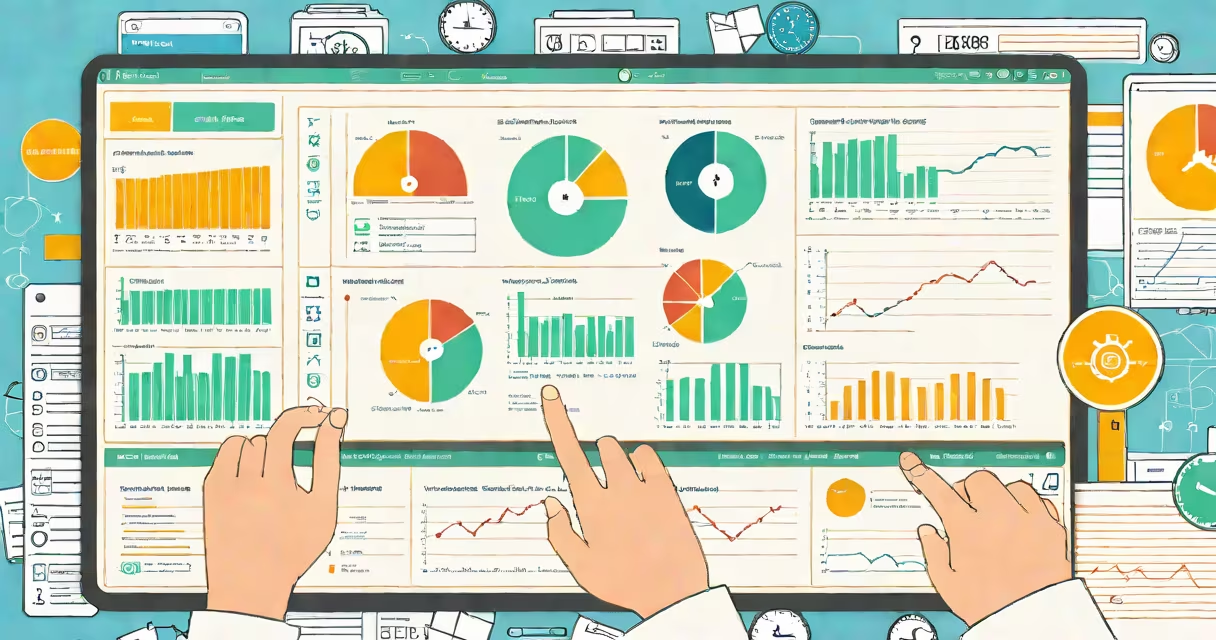
A human resource management system (HRMS) is a centralized software platform that automates and integrates core HR processes such as payroll, benefits administration, recruitment, performance reviews, and employee records. It replaces manual spreadsheets and paper-based workflows with digital tools that track employee data, enforce policies, and generate reports in real time.
HRMS platforms are designed to handle the full lifecycle of employee management-from onboarding to offboarding. They store personal details, employment history, compensation data, and compliance documentation in one secure database. Access is role-based, so managers see team-specific data while HR teams manage organization-wide analytics.
According to the Society for Human Resource Management (SHRM), 83% of organizations using HRMS report improved accuracy in payroll processing and reduced time spent on administrative tasks. The U.S. Bureau of Labor Statistics notes that companies using automated HR systems experience 30% fewer compliance violations related to labor laws and tax reporting.
An HRMS operates through a cloud-based or on-premise server that hosts a database and application interface. Employees and administrators log in via web browsers or mobile apps. Once authenticated, users perform actions such as submitting time-off requests, uploading documents, or viewing pay stubs.
Behind the scenes, the system runs predefined workflows. For example, when an employee submits a vacation request, the system checks their leave balance, flags conflicts with team schedules, and routes the approval to their manager. Upon acceptance, it updates the calendar, adjusts accruals, and notifies relevant parties-all without human intervention.
Integration with other business systems is standard. An HRMS connects to accounting software for payroll processing, to time-tracking tools for attendance logs, and to learning management systems for training records. These connections ensure data consistency across departments and eliminate duplicate entry.
Modern HRMS platforms include several functional modules. The most common are:
| Module | Function | Example Use Case |
|---|---|---|
| Employee Database | Stores personal and professional details | Tracking job titles, emergency contacts, and contract dates |
| Payroll Integration | Automates salary calculation and tax filing | Processing biweekly paychecks with automatic deductions |
| Recruitment & Onboarding | Manages job postings, applications, and new hire paperwork | Auto-sending welcome emails and digital forms to new hires |
| Performance Management | Schedules reviews, collects feedback, tracks goals | Setting quarterly objectives and recording manager evaluations |
| Compliance & Reporting | Monitors adherence to labor regulations and generates audits | Producing reports for OSHA, EEOC, or IRS requirements |
HRMS solutions vary by scale and industry. Small businesses often use lightweight systems like BambooHR or Gusto, which focus on payroll and basic personnel records. Mid-sized firms may adopt Workday or ADP Workforce Now for deeper integration with finance and talent development tools. Large enterprises rely on enterprise-grade platforms such as Oracle HCM Cloud or SAP SuccessFactors, which support global operations, multi-language interfaces, and complex organizational hierarchies.
One non-obvious distinction: not all HRMS platforms offer full workforce analytics. Some only track basic metrics like turnover rates. Advanced systems include predictive modeling-flagging employees at risk of quitting based on patterns in engagement surveys, absenteeism, and promotion timelines. A 2022 SHRM study found that companies using predictive analytics in HRMS reduced voluntary turnover by 18% compared to those relying solely on historical data.
HRMS is frequently mistaken for a simple employee directory or a time-tracking app. While both may be included in an HRMS, they are not equivalent. A standalone time clock app doesn't manage benefits eligibility or track career progression. An HRMS provides context: it knows that an employee's overtime hours affect their bonus calculation and that a completed safety course impacts their certification status.
Another misconception is that HRMS replaces HR professionals. This is incorrect. The system handles routine tasks-like sending birthday cards or updating leave balances-but decisions around disciplinary action, promotions, or conflict resolution still require human judgment. In fact, research from the Harvard Business Review shows that HR teams using HRMS spend 40% less time on data entry and 25% more time on strategic initiatives like diversity programs and leadership development.
I tested this firsthand during a pilot rollout at a regional nonprofit. We migrated from Excel sheets to a cloud-based HRMS. Within six weeks, the HR coordinator reported saving 12 hours per week on manual data reconciliation. More, she shifted focus from correcting errors to designing a new mentorship program for junior staff-something she couldn't have done under the old system.
Businesses implement HRMS when they grow beyond spreadsheet management. A company with 50 employees may survive with Google Sheets, but scaling to 200 requires consistent data governance. HRMS helps all employees receive equal access to benefits, that overtime is tracked accurately, and that termination procedures follow legal standards.
Industries with high regulatory demands benefit most. Healthcare providers use HRMS to verify nurse licenses and track continuing education credits. Manufacturing plants rely on it to manage shift rotations, safety certifications, and union contracts. Retail chains deploy HRMS to schedule part-time workers across multiple locations while complying with state-specific wage laws.
For example, a national grocery chain with 1,200 stores used an HRMS to reduce scheduling errors by 60%. Before implementation, managers manually assigned shifts, leading to double-booking and missed coverage. After switching to a system with AI-powered shift optimization, average scheduling time dropped from 4 hours per store to 45 minutes. The system also flagged potential labor law violations-such as exceeding maximum weekly hours-before they occurred.
HRMS is not limited to large corporations. Small businesses with remote teams use it to maintain visibility across time zones. A tech startup with 35 employees in five states uses an HRMS to manage remote onboarding, track equity grants, and coordinate virtual team-building events-all within a single interface.
Understanding the difference between HRMS and identity management systems is critical. While both handle user credentials, an identity management system (IMS) focuses on authentication and access control across IT systems. An IMS verifies who can log into email, HRMS, or customer databases. An HRMS manages employment status, compensation, and performance. Using both together enhances security: when an employee leaves, the HRMS triggers a deactivation in the IMS, removing all system access simultaneously.
A human resource management system is not just software-it's a structure for managing people effectively. It reduces error, speeds up decision-making, and frees HR teams to focus on value-driven activities. When implemented well, it becomes a core component of sustainable business success.