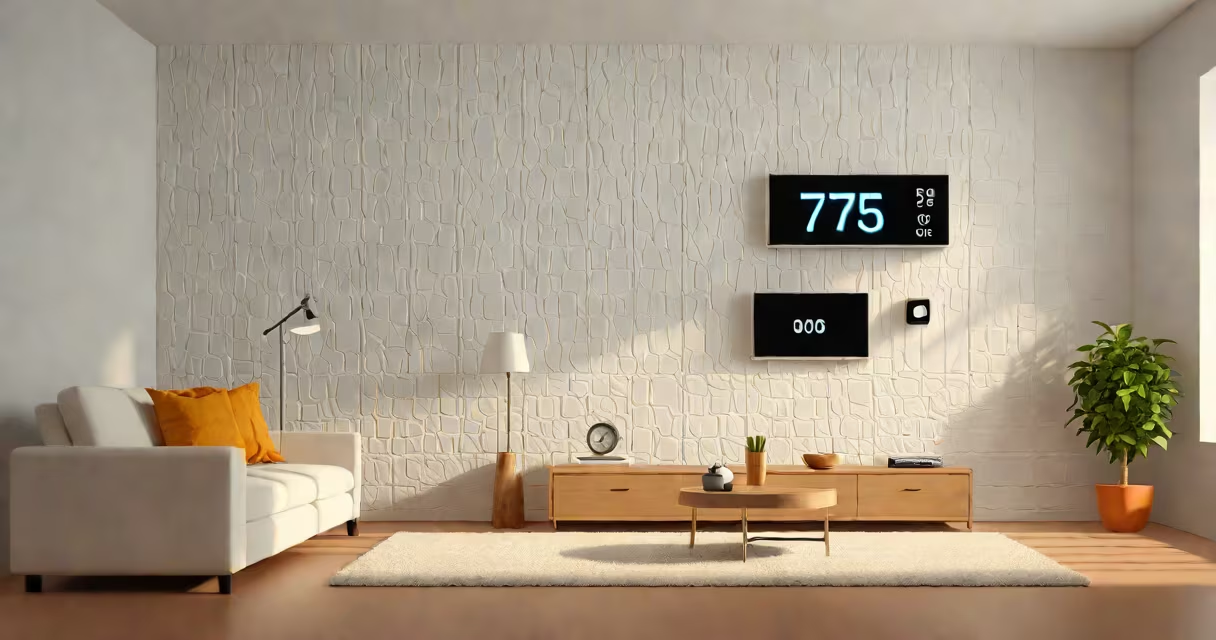
The ideal ac temperature ranges from 72°F to 78°F (22°C to 26°C), depending on personal preference and outdoor conditions. This range maintains comfort while minimizing energy use. Setting the thermostat below 72°F increases cooling load unnecessarily.
Most people feel comfortable between 72°F and 76°F during moderate activity indoors. The U.S. Department of Energy recommends setting the thermostat at 78°F when home to reduce energy consumption. For every degree lowered below 78°F, cooling costs rise by about 3% to 5%.
Temperature perception varies by individual. Factors like humidity, clothing, and physical activity affect how warm or cool someone feels. A person wearing light clothes may prefer 75°F, while someone in heavier layers might find 72°F more comfortable. The ideal setting depends on both environment and physiology.
Ac systems maintain indoor air temperature by cycling on and off based on the thermostat's set point. When room temperature rises above the set level, the compressor activates. It cools refrigerant, which absorbs heat from indoor air. The cooled air returns through vents, lowering room temperature.
When the thermostat detects the desired temperature, it signals the system to shut down. The cycle repeats until the space reaches and holds the set point. Frequent cycling indicates the system is oversized or the setting is too low.
Modern thermostats use algorithms to adjust fan speed and compressor run time. They prevent short cycling, which wastes energy and wears out components. A properly sized system running at 75°F cycles less frequently than one set at 70°F, reducing wear and electricity use.
There is no single ideal temperature. The best setting depends on time of day, season, and occupancy. The table below outlines recommended values for common scenarios.
| Scenario | Recommended Temperature | Energy Impact |
|---|---|---|
| Daytime, occupied | 75°F-78°F (24°C-26°C) | Lowest energy use; meets DOE guidelines |
| Nighttime, sleeping | 72°F-74°F (22°C-23°C) | Reduces nighttime cooling demand by 10-15% |
| Extreme heat (above 95°F outside) | 76°F-78°F (24°C-26°C) | Prevents system overload and high bills |
| When away from home | 78°F-80°F (26°C-27°C) | Minimizes runtime; saves 10-15% on cooling costs |
Setting the thermostat higher when away reduces strain on the system. Most programmable thermostats allow automatic adjustments. For example, setting the temperature to 80°F during work hours cuts energy use by up to 15% compared to leaving it at 72°F.
Some smart thermostats learn user behavior and adjust automatically. Nest and Ecobee models track occupancy patterns and adjust cooling schedules. These devices can save 10-20% on annual cooling costs compared to manual settings.
Many people believe cooling faster requires setting the thermostat lower. This is false. The AC runs at full capacity regardless of the set point. Lowering the temperature from 78°F to 70°F does not make the system cool faster-it only extends runtime and increases energy use.
Another myth is that turning the AC off completely when leaving home saves energy. In reality, restarting a hot house takes more energy than maintaining a steady temperature. The U.S. Environmental Protection Agency notes that turning off the AC for long periods increases peak load and raises utility costs.
When the system fails to respond, users often assume the thermostat is broken. A common cause is a dead battery. Replacing the battery in a standard thermostat restores function in 90% of cases. If the unit still doesn't activate, check the circuit breaker and ensure the system is set to "cool" mode.
I once encountered a client whose AC did not come on despite proper settings. The issue was a loose wire at the thermostat terminal. After tightening the connection, the system responded within minutes. This highlights that mechanical faults often mimic software issues.
Consider a family in Phoenix, Arizona, with a 1,500 sq ft home. Outdoor temperatures reach 105°F in July. The household sets the thermostat to 76°F during the day and 74°F at night.
With this setting, the AC runs for approximately 6 hours daily. The system uses 3.5 kWh per hour. Total daily consumption: 21 kWh. Monthly usage: 630 kWh. At $0.14/kWh, monthly cost: $88.20.
If they had set the thermostat to 72°F, runtime would increase by 25%. Daily usage: 26.25 kWh. Monthly cost: $110.25. The difference of $22 per month adds up annually.
Adjusting the thermostat to 78°F during the day and using ceiling fans reduced cooling load by 20%. The same home now uses 504 kWh/month, saving $18.00 monthly. Over five years, this totals $1,080 in savings.
For troubleshooting, if the AC does not come on, verify power supply and thermostat settings. Check the filter and clean it if dusty. A clogged filter restricts airflow and causes the system to shut down prematurely. If problems persist, contact a licensed HVAC technician.
Understanding the ideal ac temperature improves comfort and lowers energy bills. Maintain settings between 72°F and 78°F for balanced performance. Adjust based on activity, time of day, and climate. The goal is consistent comfort without unnecessary cost.