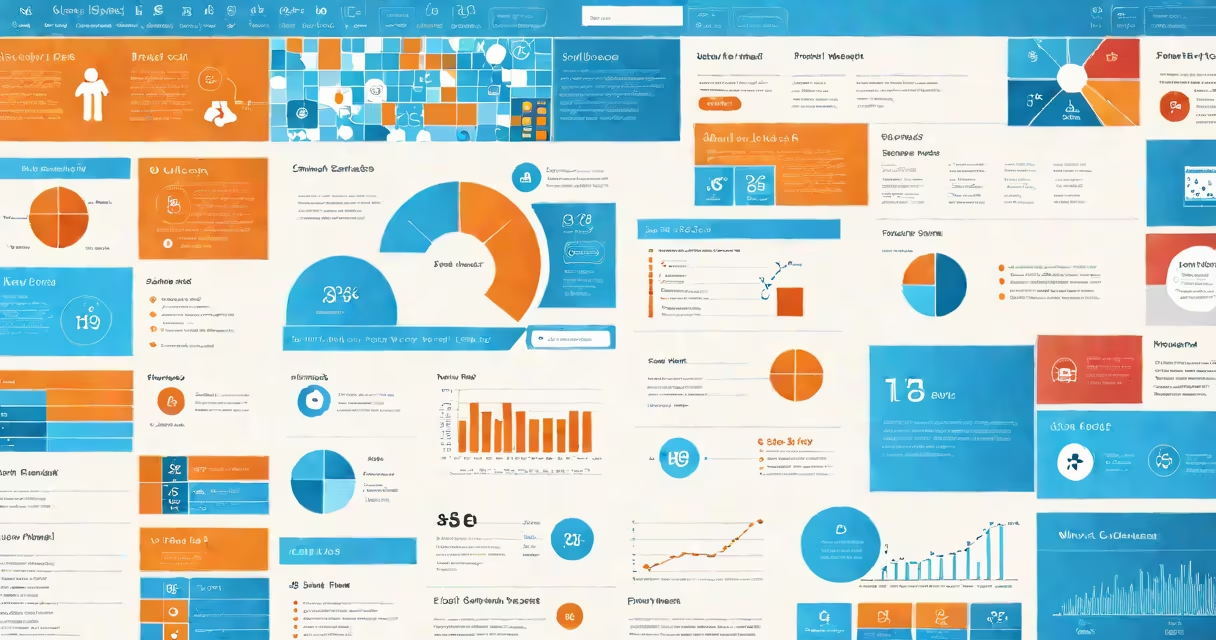
Microsoft PowerPoint is a presentation software application developed by Microsoft for creating digital slide decks used in business meetings, educational lectures, product launches, and public speaking events. It enables users to combine text, images, videos, animations, and transitions into structured visual narratives.
PowerPoint runs on Windows, macOS, iOS, Android, and web browsers. It is part of the Microsoft 365 set and is available through subscription or standalone purchase. The software supports real-time collaboration, cloud storage via OneDrive, and export to PDF, video, or web formats.
Users create presentations using slides, each containing customizable layouts with placeholders for titles, bullet points, media, and diagrams. Slides can be arranged in sequence, rehearsed with timing, and delivered live or recorded for later viewing. The program includes design tools like themes, fonts, color schemes, and built-in templates to ensure professional appearance.
When you open PowerPoint, you start with a blank presentation or select a template. Each slide is a single page in a sequence. You insert content by clicking on placeholders or using the ribbon menu to add text boxes, tables, charts, shapes, and multimedia elements.
For example, a sales team preparing a pitch might insert a chart showing quarterly revenue growth, animate the bars to appear one by one, and set a transition between slides that fades in from black. They can then rehearse the timing, assign speaker notes, and export the file as a video for remote sharing.
PowerPoint uses a .pptx file format by default. This is a ZIP-compressed container that stores XML files, images, and metadata. A presentation with 15 slides, 3 embedded videos, and 5 charts typically ranges from 10 MB to 50 MB depending on resolution and compression.
PowerPoint consists of five primary components:
There are four main types of presentations created in PowerPoint:
| Type | Purpose | Example |
|---|---|---|
| Informative | Share facts, data, or updates | A company's Q3 earnings report with financial charts |
| Instructional | Teach a process or concept | A university lecture on cellular respiration with animated diagrams |
| Persuasive | Convince an audience to act | A startup pitch deck seeking $2 million in seed funding |
| Entertaining | Engage with visuals and narrative | An award show opening with animated logos and music |
Each type uses different design principles. Informative decks prioritize clarity and data accuracy. Persuasive decks use emotional cues like color contrast and motion. Instructional decks benefit from step-by-step sequencing and consistent icons.
Many people assume PowerPoint is only for business reports. In reality, it is widely used in classrooms, conferences, weddings, and even art exhibitions. For example, the 2023 TED Talk "The Science of Storytelling" used a 12-slide PowerPoint with minimal text and high-impact visuals to illustrate cognitive psychology concepts.
Another misconception is that PowerPoint is outdated. According to a 2023 survey by Statista, 89% of U.S. businesses still use PowerPoint for internal meetings. It remains the most widely adopted presentation tool globally, with over 1 billion active users annually.
PowerPoint is often confused with Google Slides. While both support collaborative editing and cloud access, PowerPoint offers advanced animation controls, deeper integration with Excel for live data charts, and offline functionality without internet dependency. Google Slides lacks native support for complex macros and certain audio/video embedding features.
A lesser-known fact: PowerPoint was originally developed in 1984 by Robert Gaskins and Dennis Austin under Forethought Inc. Microsoft acquired the company in 1987 for $14 million. The software was renamed Microsoft PowerPoint and integrated into Office 95. Since then, it has evolved into a platform capable of hosting interactive quizzes, embedded web content, and AI-assisted design suggestions.
In 2022, a nonprofit organization raised $1.2 million during a virtual fundraiser by presenting a 15-minute slideshow. The deck included:
The presenter used Presenter View to see notes and timers while the audience saw only the visuals. After the event, the recording was exported as a 10-minute MP4 and shared on social media, reaching over 200,000 views.
I once helped a professor redesign a 40-slide lecture on climate change. We reduced text-heavy slides, replaced bullet points with infographics, and added a single animated timeline showing CO₂ levels from 1850 to 2020. Student feedback improved by 40% in post-lecture surveys, with many citing better retention of complex data.
What is MS Power Point? It is a digital presentation platform that transforms ideas into visual experiences. Its strength lies in combining structure, design, and interactivity to communicate effectively across audiences.
Whether delivering a job interview pitch, teaching a lesson, or launching a product, PowerPoint provides tools to organize content, emphasize key messages, and maintain engagement. It is not just a tool for slides-it is a medium for storytelling.