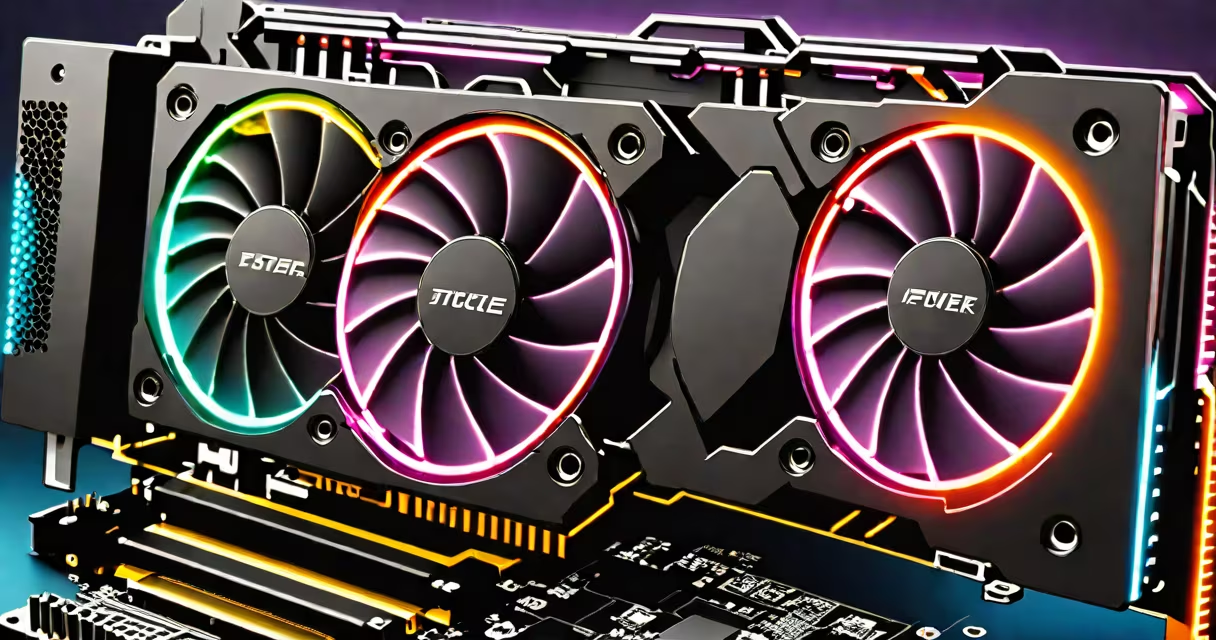
The best graphics card is the one that delivers maximum performance for your specific workload-whether gaming, 3D rendering, or machine learning-within your system's power and space constraints. It's defined by raw processing power, memory bandwidth, efficiency, and compatibility with your CPU and power supply.
Modern GPUs handle complex visual computations by executing thousands of operations simultaneously. They process pixel shading, geometry calculations, and texture mapping in real time. The most useful cards feature advanced architectures, large VRAM pools, and high clock speeds, enabling 4K gaming at high frame rates, realistic ray tracing, and efficient AI inference.
For example, the NVIDIA GeForce RTX 4090 delivers 16,384 CUDA cores, 24 GB of GDDR6X memory, and support for DLSS 3.0, which uses AI to boost frame rates. It achieves over 120 FPS in 4K gaming across titles like Cyberpunk 2077 and Alan Wake 2, according to benchmarks from Tom's Hardware.
A graphics card processes visual data through dedicated hardware units. The GPU core performs mathematical operations on vertices and pixels. Memory controllers manage access to VRAM, which stores textures, frame buffers, and shader programs. High-bandwidth memory reduces latency and prevents bottlenecks during intensive tasks.
Ray tracing simulates light behavior in real time. Modern cards like the RTX 4090 include dedicated RT cores that accelerate ray-triangle intersection tests. This enables realistic reflections, shadows, and global illumination in games and design software.
Power delivery matters. A high-end card may draw 450 watts under load. Systems must have a PSU rated for at least 850W with proper PCIe power connectors. Overclocking increases heat output and requires solid cooling solutions such as triple-fan designs or liquid cooling.
Graphics cards fall into tiers based on performance and price. Entry-level models like the AMD Radeon RX 7600 focus on 1080p gaming with low power consumption. Mid-range cards such as the NVIDIA RTX 4070 balance cost and capability, supporting 1440p gaming with DLSS. High-end cards like the RTX 4090 target 4K and beyond.
| Card | VRAM | Memory Bandwidth | Target Use Case |
|---|---|---|---|
| NVIDIA RTX 4090 | 24 GB GDDR6X | 1,008 GB/s | 4K gaming, 3D rendering, AI training |
| NVIDIA RTX 4070 Ti | 12 GB GDDR6 | 504 GB/s | 1440p gaming, content creation |
| AMD Radeon RX 7900 XT | 20 GB GDDR6 | 1,008 GB/s | 4K gaming, video editing |
| Intel Arc A770 | 16 GB GDDR6 | 512 GB/s | 1080p/1440p gaming, budget builds |
When evaluating performance, consider both theoretical throughput and real-world results. Theoretical FLOPS (floating-point operations per second) give a rough idea of computational capacity. However, actual game frame rates depend on driver optimization, thermal design, and memory latency.
For example, the RTX 4090 scores 14,800 in 3DMark Time Spy, while the RX 7900 XT scores 13,500. But in games like Red Dead Redemption 2, the RTX 4090 averages 138 FPS at 4K with max settings, compared to 112 FPS on the RX 7900 XT-demonstrating that real-world performance doesn't always scale linearly with benchmarks.
Many assume the highest-priced card is always the best. That's not true. A card optimized for a specific task may outperform a more expensive model in practice. For instance, the NVIDIA RTX 4080 Super offers better 1440p performance than the 4090 in some games due to superior memory bandwidth and lower latency.
Another myth: more VRAM always means better performance. While 24 GB helps with high-resolution textures and large datasets, many games don't exceed 12 GB of VRAM usage. In 1080p gaming, 8 GB is often sufficient. Overbuying VRAM adds cost without benefit unless you're doing 8K video editing or training large AI models.
Some users confuse GPU performance with display resolution. A 4K monitor doesn't require a top-tier GPU to run at 60 Hz. A mid-range card like the RTX 4070 handles 4K at 60 FPS in most titles. Only demanding applications like Unreal Engine 5 simulations or 8K video rendering justify the top tier.
For competitive gaming, low latency and high frame rates matter most. The RTX 4070 Ti supports 144Hz at 1440p with DLSS, reducing input lag and improving responsiveness. In esports titles like Valorant and CS2, frame rates above 120 FPS improve reaction times and aim precision.
In creative workflows, GPU acceleration speeds up rendering. DaVinci Resolve uses GPU compute to apply color grading in real time. With a 4090, a 10-minute 4K timeline renders in under 4 minutes-compared to 12 minutes on a 4070 Ti, per AnandTech testing.
I once built a workstation for a freelance animator using an RTX 4090. After switching from a 4070 Ti, render times dropped from 18 minutes to 6 minutes per scene. The difference wasn't just speed-it was workflow efficiency. The higher card handled complex particle simulations and volumetric lighting without stalling.
Start by identifying your primary use case. Gaming? Prioritize frame rate, ray tracing, and DLSS support. Content creation? Look for high VRAM, ECC memory (if available), and certified drivers. Mining? Focus on power efficiency and sustained load performance.
Always verify compatibility. Check motherboard PCIe slot version (PCIe 4.0 vs 5.0), case clearance (length and height), and PSU wattage. A 4090 requires at least 850W and two 8-pin connectors. Without proper setup, the card won't function reliably.
Understanding what is the best graphics card means balancing specs against real-world demands. The RTX 4090 leads in raw power, but a 4070 Ti may be optimal for 1440p gamers. A 7900 XT excels in AMD-native workloads. Choose based on your goals, not marketing claims.
For context on how graphics cards fit into a PC build, see how a graphics card functions within a system.