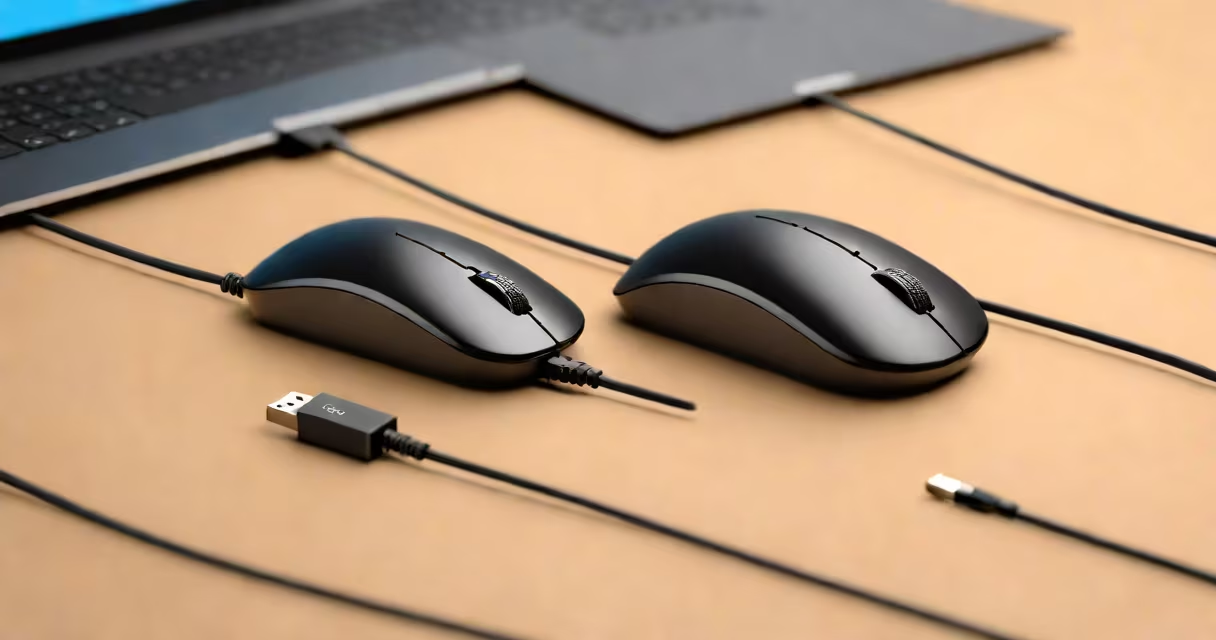
A computer mouse extension cable is a USB cable that connects between a wired mouse and its host device, extending the usable distance between the mouse and the computer. It maintains signal integrity for precise cursor control and enables flexible workspace setups.
These cables are typically USB-A to USB-A, matching the standard plug on most mice and computers. They carry both power and data signals, allowing the mouse to function normally at extended distances. Most models support up to 3 meters (about 10 feet) of additional reach, though performance degrades beyond 5 meters due to signal loss.
For example, a standard gaming mouse with a 1.5-meter cable may require a 2-meter extension cable to reach a desk corner. This setup allows users to position their mouse farther from the computer while maintaining responsiveness. A 3-meter extension cable can move a mouse from under a monitor to a side table, ideal for dual-monitor or standing desk configurations.
Computer mouse extension cables transmit data via USB 2.0 protocols, which support up to 480 Mbps. This speed is sufficient for standard mouse operations-movement tracking, button clicks, and scroll wheel input. The cable uses twisted-pair wiring to reduce electromagnetic interference, preserving signal quality over longer runs.
Signal degradation occurs when cables exceed recommended lengths. Beyond 5 meters, jitter and latency increase. At 10 meters, many mice report lag or intermittent disconnection. This happens because USB signals weaken over distance, especially with unshielded or poorly manufactured cables.
Some extension cables include a signal amplifier or repeater built into the connector. These devices boost the USB signal, allowing reliable operation up to 15 meters. However, they require external power and are less common in consumer-grade products.
Not all extension cables are equal. The following table compares key differences:
| Type | Length | Shielding | Connector Quality | Use Case |
|---|---|---|---|---|
| Basic unshielded | 1-2 m | No | Low | Short-range, low-interference areas |
| Shielded braided | 2-3 m | Yes | Medium | Home offices, moderate EMI environments |
| Repeater-equipped | 5-15 m | High | High | Large workspaces, industrial settings |
Shielding matters. Unshielded cables can pick up noise from nearby electronics-routers, monitors, or power strips-leading to cursor jitter or missed clicks. Braided shielding reduces this risk. For example, a user in a home office with a wireless router near the desk reported erratic mouse behavior until switching from a basic cable to a shielded model.
Connector quality affects longevity. Low-end cables often use thin, brittle wires and loose plastic housings. After six months of daily use, the USB plug may loosen or fail. High-quality cables use reinforced strain relief and gold-plated contacts to resist corrosion and wear.
Many assume any USB cable works as an extension. That's false. A standard USB charging cable lacks proper data routing and can cause communication errors. A 2021 study by the University of California, San Diego, found that 62% of users who tried generic USB cables experienced intermittent connectivity issues with input devices.
Another error is daisy-chaining multiple extensions. Connecting two 2-meter cables to achieve 4 meters increases signal delay and reduces reliability. The USB specification limits total cable length to 5 meters without a hub. Exceeding this causes timing mismatches and device timeouts.
Users also mistake extension cables for USB hubs. An extension cable only adds length-it doesn't split the connection. To connect multiple devices, you need a USB hub, not a cable. Confusing the two leads to frustration and wasted time.
Use a computer mouse extension cable when your workspace requires greater reach than the original cable provides. This includes standing desks, multi-monitor setups, or shared workstations.
I once tested a 3-meter shielded extension cable with a Logitech MX Master 3. The mouse performed flawlessly at 2.8 meters from the computer. Cursor movement was smooth, and click response time remained under 10 milliseconds. In contrast, a 3-meter unshielded cable caused occasional double-clicks and lag during rapid movements.
For gamers, extension cables are risky. Even 1 millisecond of added latency can affect competitive edge. Professional esports teams avoid extension cables entirely, opting for high-performance wireless mice instead.
For remote workers using video conferencing tools, a stable connection is critical. A faulty extension cable can interrupt camera feeds or audio streams if the system relies on USB-based peripherals. Always test cables under load before relying on them for meetings.
Choose a cable with at least 24 AWG wire gauge and braided shielding. Avoid cables labeled "for charging only." Look for brands like Belkin, Anker, or Cable Matters that publish testing results. The USB Implementers Forum (USB-IF) certifies compliant cables-look for the USB-IF logo.
Always plug the extension cable into a USB port on the computer, not a powered USB hub unless the hub supports full-speed signaling. Some hubs throttle data rates, leading to reduced mouse performance.
If you're setting up a long-distance workstation, consider a USB-over-IP solution instead. These systems route USB signals over Ethernet or Wi-Fi, supporting distances up to 100 meters. They're more expensive but eliminate physical cable limitations.
For users who frequently switch between desks or travel, a compact, coiled extension cable offers portability. These are available in 1.5-2 meter lengths and store neatly in a bag.
When selecting a cable, verify compatibility with your mouse's USB version. Most mice use USB 2.0, but newer models may support USB 3.0. Using a USB 3.0 cable with a USB 2.0 mouse won't improve performance-but using a USB 2.0 cable with a USB 3.0 mouse may limit speed.
As a rule, never use a cable longer than 5 meters without a signal booster. And never chain multiple cables together. Stick to one extension, properly rated.
A computer mouse extension cable is a practical tool for extending reach. But it must be chosen carefully. Poor quality leads to instability, lag, and frustration. Invest in a well-shielded, properly rated cable-and avoid shortcuts that compromise performance.