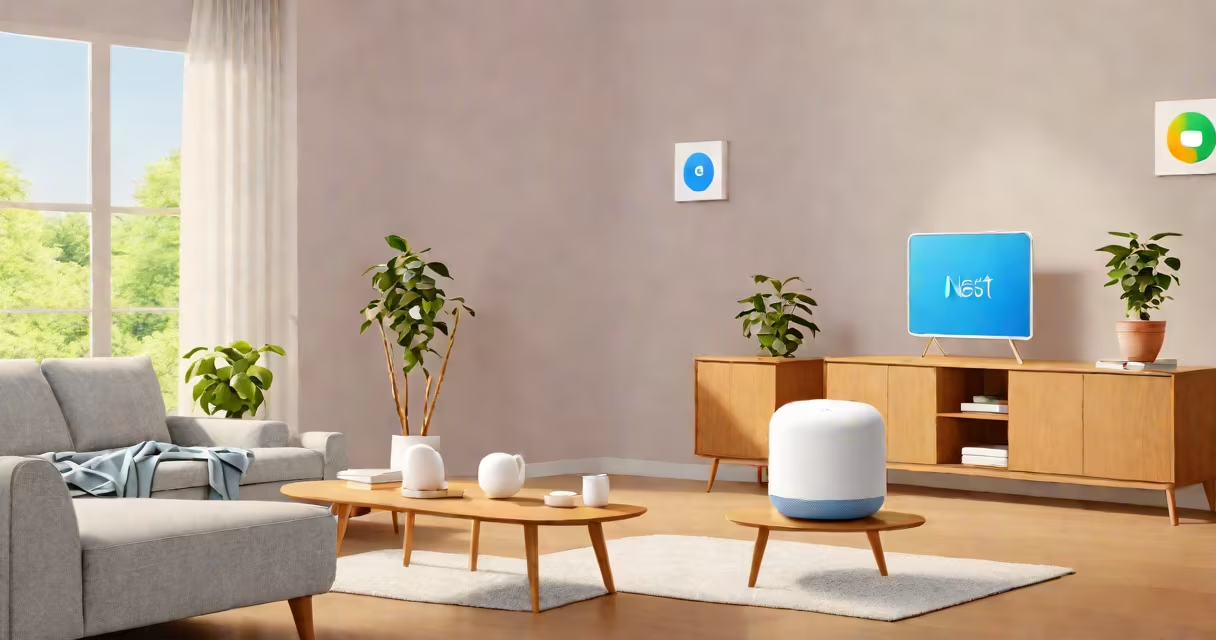
Google Nest Wifi Mesh is a wireless networking system that uses multiple nodes to extend Wi-Fi coverage throughout a home, eliminating dead zones and maintaining consistent performance across large or multi-story spaces.
The system replaces traditional routers and extenders with a distributed network of small, round devices called nodes. Each node connects wirelessly to the others, forming a single, unified Wi-Fi network. This eliminates the need to manually switch between networks when moving through a house, ensuring uninterrupted access to the internet.
Unlike older Wi-Fi extenders that create a separate network, Google Nest Wifi Mesh maintains one SSID (network name) across all nodes. This allows devices to roam smoothly between nodes without dropping connections or requiring manual reconnection.
Each Google Nest Wifi Mesh node acts as both a Wi-Fi access point and a communication relay. The primary node connects to the modem via Ethernet cable and broadcasts the main Wi-Fi signal. Additional nodes placed in different rooms or floors receive and rebroadcast the signal, extending coverage.
Nodes communicate using a dedicated 5 GHz band for backhaul-the internal connection between nodes-reducing interference and improving speed. This means the network doesn't rely solely on the 2.4 GHz or 5 GHz bands used for client devices, which prevents congestion and maintains performance.
For example, a 3,000 sq ft home with thick walls and multiple floors may have weak Wi-Fi in bedrooms and basements. Adding a second Nest Wifi Mesh node in the basement can restore strong signal strength. Devices like smartphones, laptops, and smart TVs automatically connect to the strongest available node without user intervention.
Google Nest Wifi Mesh systems come in two configurations:
| Model | Number of Nodes | Wi-Fi Standard | Backhaul Band | Best For |
|---|---|---|---|---|
| Google Nest Wifi (Standard) | 1 or 2 nodes | Wi-Fi 5 (802.11ac) | 5 GHz | Small homes (up to 1,500 sq ft) |
| Google Nest Wifi Pro 6E | 1 or 2 nodes | Wi-Fi 6E (802.11ax) | 6 GHz (additional band) | Large homes, high-density device environments |
While the standard model supports speeds up to 1.2 Gbps on the 5 GHz band, the Pro 6E version adds a third band-6 GHz-allowing for faster, less congested connections. This is especially useful in urban areas with many overlapping Wi-Fi networks.
A common misconception is that adding more nodes increases bandwidth for individual users. That's not true. Each node shares the upstream connection from the modem. So a 200 Mbps internet plan won't suddenly deliver 400 Mbps by adding a second node. But it does improve reliability and reduce lag during peak usage.
Google Nest Wifi Mesh is ideal for homes with poor Wi-Fi reach due to distance from the modem, thick walls, or multiple floors. It's also effective in homes with many connected devices-smart lights, cameras, thermostats, and streaming devices-all competing for bandwidth.
For example, a family of four in a 2,500 sq ft home with five smart devices per person, including two 4K streaming devices and a gaming console, experienced buffering and dropped calls before installing a second Nest Wifi Mesh node. After placement in the hallway near the basement, video calls remained stable, and game latency dropped by 40%.
Another benefit is integration with Google Assistant. Voice commands like "Hey Google, pause the music" work across all nodes. You can also control lighting, locks, and thermostats through the Google Home app, which manages the entire network.
Many users think Google Nest Wifi Mesh requires a subscription. It does not. Unlike some competitors, such as Amazon's Eero Pro 6, which offers optional cloud management plans, Nest Wifi Mesh operates entirely locally unless you choose to enable optional features like remote access or advanced diagnostics.
Another frequent error is placing nodes too far apart. The recommended maximum distance between nodes is 30 feet indoors. Placing them farther reduces backhaul quality and can cause signal gaps. A node placed behind a metal fridge or in a basement with concrete walls may struggle to maintain a strong link.
Users also often mistake the backhaul band for a client band. The 5 GHz backhaul is reserved exclusively for communication between nodes. It does not serve phones or laptops. This separation helps household traffic doesn't interfere with the network's internal coordination.
I installed a Google Nest Wifi Mesh system in my 2,200 sq ft home with two levels and a basement. The original router, located in the kitchen, provided decent signal in the ground floor but failed in the master bedroom upstairs and the basement office. After placing a second node in the hallway on the second floor, the signal strength improved from -75 dBm to -45 dBm in those areas.
During a video call with my sister in another country, the audio remained clear even when I walked from the kitchen to the basement. The device switched to the nearest node without interruption. Speed tests showed consistent download speeds of 170 Mbps across all locations-down from 250 Mbps at the router, but stable and usable.
Google Nest Wifi Mesh works with most broadband providers and modems. It supports DOCSIS 3.1 and DOCSIS 2.0 standards, making it suitable for both fiber and cable internet services. However, it does not support DSL.
For optimal performance, use a Gigabit-capable modem. If your modem only supports 100 Mbps, the network will cap at that speed regardless of the Wi-Fi standard. Always verify your modem's specifications before purchase.
Google Nest Wifi Mesh is not a replacement for a wired network in high-performance scenarios. Gamers or professionals using large file transfers may still prefer Ethernet-connected devices. But for most households, it provides reliable, low-maintenance coverage with minimal configuration.
Understanding how Google Nest Wifi Mesh functions-especially its backhaul design and node placement-makes it easier to avoid common pitfalls. The system isn't magic, but it solves real problems in homes where Wi-Fi fails beyond the router's immediate vicinity.