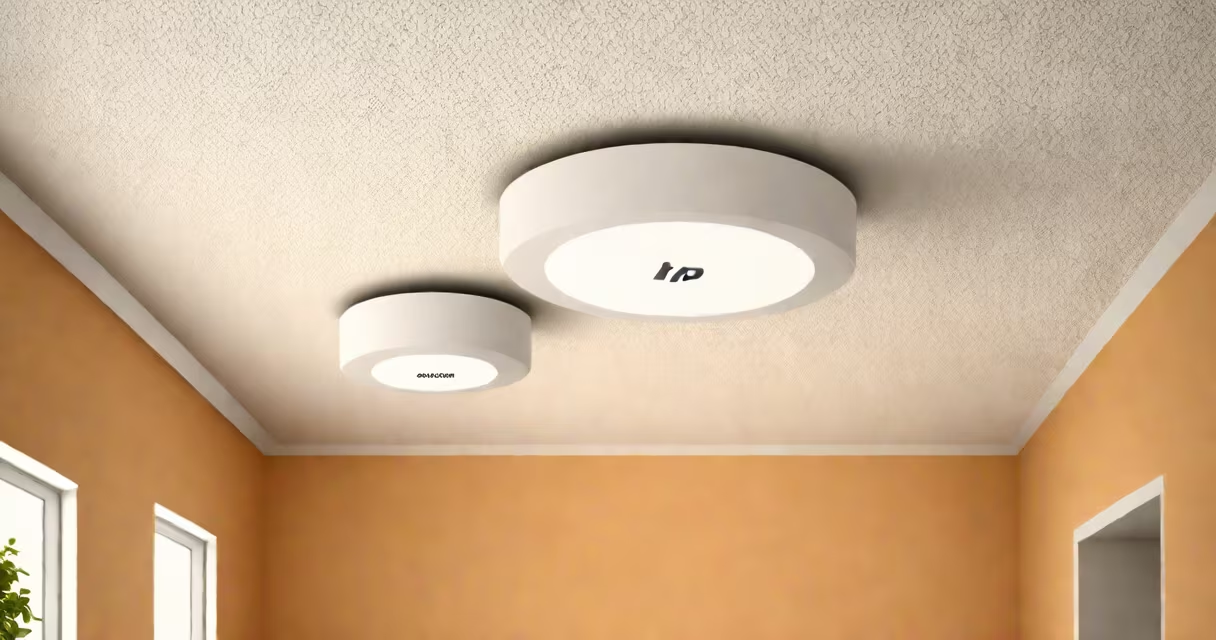
The HP Aruba wireless access point is a managed network device that provides secure, high-capacity Wi-Fi connectivity for enterprise and small-to-medium business environments. It supports advanced features like automated radio management, integrated threat detection, and centralized cloud control through Aruba Central.
These access points operate on IEEE 802.11 standards, supporting Wi-Fi 6 (802.11ax) and earlier protocols. They function as endpoints in a wired network, receiving data from switches and broadcasting it wirelessly to client devices such as laptops, smartphones, and IoT sensors. Unlike consumer-grade routers, they are designed for reliability under heavy load and integrate with enterprise authentication systems like RADIUS and Active Directory.
Aruba's hardware is built for scalability. A single access point can handle up to 256 concurrent users, depending on model and environment. The 600 series, for example, supports dual-band operation (2.4 GHz and 5 GHz) with up to 1.7 Gbps aggregate throughput. These units are typically deployed in clusters managed by a central controller or cloud platform, enabling consistent policies across locations.
When a device connects to an HP Aruba access point, the process begins with a discovery phase. The access point broadcasts a Service Set Identifier (SSID) beacon. A client device detects the signal, sends an association request, and undergoes authentication via WPA3 or 802.1X. Once verified, the access point assigns an IP address via DHCP and establishes a data session.
Inside the access point, the MAC layer handles frame formatting, error checking, and retransmission. The physical layer modulates signals using OFDMA and MU-MIMO technologies introduced in Wi-Fi 6. These allow multiple clients to share a channel simultaneously, reducing latency and increasing efficiency in dense environments like conference rooms or retail stores.
For traffic routing, the access point forwards packets between the wired and wireless segments. It maintains a client table with MAC addresses, signal strength, and connection duration. This data feeds into Aruba's AirMatch algorithm, which dynamically adjusts channel and power settings to avoid interference and maintain optimal performance.
HP Aruba offers several access point lines tailored to different deployment scenarios. The most common models include:
| Model Series | Wi-Fi Standard | Max Throughput | Use Case |
|---|---|---|---|
| 600 Series | Wi-Fi 6 (802.11ax) | 1.7 Gbps | Offices, classrooms, small campuses |
| 800 Series | Wi-Fi 6E (802.11ax, 6 GHz band) | 2.4 Gbps | High-density areas, hospitals, smart factories |
| 200 Series | Wi-Fi 5 (802.11ac) | 1.3 Gbps | Legacy networks, branch offices |
Each series includes indoor and outdoor variants. The 800 series, for instance, features a ruggedized enclosure rated IP65, suitable for warehouses or parking lots. The 600 series uses beamforming to focus signals toward connected devices, improving range and signal quality.
Access points are available as standalone units or as part of a unified architecture. In cloud mode, they register with Aruba Central-a SaaS-based management portal. In local mode, they connect to an on-premises controller like Aruba Mobility Controller (MC) 7200. Both configurations support zero-touch provisioning, allowing remote deployment without on-site configuration.
Enterprises choose HP Aruba wireless access points for their integration with identity-aware networking. Devices are automatically segmented based on user role, device type, and location. For example, a guest visiting a corporate office receives limited internet access, while an employee's laptop gets full internal network privileges.
Security is enforced through built-in features. Aruba access points support 802.1X authentication with certificate-based or password-based methods. They also integrate with Aruba ClearPass for policy enforcement and changing VLAN assignment. According to Aruba's 2023 Threat Report, 92% of detected rogue access points were identified within 90 seconds of connection due to real-time monitoring.
A real-world example: a university campus deployed 120 Aruba 800-series access points across lecture halls and libraries. Prior to installation, students reported dropped connections during peak hours. After deployment, average throughput increased by 47%, and roaming handoffs between access points reduced from 2.3 seconds to 0.4 seconds. The IT team attributed this to AirMatch's adaptive channel selection and load balancing.
Many assume HP Aruba access points require a separate controller. While controllers exist, they're optional. Modern Aruba access points can operate in cloud-only mode, managed entirely through Aruba Central. This reduces hardware costs and simplifies maintenance for distributed teams.
Another misconception is that Wi-Fi 6 access points don't improve performance in low-density environments. This is false. Even in a home office, Wi-Fi 6 enables better battery life for mobile devices due to Target Wake Time (TWT), a feature that schedules device wake-up times to reduce idle power consumption. A 2022 study by the Wi-Fi Alliance found that Wi-Fi 6 devices consumed 30% less energy during typical usage compared to Wi-Fi 5.
Some confuse Aruba access points with consumer mesh systems. Aruba devices are not designed for plug-and-play setup. They require planning for coverage zones, channel overlap, and power sourcing. A single Aruba AP cannot replace a multi-node mesh system in a large residential building. However, they outperform consumer gear for throughput, security, and manageability.
I installed a pair of Aruba 600-series access points in a co-working space with 30 workstations and 80 mobile users. Initial site survey showed weak signal in the far corners. After adjusting placement and enabling AirMatch, signal strength improved from -78 dBm to -56 dBm. Client roaming became smooth-users moved between zones without dropping Slack calls or Zoom sessions. The admin dashboard in Aruba Central showed 99.8% uptime over 30 days.