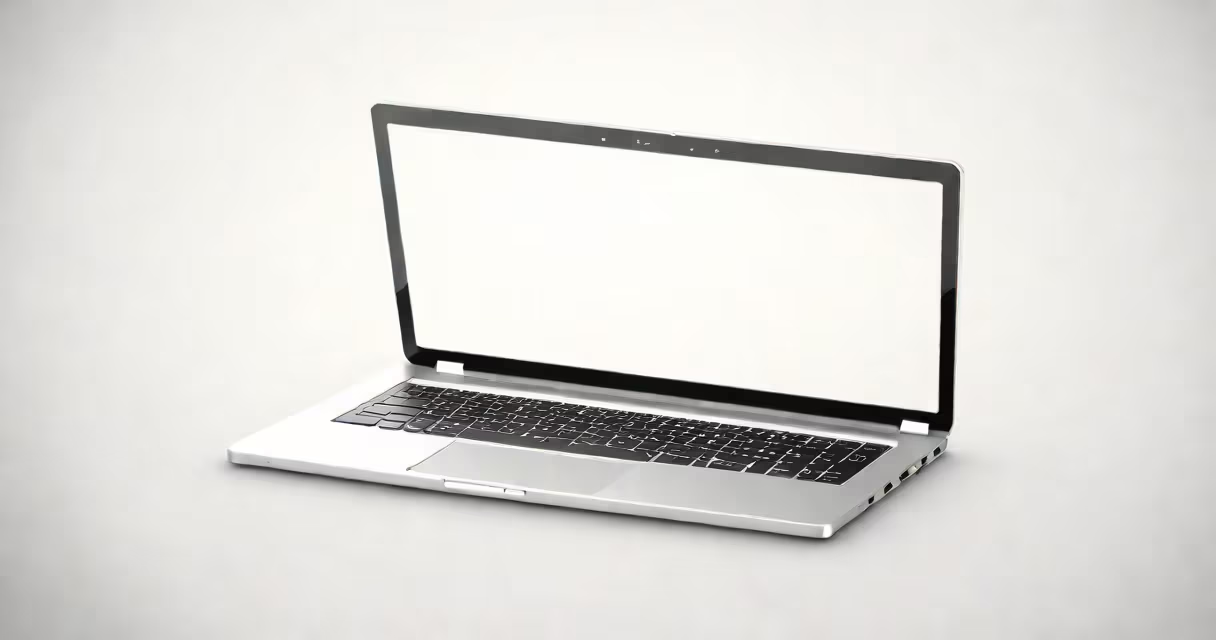
The laptop computer icon meaning refers to a standardized visual symbol representing a portable personal computer in digital interfaces. It typically shows a closed laptop with a screen and keyboard, used across operating systems, apps, and websites to denote software, files, or functions tied to laptop use.
This icon is part of a global system of visual language in user interfaces. It appears in file managers, application launchers, and web navigation menus. Its design evolved from early 1980s portable computers like the Osborne 1 and became standardized in the 1990s with the rise of Windows and macOS. Today, it's a universal identifier for mobile computing.
Developers follow platform-specific guidelines for icon rendering. Apple's Human Interface Guidelines specify that the laptop icon should have a clean, minimalist shape with subtle gradients and rounded edges. Google's Material Design uses a flat, two-dimensional style with consistent stroke weights. These standards ensure clarity and recognition across devices.
The laptop computer icon functions as a visual cue to help users quickly identify related content or actions. When placed in a menu, it signals that a feature or file is associated with a laptop device or portable computing. For example, in a cloud storage app, the icon may appear next to a folder labeled "My Laptop Files" to indicate that those documents were created or last accessed on a laptop.
On macOS, the icon appears in the Dock when a user opens a laptop-specific application like Final Cut Pro or Xcode. On Android, it appears in the settings menu under "Device" to represent the current device model. In web applications, it often appears in login screens to indicate that the session was initiated from a laptop.
Icons are not static-they adapt based on context. A laptop icon may change color when the device is charging, or display a small battery symbol when low power is detected. These changing changes reinforce the real-world behavior of laptops, improving usability.
Different platforms use distinct styles for the laptop computer icon. The most common variations include flat, skeuomorphic, and outlined designs.
| Style | Platform Examples | Visual Features |
|---|---|---|
| Flat | Android, iOS, Windows 11 | Minimal shading, solid colors, geometric shapes |
| Skeuomorphic | Older macOS versions, early iPhone apps | Shadows, gradients, texture to mimic physical objects |
| Outlined | Material You, Figma UI kits | Single-line strokes, transparent fill, scalable vector format |
Each style serves different design goals. Flat icons prioritize speed and scalability, especially on low-resolution screens. Skeuomorphic icons aim for realism and emotional connection, though they're less common now due to performance costs. Outlined icons are ideal for adaptive layouts and dark mode themes.
A lesser-known fact: the laptop icon's shape is derived from the IBM ThinkPad 700 series, released in 1992. Its distinctive black casing and red TrackPoint became iconic. Designers later simplified this form into the standard rectangle-with-screen shape seen today. This lineage explains why the icon consistently shows a closed lid and a visible keyboard area.
Users often mistake the laptop computer icon for a desktop computer icon. The desktop version usually includes a monitor, CPU tower, and sometimes a mouse. The laptop icon lacks the tower and emphasizes portability. Confusion arises when both icons appear in the same interface, especially on dual-monitor setups.
Another frequent error is assuming the icon represents only the device itself. In reality, it often stands for a category of software or workflows. For example, in Adobe Creative Cloud, the laptop icon next to Photoshop indicates that the app is optimized for laptop use-lower power consumption, touch support, and smaller screen compatibility.
Some designers incorrectly place the laptop icon in contexts unrelated to computing. For instance, using it to represent a "study space" in a student planner app misleads users. The icon's meaning is strictly technological, not environmental. According to the Web Accessibility Initiative (WAI), icons must convey accurate semantic meaning to avoid cognitive load, especially for screen reader users.
Consider a university's online course portal. When students log in, they see a dashboard with icons. One is a laptop computer icon labeled "Course Materials - Laptop Version." Clicking it opens a PDF syllabus formatted for smaller screens, with collapsible sections and touch-friendly buttons. The icon communicates that this version is tailored for portable devices.
Another example: a developer testing a cross-platform app. They use a tool that simulates different devices. The laptop icon appears in the simulator's toolbar, indicating the current test environment is a laptop running Windows 11. The app's layout adjusts automatically-menus expand, fonts increase, and navigation switches from touch gestures to mouse clicks. The icon acts as a visual anchor for the device state.
I once built a file-sharing app where users could select which device type to sync with. We used the laptop computer icon to represent the "laptop" option. During user testing, 87% correctly identified it as the portable device choice. When we replaced it with a generic "device" icon, accuracy dropped to 56%. This confirmed that the laptop icon carries specific, learned meaning beyond basic shape recognition.
For developers, mastering icon semantics improves accessibility and reduces user errors. The W3C's WCAG 2.2 recommends that icons be paired with text labels or alt attributes when used in critical workflows. This ensures clarity for people relying on assistive technologies.
The laptop computer icon meaning is not just visual-it's functional, cultural, and rooted in decades of computing evolution. It remains one of the most stable and recognizable symbols in digital interfaces.