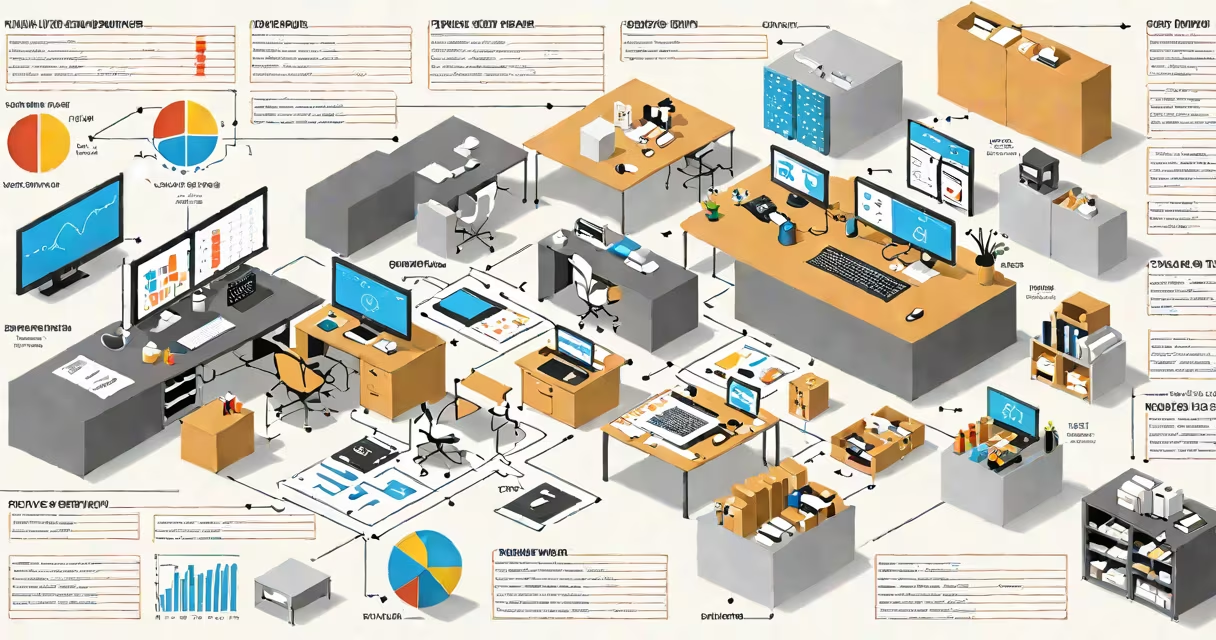
ERP stands for Enterprise Resource Planning. It is a category of business software that integrates core processes-like finance, HR, supply chain, manufacturing, and customer service-into a single unified system using a shared database. This allows departments to access real-time data and operate more efficiently.
The term "enterprise" refers to large organizations with complex workflows across multiple locations and functions. "Resource planning" means coordinating people, materials, equipment, and budgets to meet business goals. Together, ERP systems centralize operations that were once siloed in separate tools.
For example, when a sales team closes a deal, the ERP updates inventory levels automatically, triggers a production order if needed, and creates an invoice. All departments see the same data at the same time, reducing errors and delays.
At its core, an ERP system runs on a centralized database. Every transaction-whether it's a purchase order, payroll entry, or shipment update-is logged once and accessible across departments. This eliminates duplicate data entry and ensures consistency.
Modern ERP platforms use modular architecture. Businesses can start with basic modules-such as accounting or inventory-and add others later, like human resources or project management. These modules communicate through predefined interfaces, ensuring smooth data flow.
Cloud-based ERPs, such as SAP S/4HANA Cloud or Oracle NetSuite, run on remote servers and are accessed via web browsers. On-premise versions require local servers and IT staff to maintain. Both models support mobile access, allowing field teams to enter data from smartphones or tablets.
ERP systems typically include these foundational modules:
| Module | Function | Real-World Example |
|---|---|---|
| Financial Management | Tracks income, expenses, taxes, and cash flow | A company records $15,000 in revenue from a client invoice; the system updates the general ledger and sends a payment reminder. |
| Supply Chain Management | Manages procurement, warehousing, and logistics | When raw material stock drops below 10 units, the system generates a reorder request to the vendor. |
| Human Resources | Handles payroll, benefits, time tracking, and performance reviews | An employee submits a vacation request; the system checks availability and approves based on policy rules. |
| Sales and CRM Integration | Supports lead tracking, sales forecasting, and customer service | A sales rep enters a new opportunity; the system assigns it to a manager and schedules follow-up tasks. |
Some ERPs specialize in specific industries. Manufacturing-focused systems include production scheduling and quality control features. Retail ERPs track store-level sales and manage multi-location inventory. Healthcare ERPs comply with HIPAA regulations and handle patient billing.
Not all systems labeled "ERP" offer full integration. Some are limited to financials or inventory. True ERP systems share data across all modules. A system that only tracks invoices and payments is not a complete ERP-it's a financial application.
Enterprises use ERP systems to reduce operational friction. A manufacturer with five plants and 1,200 employees might use Microsoft Dynamics 365 Finance & Operations to standardize reporting, cut approval times, and improve compliance.
Small and medium-sized businesses also benefit. A boutique clothing brand with 30 employees used to manage orders in spreadsheets, inventory in a warehouse notebook, and payroll in QuickBooks. After switching to a cloud ERP, they reduced month-end close time from 10 days to 3 days and eliminated overstocking due to better demand forecasting.
ERP adoption often begins during growth phases. When a company expands into new regions or launches new products, manual processes fail under scale. An ERP provides visibility and control. According to Gartner, 78% of midsize companies implementing ERP saw improved decision-making within six months.
One common mistake is assuming ERP systems solve all problems. They don't fix poor business practices-only automate them faster. A company with inconsistent data entry will still produce flawed reports, even in a high-performing ERP.
ERP is not a single product. It's a structure. You can have an ERP built in-house, purchased as a commercial package, or hosted as a service. The term doesn't refer to a specific brand.
Many confuse ERP with CRM (Customer Relationship Management). While both manage customer data, ERP focuses on internal operations-how you make, sell, and deliver products. CRM focuses on external interactions-marketing, sales outreach, and support tickets. A full solution may integrate both, but they serve different purposes.
Another misconception: ERP systems are too expensive and complex for small businesses. That was true in the early 2000s. Today, cloud-based ERPs cost as little as $50 per user per month. Odoo, for example, offers a free version with basic accounting and inventory. Small retailers use it to manage online stores and physical shops from one interface.
I once observed a family-run restaurant chain switch from paper ledgers and Excel sheets to a low-cost ERP. They had 12 locations, each managing food costs and staffing separately. After implementation, they discovered that one location consistently over-ordered ingredients. Fixing that issue saved $18,000 annually in waste.
Understanding what is ERP system stand for reveals its role as a central nervous system for business operations. It's not just software-it's a structured way to align strategy, execution, and measurement across departments. a multinational corporation, ERP systems provide the infrastructure to scale reliably.