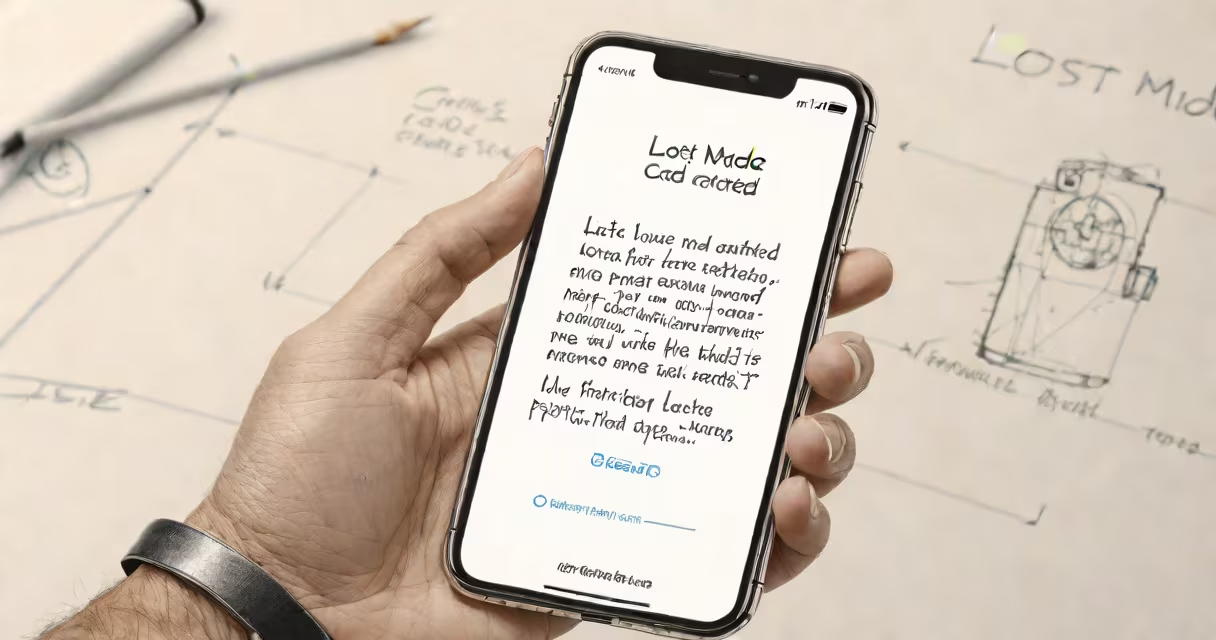
Lost Mode iPhone is a remote locking feature that secures your device if it's misplaced or stolen. It activates through Apple's Find My network, displaying a custom message and preventing unauthorized access while tracking the phone's location.
When enabled, Lost Mode locks your iPhone with a passcode, disables Apple Pay, and shows a personalized message on the lock screen. This alerts anyone who finds the device and increases the chance of recovery. It works even if the phone is offline, using nearby devices to relay its location.
Lost Mode is part of Apple's Find My system, which uses Bluetooth, Wi-Fi, and cellular signals to locate devices. It requires iCloud activation and a valid Apple ID. Once activated, the device remains locked until the original owner unlocks it with their credentials.
Lost Mode triggers when you log into iCloud.com or use the Find My app on another Apple device. You select the missing iPhone and choose "Activate Lost Mode." The system sends a command to the device, which executes immediately if connected.
If the iPhone is offline, the command is queued. As soon as the device reconnects to the internet, it applies the lock and displays the custom message. This happens within minutes, depending on network availability.
The feature uses end-to-end encryption. Only the account holder can disable Lost Mode. Even if someone resets the device, Activation Lock prevents reuse without the Apple ID and password.
Lost Mode includes several protective measures:
Limitations include:
Unlike factory reset, Lost Mode preserves all data. This allows recovery without losing contacts, messages, or settings.
Many assume Lost Mode erases data. It does not. The device stays locked and tracked, preserving everything until the owner regains access.
Another myth is that Lost Mode stops all notifications. It doesn't. The phone still receives calls and messages, but the screen remains locked. Users can still be reached via FaceTime or iMessage.
A less-known fact: Lost Mode continues to update location even when the battery is low. Apple's system prioritizes signal transmission during low power states to maximize recovery chances.
To activate Lost Mode:
Recovery is straightforward. When the device is returned or located:
After stopping, the device unlocks normally. No data is deleted unless you choose to erase it separately.
In 2022, a user in Chicago reported their iPhone 13 was stolen during a subway ride. They had previously enabled Find My iPhone and iCloud backup.
Within 15 minutes of noticing the loss, they accessed iCloud from a friend's laptop. They selected "Mark as Lost," entered a message: "This phone is lost. Contact police at 312-555-0199," and added their number.
Two hours later, the phone connected to a Wi-Fi network near a coffee shop. The user received a location alert. Police were contacted and retrieved the device from the shop's manager, who saw the message on the lock screen.
The phone was intact, data untouched, and the user recovered it without needing to erase anything.
Compare Lost Mode with similar features:
| Feature | Lost Mode iPhone | Erase iPhone | Find My Network |
|---|---|---|---|
| Locks Device | Yes - remote passcode required | Yes - wipes all data | No - only tracks location |
| Displays Custom Message | Yes | No | No |
| Preserves Data | Yes | No | Yes |
| Works Offline | Yes - via nearby devices | No - requires internet | Yes - Bluetooth-based |
Lost Mode is ideal when you want to recover the device. Erase is better if you suspect data theft and want to protect privacy.
I once left my iPhone X 1 on a bus in San Francisco. I didn't realize it was gone until I got home and checked my messages. The phone was still on, so I went to iCloud.com and activated Lost Mode.
I entered "Please return to 555-123-4567. Reward offered." Within 40 minutes, the bus driver called me. He'd seen the message and recognized the number from the passenger list. The phone was returned unharmed.
This confirmed that Lost Mode isn't just a technical feature-it's a practical tool for real-world recovery.
Enable Lost Mode before a loss occurs. Set up Find My iPhone in Settings > Apple ID > Find My > Find My iPhone. Turn it on and ensure iCloud is signed in.
Set a custom message in advance. Use a clear contact method and avoid sharing sensitive details. Include a reward offer if comfortable.
Keep your Apple ID password secure. If you lose access, you cannot deactivate Lost Mode. Use two-factor authentication for added protection.
For older models like the iPhone X 1, battery life drops faster when tracking is active. Consider disabling location services temporarily if the phone is found but not recovered.
What is Lost Mode iPhone? It's a remote security feature that locks your device, displays a recovery message, and tracks location through Apple's Find My network. It protects data, aids recovery, and works even when the phone is offline.
Use it immediately after losing your device. It's free, easy to activate, and effective. If you're using an iPhone X 1 or newer, enable it now to stay protected.