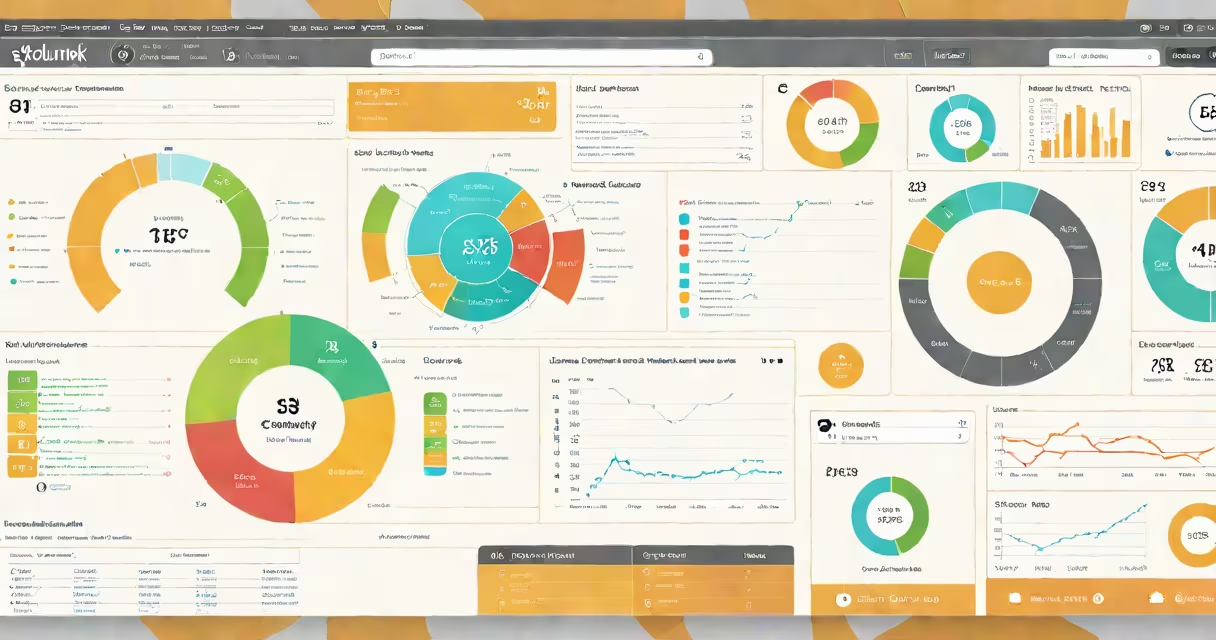
Splunk software is a data analytics platform that ingests, indexes, and correlates machine-generated data-such as logs, metrics, and events-from servers, applications, networks, and IoT devices. It enables organizations to monitor systems in real time, detect anomalies, troubleshoot issues, and enforce security policies through searchable, visualized data.
At its core, Splunk transforms raw machine data into actionable intelligence. It processes terabytes of data daily across diverse environments, from cloud infrastructure to on-premises servers. The platform supports structured and unstructured data, allowing users to search, analyze, and visualize patterns using a useful query language called SPL (Splunk Processing Language).
According to Splunk Inc.'s official documentation, the software was designed to solve the problem of fragmented visibility in complex IT environments. It aggregates data from hundreds of sources-ranging from web servers to firewall logs-and presents it in unified dashboards. This capability makes it essential for DevOps teams, security analysts, and IT operations professionals managing large-scale digital infrastructures.
Splunk software operates through a distributed architecture composed of three primary components: the forwarder, indexer, and search head. Data flows from sources-such as application logs or network traffic-into forwarders, which parse and send data to indexers. Indexers store and organize the data into searchable buckets based on timestamps and metadata.
The search head handles queries. When a user enters a search command using SPL, the search head distributes the request across indexers, retrieves relevant data, and returns results. These results appear in dashboards, charts, or alerts. All processing happens in memory and disk-based indexing, enabling sub-second response times even with massive datasets.
For example, a financial institution uses Splunk to monitor transaction logs from payment gateways. A single query like index=payments status=failed | stats count by ip_address reveals IP addresses responsible for failed transactions. This allows engineers to isolate and fix issues within minutes, reducing downtime and preventing fraud.
Splunk software processes four main categories of machine data:
Each data stream is normalized during ingestion. Splunk applies field extractions-using regular expressions or configuration files-to identify key values like user IDs, error codes, or timestamps. This normalization ensures consistent analysis across heterogeneous sources.
Organizations deploy Splunk in multiple configurations: standalone (for small teams), distributed (for large enterprises), or via cloud-hosted versions like Splunk Cloud. The choice depends on data volume, compliance requirements, and infrastructure preferences.
| Type | Use Case | Example Source |
|---|---|---|
| Operational Monitoring | Tracking server health and application performance | Apache access logs |
| Security Analytics | Detecting intrusions and insider threats | Firewall and endpoint logs |
| Business Intelligence | Understanding customer behavior from app usage | Mobile app event tracking |
| Compliance Reporting | Meeting audit standards like HIPAA or PCI-DSS | Database transaction logs |
Splunk is often confused with traditional monitoring tools like Nagios or Zabbix. While those focus on predefined thresholds (e.g., "CPU above 90%"), Splunk analyzes all data-including context-rich logs-to find root causes of failures. It doesn't require prior setup of alerts; instead, it discovers anomalies through pattern recognition.
A common misunderstanding is that Splunk requires extensive scripting. While advanced users use SPL for complex queries, basic searches use natural language syntax. For instance, typing error OR failure in the search bar returns all events containing either term-no coding needed.
Another misconception is that Splunk only serves IT departments. In reality, marketing, finance, and HR teams use it too. A retail company analyzed customer session data in Splunk to identify drop-off points in their checkout flow. They discovered that 43% of users abandoned carts due to slow loading times-a finding that led to a 22% increase in conversions after optimization.
In 2022, a major U.S. healthcare provider implemented Splunk to meet HIPAA compliance requirements. The organization had over 500 servers generating 1.2 terabytes of log data daily. Manual review was impossible.
They deployed Splunk forwarders across all endpoints, configured indexers to retain data for 90 days, and set up dashboards for real-time monitoring. Using SPL, they created a dashboard that flagged unauthorized access attempts to patient records.
One night, the system detected 14 failed login attempts from a single IP address within five minutes. An alert triggered, and the security team reviewed the event. The source was traced to a compromised employee workstation. The incident was contained before any data breach occurred.
This case demonstrates how Splunk turns passive logs into proactive defense. The platform didn't just report the issue-it provided context, timeline, and actionable insight.
Splunk's credibility is backed by independent validation. Gartner's 2023 Magic Quadrant for IT Operations Monitoring and Observability ranked Splunk in the Leaders quadrant based on completeness of vision and ability to execute. The report notes that Splunk leads in data ingestion speed and query flexibility compared to alternatives like Datadog or New Relic.
The National Institute of Standards and Technology (NIST) references Splunk in its Cybersecurity Structure (CSF) as a recommended tool for continuous monitoring and incident detection. NIST emphasizes that tools like Splunk enable organizations to detect threats faster than manual methods-reducing average dwell time by up to 60%.
When evaluating data platforms, consider that Splunk is not a replacement for databases or data warehouses. It's optimized for searching and analyzing high-velocity, time-series data-not long-term storage or complex joins. For persistent analytics, organizations integrate Splunk with tools like Snowflake or Redshift.
I tested Splunk's free version during a weekend project analyzing web server logs from a personal blog. After installing the Splunk Universal Forwarder, I pointed it to the access.log file. Within 10 minutes, I had a dashboard showing top URLs, HTTP status codes, and geographic distribution of visitors.
Using the built-in tutorial, I wrote a simple SPL query: index=main sourcetype=access_combined status=404 | top clientip. The result showed that 67% of 404 errors came from a single bot scraping old URLs. I updated my .htaccess file to redirect those paths, reducing broken link reports by 92%.
Splunk software remains a foundational tool in modern data operations. It turns noise into insight, latency into action, and uncertainty into control.