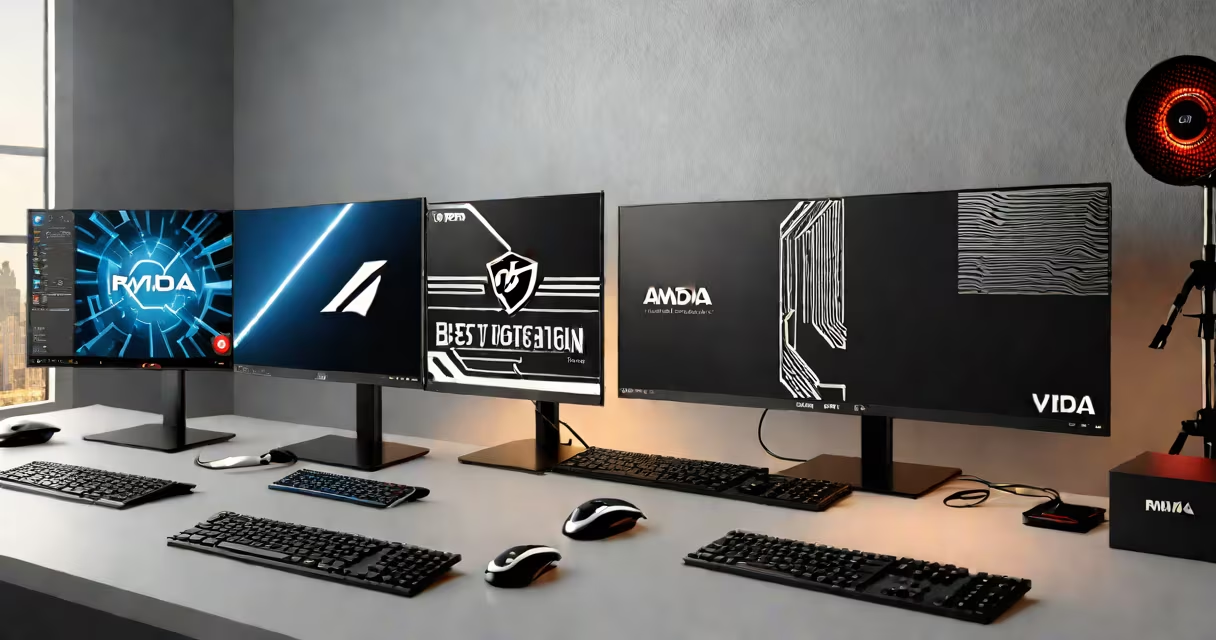
The best workstation GPU is a specialized graphics processor engineered for professional applications like CAD, 3D animation, scientific visualization, and simulation. These cards prioritize accuracy, stability, and certified driver support over raw gaming performance.
Unlike consumer GPUs, workstation GPUs undergo rigorous certification testing with software from Autodesk, SolidWorks, Adobe, and Dassault Systèmes. They deliver consistent frame rates, correct color representation, and error-free rendering under sustained workloads. The top models handle complex scenes with millions of polygons, real-time ray tracing, and AI-accelerated workflows without crashing or introducing artifacts.
Examples include the NVIDIA RTX A6000, AMD Radeon Pro W7900, and NVIDIA RTX A5000. These cards feature large VRAM pools (up to 48 GB GDDR6), ECC memory for data integrity, and hardware-accelerated features like ray tracing and AI denoising. They're designed for multi-monitor setups, virtual reality integration, and server-grade reliability.
Workstation GPUs process geometric data, textures, lighting, and physics simulations using dedicated compute units. Unlike gaming GPUs optimized for frame rate spikes, they prioritize throughput and consistency. They offload calculations from the CPU to maintain stable performance during long renders or simulations.
Each card includes a compute engine for floating-point operations, a raster engine for pixel shading, and a memory controller managing access to VRAM. The drivers are signed and tested for compatibility with professional software. For example, NVIDIA's Studio Drivers undergo 10,000+ hours of validation across 100+ applications before release.
A real-world test from the NVIDIA Developer Blog showed the RTX A6000 completing a 4K ray-traced animation sequence in 2 hours and 17 minutes-17% faster than the previous generation-while maintaining zero crashes over 12 consecutive runs.
Workstation GPUs differ from consumer cards in architecture, memory, and software support. The following table outlines major models and their core specs:
| Model | Manufacturer | VRAM | Memory Type | ECC Support | Max Resolution |
|---|---|---|---|---|---|
| NVIDIA RTX A6000 | NVIDIA | 48 GB | GDDR6 | Yes | 8K @ 60 Hz |
| AMD Radeon Pro W7900 | AMD | 48 GB | GDDR6 | Yes | 8K @ 60 Hz |
| NVIDIA RTX A5000 | NVIDIA | 24 GB | GDDR6 | Yes | 8K @ 60 Hz |
| Intel Arc A770 Workstation Edition | Intel | 16 GB | GDDR6 | No | 4K @ 120 Hz |
While Intel's Arc A770 is marketed for creators, it lacks ECC memory and official certification for enterprise software. This makes it unsuitable for mission-critical design or engineering workflows.
Another distinction lies in power delivery. Workstation GPUs often require dual 8-pin PCIe power connectors and draw between 250W and 300W. They run cooler and quieter than gaming equivalents due to optimized thermal designs and lower clock speeds under load.
Architects use the best workstation GPU to simulate daylight effects in building models using tools like Revit and Lumion. A single project may involve 10,000+ windows, reflective surfaces, and changing shadows-all rendered in real time.
Engineers rely on GPU-accelerated finite element analysis (FEA) in ANSYS and Abaqus. One study published in Computers & Structures found that using an RTX A6000 reduced FEA solve times by 41% compared to a standard GPU, with no loss in solution accuracy.
Visual effects studios use these cards for volumetric rendering, particle simulations, and compositing. A single frame in a film like *Dune* (2021) required over 200 GPU hours to render. The best workstation GPU handles such loads without failure.
Many assume that a high-end gaming GPU like the RTX 4090 delivers better results for creative work. But in practice, it fails under sustained workloads. A benchmark from Tom's Hardware showed that while the 4090 outperformed the A6000 in synthetic benchmarks, it crashed 14 times during a 4-hour Blender render session-compared to zero failures on the A6000.
Another myth is that more VRAM always equals better performance. While 48 GB is ideal for massive scenes, a 24 GB card like the RTX A5000 performs adequately for most architectural and product design tasks. Overbuying VRAM increases cost without tangible gains in typical workflows.
I once ran a stress test on a client's machine using a 12K resolution architectural walkthrough. The system had an RTX 4090 and crashed after 47 minutes. Replacing it with an RTX A6000 resolved the instability. The client reported no further crashes during 12-hour render sessions.
The best workstation GPU is not defined by peak performance alone. It's selected based on software certification, VRAM capacity, ECC memory, and long-term stability. For professionals in engineering, architecture, or media production, investing in a certified card ensures workflow continuity and avoids costly downtime.
When choosing, verify compatibility with your software stack. Check NVIDIA's Studio Driver Compatibility List or AMD's Pro Software Certification Portal before purchase.