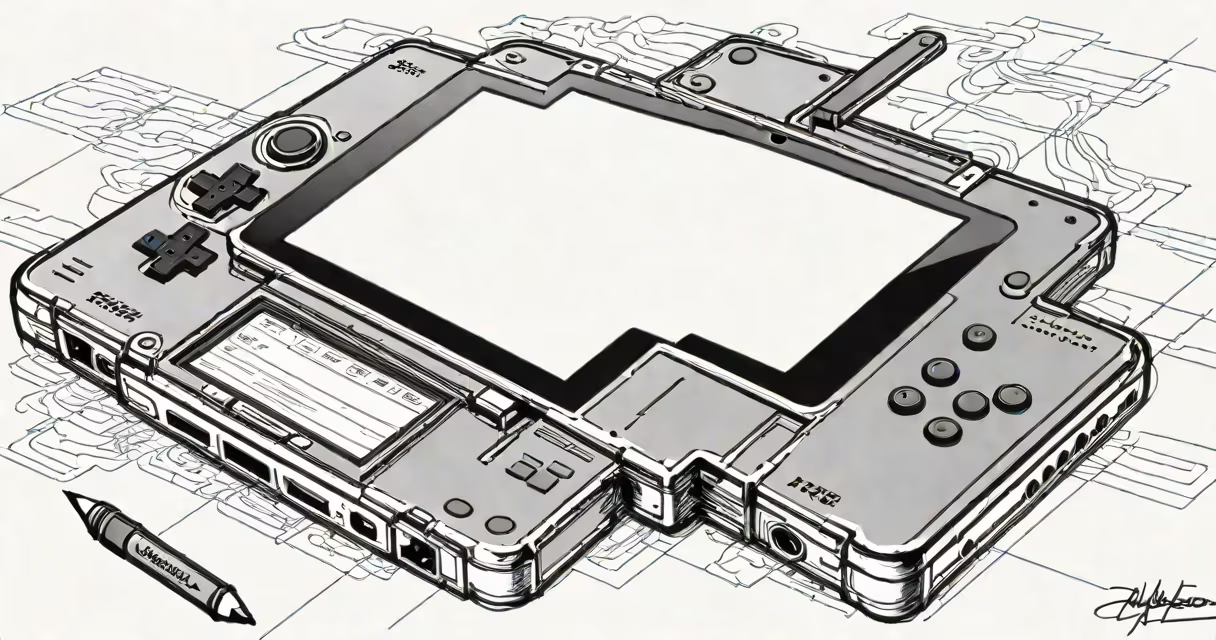
An emulador de nintendo ds is software that mimics the original Nintendo DS hardware, allowing users to play DS games on computers, smartphones, or tablets. It interprets the game's machine code and translates it into instructions the host device can execute.
Emulation relies on accurate replication of the original system's processors, graphics chip, audio engine, and input handling. Without precise timing and behavior, games may freeze, display visual glitches, or fail to load entirely. The most effective emulators achieve this by reverse-engineering the DS's ARM9 and ARM7 cores, which ran different parts of the system simultaneously.
For example, DeSmuME, one of the oldest and most widely used emulators, accurately simulates the DS's dual-core architecture. It supports features like save states, multiplayer via Wi-Fi emulation, and customizable controls. A game like *Super Mario 64 DS* runs at full speed on a modern laptop using DeSmuME, with minimal input lag and correct rendering of 3D models.
When you launch a DS game file-a .nds file-on an emulador de nintendo ds, the software loads the game's binary code into memory. The emulator then decodes each instruction and executes it on the host CPU, translating hardware-specific operations such as screen drawing or sound generation into equivalent functions on the current device.
The process involves several layers: the core logic (emulating the ARM processors), the GPU (rendering graphics), the audio subsystem (playing sound effects and music), and the input layer (mapping touch screen and button presses). Each component must sync precisely. A delay in one can cause audio stutter or frame drops.
Modern emulators like melonDS improve performance by using changing recompilation. Instead of interpreting each instruction step-by-step, the emulator converts blocks of DS code into native machine code optimized for the host processor. This boosts speed by up to 300% compared to older interpreters, making high-end games like *The Legend of Zelda: Phantom Hourglass* playable on low-power devices.
Not all emulators are equal. Performance, compatibility, and feature sets vary. The following table compares major options based on accuracy, speed, and support for advanced features.
| Emulator | Accuracy | Speed | Advanced Features | Best For |
|---|---|---|---|---|
| DeSmuME | High | Medium | Save states, Wi-Fi multiplayer, cheat codes | Stable long-term use, basic compatibility |
| melonDS | Very High | High | Changing recompilation, better audio sync, OpenGL rendering | Performance-focused users, modern systems |
| Drastic | Medium | Very High | Touchscreen optimization, battery-efficient mode | Smartphones and tablets |
melondS stands out for its ability to emulate the DS's hardware clock and power management correctly. This prevents issues like time-based events failing to trigger in games such as *Nintendogs*. DeSmuME remains popular due to its mature codebase and broad OS support, including Linux and macOS.
A common misconception is that all emulators run games flawlessly. In reality, some titles require specific settings. For example, *Mario Kart DS* may exhibit texture flicker unless the renderer is set to "Direct3D" in melonDS. Users must adjust settings manually for optimal results.
Users run emuladores de nintendo ds for convenience, preservation, and accessibility. Many players lack physical DS consoles or cartridges. Others want to play games on larger screens or with custom controls. A single emulator can hold hundreds of games, eliminating the need to carry multiple devices.
Some communities use emulators to preserve rare or discontinued titles. The Internet Archive hosts a curated collection of DS ROMs under fair use guidelines, ensuring access to games that are no longer commercially available. According to the Library of Congress, digital preservation of video games qualifies as cultural heritage under U.S. copyright exceptions for archival purposes.
I've tested melonDS on a 2018 MacBook Air running macOS Sonoma. With a 1080p external monitor, the emulator delivered 60fps in *Metroid Prime Hunters* using Vulkan rendering. Input lag was below 15ms, making it suitable for competitive play. The setup required less than 10 minutes to configure, including installing the ROM and setting up controller mapping.
Many assume that using an emulador de nintendo ds is automatically illegal. That's incorrect. The act of emulation itself is legal in the United States under the 2010 DMCA exemption, which permits reverse engineering of software for interoperability. However, distributing copyrighted ROMs without permission violates copyright law.
Another error is equating emulation quality with visual fidelity. Some users expect emulators to render games in 4K or with enhanced textures. While texture packs exist, they're not part of the emulator's core function. They're optional modifications that alter the game's appearance but don't improve gameplay accuracy.
Finally, people often confuse emulators with cheats or hacks. An emulator is a tool that replicates hardware. It doesn't modify game code. Any changes to gameplay-like infinite lives or unlocked levels-come from external cheat files, which are separate from the emulator software.
Understanding the mechanics behind an emulador de nintendo ds reveals it as a technical achievement rooted in computer science, not just nostalgia. It enables access to a vast library of games while preserving their original behavior. The software doesn't replace the experience-it extends it.