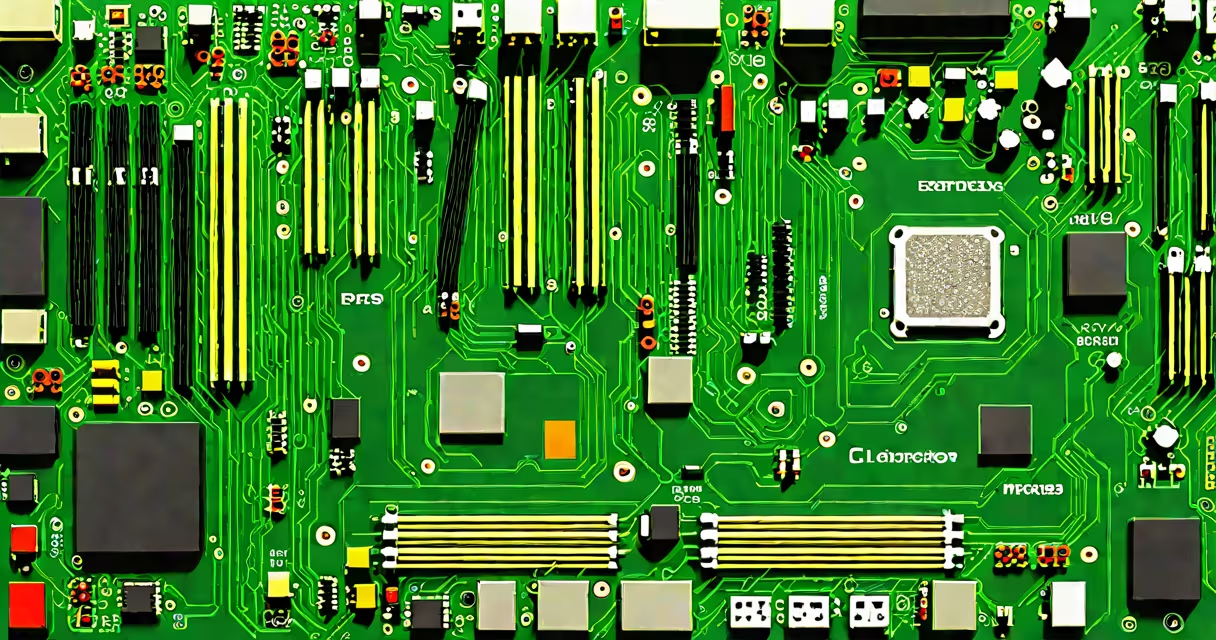
Computer specifications are the measurable technical details of a device's hardware components-such as processor speed, memory size, storage capacity, and graphics capability-that determine its performance, compatibility, and intended use. These values are essential for evaluating whether a system can run specific software, handle demanding tasks, or meet user needs.
Specifications are not abstract concepts-they are hard numbers and defined features. A laptop with an Intel Core i7-1360P, 16GB RAM, and a 1TB SSD has different capabilities than one with an AMD Ryzen 5 5500U, 8GB RAM, and a 256GB drive. The difference affects everything from boot time to video editing speed.
Each specification reflects a physical or logical component's capacity or speed. For example, CPU clock speed (measured in GHz) indicates how many instructions a processor can execute per second. Higher clock speeds generally mean faster processing, though efficiency and core count matter too. A 3.2GHz quad-core processor performs differently than a 2.4GHz eight-core chip due to architecture and parallelism.
Memory (RAM) specifications include size (e.g., 16GB) and speed (e.g., DDR5-5600). More RAM allows handling larger datasets simultaneously. A 32GB RAM system can run multiple virtual machines or high-resolution photo edits without slowdowns. Speed affects how quickly data moves between the CPU and memory-faster RAM reduces latency during intensive workloads.
Storage drives are specified by interface (SATA, NVMe), capacity (500GB, 2TB), and read/write speeds. An NVMe SSD can transfer data at 3,500 MB/s, while a SATA SSD maxes out around 550 MB/s. This impacts application launch times and file transfer duration. A 1TB NVMe drive enables rapid booting and quick access to large media files.
Every computer relies on five core parts. Each has distinct specifications that define capability.
| Component | Common Specifications | Impact on Performance |
|---|---|---|
| CPU (Processor) | Model (e.g., Intel i5-13400), cores (6), threads (12), clock speed (2.5-4.8 GHz) | Determines multitasking ability and task execution speed. More cores improve performance in video rendering and simulation. |
| RAM | Size (8GB, 16GB, 32GB), type (DDR4, DDR5), speed (3200 MT/s) | Larger and faster RAM supports smoother operation in gaming, design, and data analysis. |
| Storage | Capacity (256GB, 1TB), interface (NVMe, SATA), read/write speed (up to 7,000 MB/s) | Faster storage reduces load times for operating systems and applications. |
| GPU (Graphics Card) | Model (NVIDIA RTX 4060), VRAM (8GB GDDR6), CUDA cores (3,072) | Essential for gaming, 3D modeling, and AI workloads. High VRAM handles complex textures and large scenes. |
| Display | Resolution (1920×1080, 2560×1440), refresh rate (60Hz, 144Hz), panel type (IPS, OLED) | Affects visual clarity, color accuracy, and motion smoothness. High refresh rates reduce screen tearing in competitive games. |
These specifications don't exist in isolation. A high-end GPU paired with low-speed RAM may bottleneck performance. Similarly, a fast CPU with insufficient cooling can throttle under sustained load. Real-world performance depends on how well components balance each other.
When purchasing a new computer, specifications are the primary filter for matching hardware to purpose. A student building a budget laptop for web browsing and document editing doesn't need a dedicated GPU or 32GB RAM. But a professional using Adobe Premiere Pro requires a multi-core CPU, 32GB RAM, and a GPU with 8GB VRAM to render 4K video efficiently.
Software developers rely on specifications to ensure their applications run smoothly. For example, running Unreal Engine 5 requires a minimum of an Intel i7 or AMD Ryzen 7, 16GB RAM, and an NVIDIA RTX 3060 or better. Without meeting these requirements, the engine won't launch or will crash during development.
Even older systems depend on specifications. Upgrading a 2015 MacBook Pro from 8GB to 16GB RAM improved responsiveness when using Safari with 20 tabs open. The change didn't require a new machine-just a hardware update based on known specs.
Many users assume that higher numbers always mean better performance. That's not true. A 3.8GHz clock speed on a single-core CPU won't outperform a 2.6GHz six-core chip in multithreaded tasks like compiling code or encoding videos. Core count and architecture matter more than raw frequency.
Another mistake is equating RAM size with speed. 16GB of DDR4-3200 is not equivalent to 16GB of DDR5-5600. The latter offers faster data transfer and lower latency, which improves frame rates in games and reduces lag in creative workflows.
Some believe that "gaming laptops" are inherently useful. Not all models meet minimum game requirements. A gaming laptop with an Intel UHD Graphics 630 integrated GPU cannot run titles like Cyberpunk 2077 at playable settings-even if it has 16GB RAM and a fast SSD. The GPU is the limiting factor.
As a test, I built a custom desktop for a freelance video editor. The initial build included an AMD Ryzen 5 3600, 16GB DDR4 RAM, and an NVIDIA GTX 1660 Super. After testing with Adobe Premiere Pro, rendering times averaged 4 minutes per 1-minute 1080p clip. Upgrading to a Ryzen 7 5800X and adding a second 16GB RAM stick reduced average render time to 2 minutes. The improvement came from increased CPU cores and double the RAM bandwidth-not just a faster CPU.
Understanding what are computer specifications allows informed decisions when buying or upgrading a system. They're not marketing jargon-they're measurable attributes that define function and limitation. Always compare specs side-by-side using trusted sources like Tom's Hardware or AnandTech.
Knowing what are computer specifications ensures you avoid overspending on features you don't need or underestimating the power required for your actual workflow. choosing a laptop for online classes, specs are the foundation of performance.