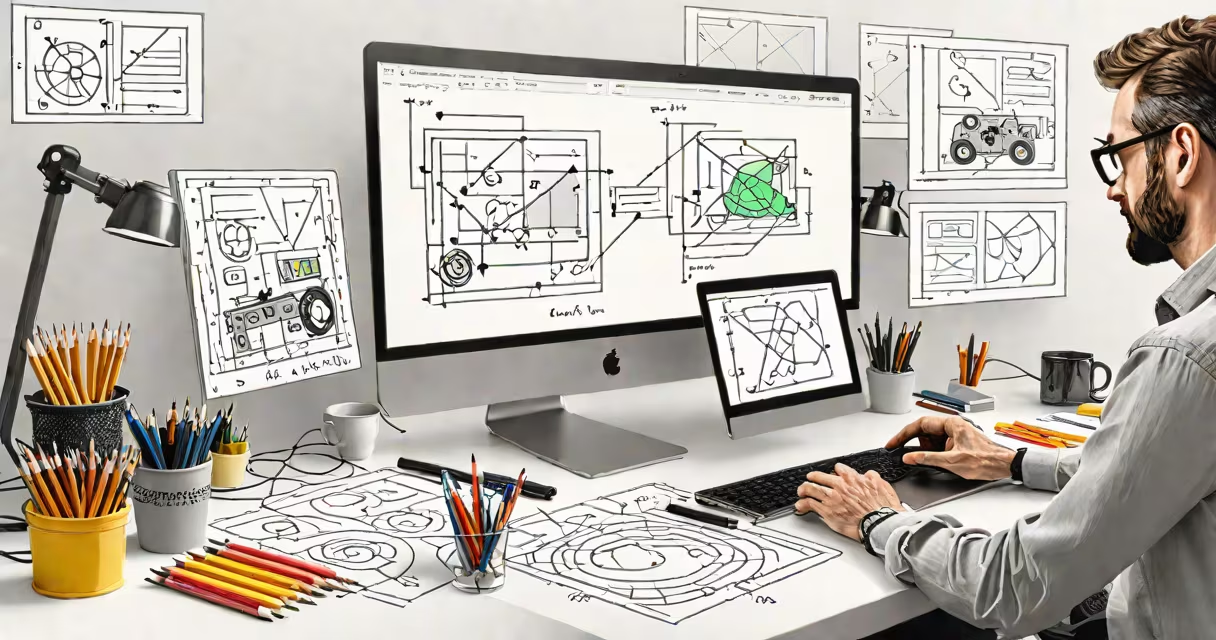
Software designers create the structure, layout, and interactive elements users see and engage with in digital products. They focus on usability, accessibility, and visual clarity to ensure people can accomplish tasks efficiently and enjoyably.
These professionals bridge user needs and technical implementation. They define how features appear, respond to inputs, and guide users through workflows. Their work shapes whether an app feels intuitive or frustrating after five minutes of use.
Design decisions start long before code is written. A software designer assesses goals, maps user journeys, and prototypes interactions. They test concepts with real people and refine based on feedback. This process ensures the final product aligns with both business objectives and human behavior.
Design begins with understanding who uses the product and what they aim to achieve. A designer might analyze survey results, interview potential users, or observe people using similar tools. This insight informs early sketches and low-fidelity mockups.
Once a concept shows promise, the designer builds high-fidelity screens using tools like Figma, Sketch, or Adobe XD. These designs include precise spacing, typography, color schemes, and interactive states such as button presses or loading animations. Every pixel serves a purpose.
Designers collaborate closely with developers during implementation. They provide specifications-such as screen dimensions, animation durations, and touch targets-that ensure the final product matches the intended look and feel. They also participate in testing sessions to catch issues before launch.
Software design involves several interdependent layers. The most visible is interface design-the buttons, menus, forms, and icons users interact with directly. But beneath this lies information architecture, which organizes content logically so users can find what they need quickly.
Interaction design governs how users move through a system. For example, when a user taps "Submit" on a form, the system should confirm receipt, show progress, and handle errors gracefully. A well-designed interaction avoids confusion and reduces mistakes.
Visual design establishes brand identity and emotional tone. A banking app uses clean lines and muted colors to convey trust. A fitness tracker may use bold fonts and energetic gradients to inspire motivation. Consistency across screens reinforces recognition and comfort.
| Type | Focus Area | Example Task |
|---|---|---|
| UI Design | Visual elements and layout | Choosing button size and placement for mobile screens |
| UX Design | User satisfaction and task efficiency | Reducing steps to complete a checkout process |
| Interaction Design | Behavioral responses to actions | Animating a dropdown menu to slide open smoothly |
Every digital product-from smartphone apps to enterprise dashboards-relies on software designers. Without intentional design, even useful features fail because users don't understand how to access them.
A study by the Nielsen Norman Group found that users abandon websites after just 15 seconds if navigation is unclear or content is hard to scan. Poor design leads to lost time, reduced conversion rates, and damaged reputations. Good design prevents these outcomes.
For example, a healthcare portal redesigned its appointment scheduling flow. Originally, users had to click through six screens to book a visit. After redesign, the process took three steps and included real-time availability updates. Patient booking rates increased by 42% within two months.
Many assume software designers only make things look good. That's incorrect. While aesthetics matter, the primary goal is functionality and ease of use. A beautiful interface that doesn't solve user problems fails its purpose.
Another myth is that designers work independently. In reality, they rely on constant feedback from developers, product managers, and actual users. A designer I worked with on a financial dashboard spent weeks refining a chart display after testers repeatedly misread the data.
Some confuse software design with coding. Designers don't write production code. Instead, they produce detailed specs that developers follow. They may prototype interactions using code, but their role ends where implementation begins.
A major bank noticed declining engagement among younger customers. Data showed 68% of users abandoned the app during account setup. The team brought in software designers to investigate.
The designers observed users struggling to locate the "Add Account" feature. The current layout buried it under multiple menus. They created a new flow: a prominent "Get Started" button on the home screen, followed by a guided tour with animated steps.
After testing with 30 participants, the new design cut setup time from 7.2 minutes to 2.4 minutes. User satisfaction scores jumped from 2.8 to 4.6 out of 5. The bank rolled out the update to 2 million users and saw a 31% increase in new account sign-ups over the next quarter.
This outcome wasn't due to flashy visuals. It came from mapping user intent, simplifying choices, and reducing friction at each step. That's the heart of what software designers do.